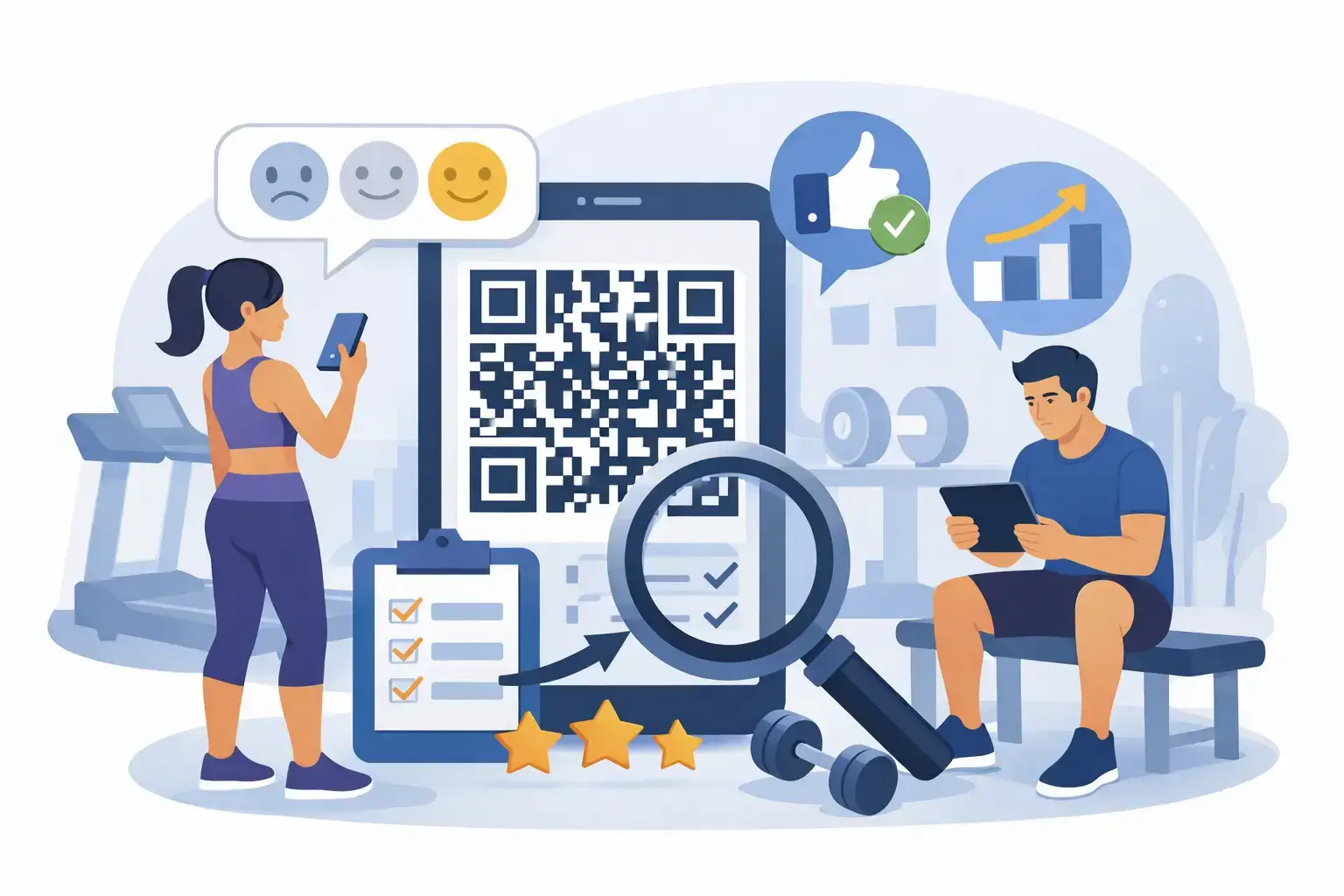
A member finishes a great class, hits a new personal best, or gets helpful guidance from a trainer. That is the moment their opinion carries real energy. A gym member feedback QR code turns that moment into an easy next step: scan, tap, and share feedback before the positive experience fades into the rest of the day.
For gym owners and operators, the challenge is rarely whether members are satisfied. It is collecting enough timely feedback to show prospective members what makes your facility worth joining. A polished QR and NFC display at the right touchpoint gives members a simple way to leave a review, answer a quick survey, or connect with your gym online without creating extra work for the front desk.


Why gym feedback needs a faster path
People compare gyms before they ever book a tour. They check Google ratings, read comments about cleanliness and equipment, and look for signs of a welcoming community. Strong recent reviews help create that confidence. They can also improve local visibility when people search for gyms, fitness classes, personal training, or specialty studios nearby.
Yet even happy members often do not leave reviews on their own. Asking them to search for your business later, remember the request, find the right platform, and write something after they get home introduces too much friction. Most will mean to do it, then move on.
A QR code and NFC tap remove those unnecessary steps. Members point their phone camera at a code or tap an NFC-enabled stand, then arrive at the destination you choose. That could be your Google review page, a feedback form, Trustpilot, Facebook, Instagram, WhatsApp, or a custom URL. The experience is quick, familiar, and appropriate for a busy fitness environment.
Where to place a gym member feedback QR code
Placement matters more than simply having a code available. A small sticker hidden behind the front desk will not create the same result as a clean, branded display positioned where members naturally pause after a positive interaction.
The reception desk is often the best starting point. It is where members check in, resolve account questions, meet guests, and speak with staff. A premium stand or tabletop display can make the request feel like part of a professional member experience rather than an awkward favor.
Consider a second placement near the exit or water station. Members often have a few seconds there after completing a workout, class, or training session. If your facility has a smoothie bar, retail area, recovery lounge, or café, these are also useful touchpoints because members are already lingering and engaging with your brand.
For studios with a strong class community, place a display near the studio door or instructor check-in area. The best time to ask is usually right after an energizing session, especially when a coach has just helped someone modify a movement, achieve a goal, or feel included for the first time.
Avoid placing review requests in locker rooms, restrooms, or areas where members expect privacy. Also avoid clutter. One elegant, clearly labeled stand in a high-traffic area is more effective than multiple generic codes competing for attention.
Choose the right destination for the feedback you need
Not every member comment belongs in the same place. Your goal should guide the destination behind the QR code.
If your priority is attracting more local prospects, direct members to Google Reviews. Recent, authentic reviews give future members helpful proof around coaching quality, equipment, class variety, cleanliness, value, and staff friendliness. For a boutique studio, a platform such as Facebook may also support social engagement and community visibility.
If you want operational insight, send scans to a short private feedback form. This can be useful after a facility upgrade, a new group fitness schedule, a membership onboarding change, or a busy period when you want to understand concerns before they become cancellations.
There is a practical case for using both. A public review display at reception can build your reputation, while a separate feedback QR code in member communications or near a suggestion area can help collect candid input. Keep the purpose clear on each display. Members should know whether they are leaving a public review or sharing private feedback.
Do not use a feedback process to filter out unhappy members before offering a review link. Review gating can damage trust and may conflict with platform policies. Invite feedback honestly, respond professionally, and use criticism as a signal to improve the experience.
Make the request feel natural, not scripted
The display does most of the work, but staff still influence whether members notice it. The best prompt is short and connected to a real interaction.
After solving a billing issue, a team member might say, “If that helped, you can scan the stand here to share your experience.” After a personal training session, a trainer can say, “Your feedback helps other members find the right coach.” Following a great class, an instructor may simply point out the code and thank members for supporting the studio.
The tone should never be pushy. Members are more likely to respond when they understand why their feedback matters. Explain that reviews help the gym improve, recognize staff, and help local people find a facility where they will feel comfortable starting their fitness journey.
A good display message is equally simple: “Loved your workout? Scan or tap to leave feedback.” Keep the call to action readable from a few feet away. Use your logo, brand colors, and a professional format that belongs in your facility.
Use premium hardware to support a premium member experience
A printed paper sign may technically work, but it can look temporary and is easy to ignore. Your review request is part of the member experience. A clean acrylic or premium stand at reception signals that your gym values presentation and member opinion.
QR and NFC-enabled products also give members a choice. Most phones can scan a QR code through the camera, while NFC lets compatible phones open the destination with a simple tap. The tap option is especially useful for members carrying a gym bag, water bottle, or keys and looking for the fastest possible interaction.
ReviewsLink offers QR and NFC products in formats that fit different gym spaces, including stickers for doors or counters, cards for staff, keyrings, stands, plaques, and fully customized branded displays. The right choice depends on your environment. A large health club may benefit from reception stands and department-specific displays, while a small training studio may need one premium display and a few targeted stickers.
The physical design should match your brand. A luxury wellness club, strength gym, yoga studio, and high-energy HIIT facility can all use the same technology, but the display should look at home in each space.
Turn feedback into visible improvements
Collecting feedback is only valuable when someone owns the next step. Set a simple routine for checking new reviews and private responses. Thank members for positive comments, respond calmly to concerns, and look for repeating themes rather than reacting to one isolated complaint.
If several members mention crowded peak hours, unclear class booking rules, worn equipment, or inconsistent locker room supplies, you have a clear operational priority. When you make a change, let members know. A sign at the front desk or a message in your member newsletter that says, “You asked, we acted,” proves their feedback has a purpose.
Public review responses matter too. A thoughtful response to a positive review reinforces community. A respectful response to a negative review shows prospects that your team listens and takes service seriously. Never argue in public, share membership details, or make promises you cannot keep.
Measure what is working
Track review volume, average rating, common themes, and the number of scans or taps from each placement if your setup supports it. You do not need an elaborate reporting system to learn useful lessons.
Try changing one variable at a time. Move a display from the counter to the exit, change the call to action, or ask instructors to mention it after specific class formats. Give each change enough time to produce a meaningful pattern. A location that gets few scans may be poorly placed, while a strong-performing display can reveal where members feel most satisfied.
It also depends on your membership model. A 24-hour gym may rely more on unattended QR displays, while a coaching-led studio can generate more responses through personal staff prompts. Multi-location operators should keep the core message consistent but let each site choose the touchpoints that fit its traffic flow.
The goal is not to pressure every member into writing a review. It is to make feedback effortless whenever a member is ready to share it. Place a well-designed scan-or-tap display where great experiences happen, listen to what comes back, and let the voice of your members help bring the next member through the door.