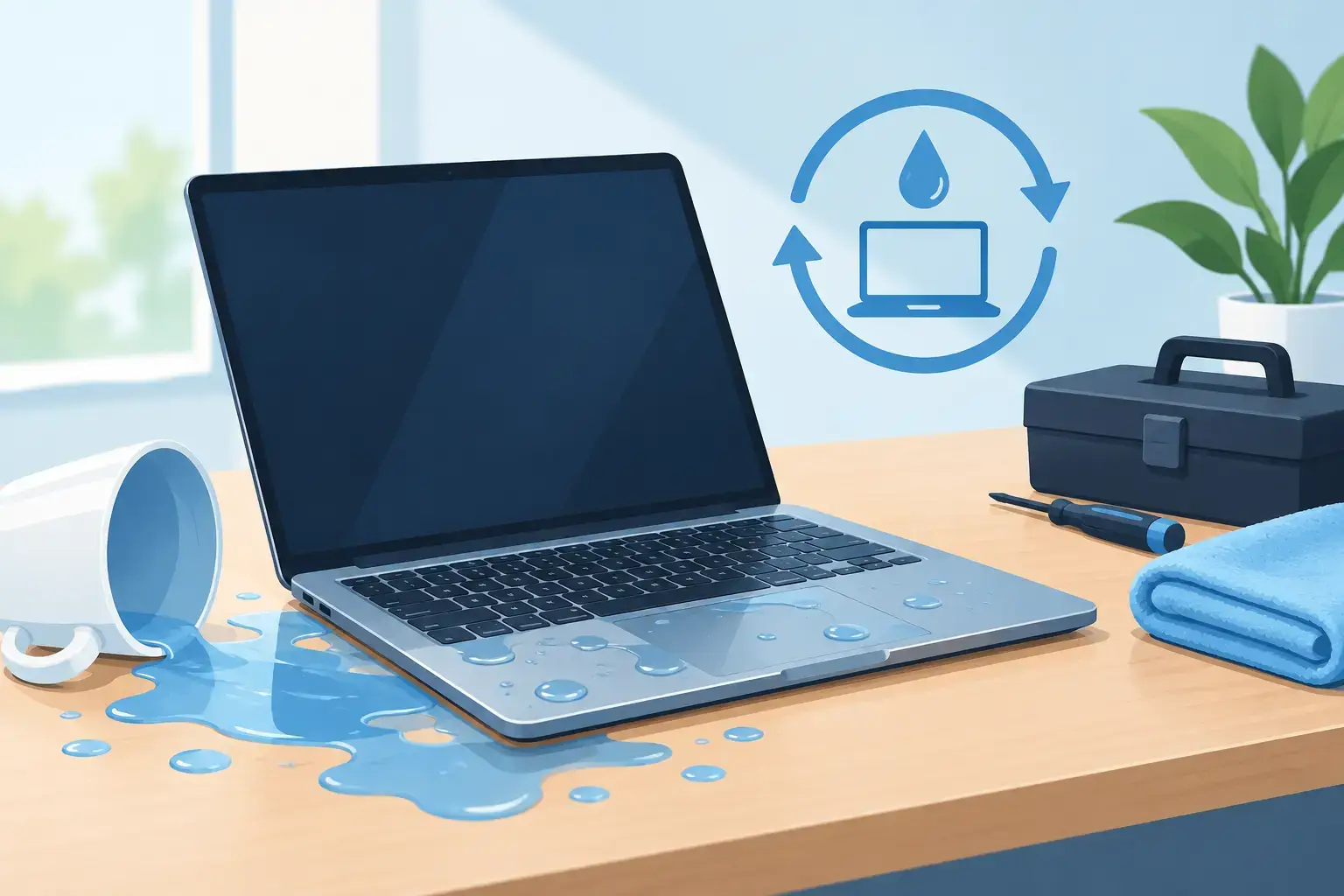
A laptop spill can turn from a small accident into a serious motherboard failure in the time it takes to send one more email. Can wet laptops recover? Often, yes, but recovery depends far more on what happens in the first few minutes than on how dry the keyboard looks later.
Water itself is not always the final problem. The greater risk is electricity traveling through wet components, followed by corrosion that develops inside the device over the next several hours or days. Fast, correct action can protect your files, reduce repair costs, and give the laptop a much better chance of returning to reliable daily use.


Can Wet Laptops Recover? It Depends on Four Factors
A wet laptop can recover when liquid exposure is stopped quickly, the device is not powered while wet, and internal contamination is cleaned before corrosion spreads. A few drops of plain water on a keyboard are very different from a full cup of coffee, juice, soda, or saltwater reaching the motherboard.
The liquid type matters because drinks with sugar, milk, acids, and salts leave conductive residue behind. Even if the laptop appears to work after drying, residue can cause random shutdowns, keyboard failures, battery-drain problems, charging faults, or corrosion around sensitive motherboard circuits.
The amount and location of the spill also matter. Liquid limited to a removable keyboard may require a focused repair. Liquid that reaches the battery connector, charging circuit, display cable, SSD, or motherboard may need deep-level diagnostics and component-level repair.
Time is the final factor. A laptop switched off immediately and inspected the same day has a stronger recovery outlook than one repeatedly turned on to “check if it still works.” Each power attempt can create a short circuit in an area that might otherwise have been cleaned and repaired.
What to Do Immediately After a Laptop Spill
The first goal is simple: stop power from reaching wet internal parts. Do not wait to see whether the screen stays on.
Shut it down and disconnect everything
Hold the power button until the laptop turns off. Unplug the charger, USB devices, headphones, docking stations, external monitors, and any other connected accessories. If the battery is removable, take it out after disconnecting external power.
For modern MacBooks and many thin Windows laptops, the battery is internal and should not be removed by force. Turning the device off and keeping it disconnected is still the right first step.
Position the laptop to let liquid drain
Open the screen and place the laptop in an inverted tent position, with the keyboard facing down. Put a clean, absorbent cloth underneath it. This can help liquid move away from the keyboard and reduce the chance of it pooling deeper around the motherboard.
Do not shake the laptop. Shaking can push liquid into areas that were not initially affected, including the display assembly, fans, ports, and motherboard.
Blot the exterior and arrange professional inspection
Gently blot visible liquid from the keyboard, trackpad, ports, and case. Do not press hard on keys or force cloth into openings. Then arrange a liquid-damage inspection as soon as possible, especially if the spill involved anything other than clean water.
If important files are not backed up, tell the technician before repair begins. Data recovery priorities can affect how the device is handled, particularly when the SSD is soldered to the motherboard, as it is on many recent MacBooks and ultrabooks.
What Not to Do With a Wet Laptop
Many well-intended drying methods create additional damage or delay the repair that the laptop actually needs.
Do not turn it on “just for a second.” Do not connect the charger. Do not use a hair dryer, heat gun, oven, radiator, or direct sunlight. Excessive heat can warp the keyboard, damage display layers, weaken adhesives, and make moisture move further inside.
Rice is not a laptop repair method. It does not remove residue, clean corrosion, or reliably dry liquid trapped under chips and shields. A bag of rice may make the outside feel dry while corrosive deposits remain active on the motherboard.
Avoid compressed air as well. It can drive liquid deeper into connectors and under components. Leaving the laptop off in a dry room is safer than applying heat or air pressure, but it should not replace professional cleaning after a meaningful spill.
Why a Laptop Can Fail Days After It Gets Wet
One of the most frustrating liquid-damage scenarios is a laptop that seems fine at first. It may start normally, connect to Wi-Fi, and run for a day or two. Then the keyboard begins typing the wrong characters, the battery stops charging, the fan runs constantly, or the laptop no longer powers on.
That delay is usually corrosion. When liquid residue remains on the motherboard, it can react with electrical current and metal contacts. The result may be a damaged connector, a corroded power rail, or a failed component that controls charging, USB ports, Wi-Fi, or display output.
This is why “it works now” is not always a sign that the device is safe. If liquid entered through the keyboard or vents, a diagnostic inspection is still the practical choice. Early cleaning can prevent a minor spill from becoming a complex motherboard repair.
What Professional Liquid-Damage Repair Involves
A proper repair begins with diagnosis, not guesswork. A technician opens the device, disconnects the battery, checks liquid indicators, and looks for oxidation, residue, burnt components, and affected connectors.
The internal boards and parts are then cleaned using methods appropriate to the device and contamination level. Technicians inspect areas around the charging circuit, keyboard connections, display connectors, cooling system, SSD, and motherboard. If corrosion has already damaged a component, the repair may involve replacing a keyboard, battery, charging port, trackpad, fan, or other affected part.
For higher-value devices, particularly MacBooks and premium business laptops, board-level repair can often be a better option than replacing the full motherboard. This work requires detailed testing of power circuits and damaged components. The right solution depends on repair cost, device age, parts availability, and the value of the files stored on the laptop.
At Trust IT Skills, liquid-damage work is handled through a diagnostic-led process so customers can understand whether cleaning, part replacement, motherboard repair, or data recovery is the sensible next step before approving work.
Can You Recover Files From a Wet Laptop?
In many cases, yes. The ability to recover data depends on whether the storage drive itself is damaged and whether it can be accessed independently from the rest of the system.
Traditional laptops with removable SSDs or hard drives may allow data to be copied even if the motherboard has failed. However, many recent MacBooks, Microsoft Surface models, and thin premium laptops use soldered storage or security encryption tied to the main board. In those cases, restoring access may require repairing the original motherboard enough for the device to boot.
Do not attempt to remove a drive if you are not familiar with the model. Opening a wet device without proper precautions can cause more damage, and some internal batteries remain live until physically disconnected. A technician can determine whether immediate data extraction is possible and advise whether the best path is repair, recovery, or both.
When Repair Is Worth It and When Replacement Makes More Sense
Repair is often worthwhile when the laptop is relatively recent, has a high replacement cost, contains valuable data, or has only localized liquid exposure. A quality gaming laptop, MacBook, business workstation, or upgraded computer may be worth repairing even when the work is more involved.
Replacement can make more financial sense when a low-value older device has extensive motherboard corrosion, a damaged display and keyboard, and battery failure at the same time. Even then, data recovery may still be worth pursuing.
Ask for a clear diagnostic result that separates urgent work from optional work. You should know what was affected, what repair is recommended, the expected cost, and whether the device can be considered reliable for work, study, or business use afterward.
Protect the Next Laptop Spill From Becoming a Crisis
A backup is the best defense against a liquid accident. Keep important files synchronized to a secure cloud backup or regularly copy them to an external drive. For business laptops, set up managed backups and make sure email, shared files, and essential applications can be restored without relying on one device.
Keep drinks away from the workspace where possible, use a spill-resistant bottle, and never place a drink above or beside a laptop where a cable, elbow, or pet can knock it over. These small habits matter when your laptop holds client files, coursework, project deadlines, or the only copy of a presentation.
A wet laptop is urgent, but it is not automatically beyond repair. Turn it off, keep it disconnected, avoid home drying tricks, and get it inspected before hidden corrosion decides how the story ends.