


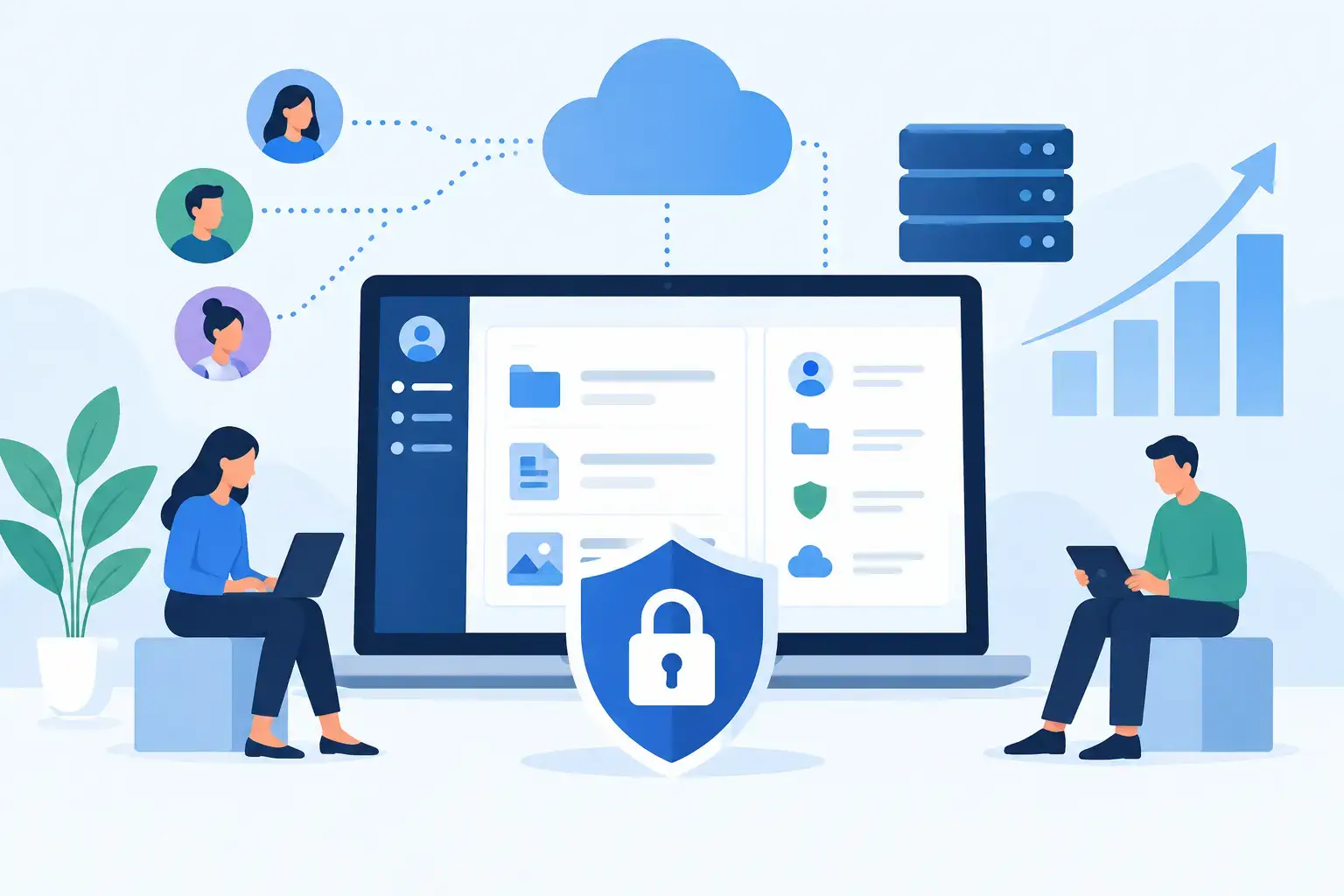
A client portal stops being a nice extra the moment your team is emailing contracts, invoices, project files, passwords, or customer records back and forth. To build a secure client portal is to give clients one professional place to access what they need while giving your business more control over sensitive information, service delivery, and accountability.
For professional firms, agencies, healthcare-adjacent providers, real estate businesses, travel companies, and B2B service teams, the right portal can reduce repetitive support requests and make every client interaction feel more organized. But a portal is only an asset when security is planned from the first screen, not added after launch.


Start With the Client Experience and the Business Risk
A secure portal should solve a real operational problem. Before choosing software or approving a design, identify what clients need to do without calling, emailing, or waiting for your team. They may need to download documents, approve proposals, pay invoices, review project progress, submit requests, access reports, or update account information.
Then consider the risk behind each action. A marketing client viewing a campaign report does not need the same access as a customer downloading tax documents or a patient submitting personal information. The more valuable or sensitive the data, the more carefully you need to control identity, permissions, storage, and access history.
A practical portal plan answers a few questions early: Who will use the portal? What information will they see? Which staff members can upload, edit, approve, or delete content? How long should files remain available? What happens when a client leaves or an employee changes roles?
This planning stage prevents a common mistake: building a polished dashboard that looks impressive but gives too many users too much access. Good security is not about making every feature complicated. It is about making access appropriate.
Build a Secure Client Portal Around Identity
The login page is more than an entry point. It is the first security control protecting client records, documents, and transactions. Weak passwords, shared accounts, and unlimited login attempts can turn an otherwise well-built portal into an easy target.
Use strong authentication without frustrating clients
Every portal should require unique user accounts. Clients should never need to share a single username within their company, even if they work on the same account. Individual logins make it possible to track activity, remove access for one person, and understand who approved or downloaded a file.
Require strong passwords and offer secure password resets. For portals containing financial information, legal records, confidential project material, or personal data, multi-factor authentication should be part of the plan. A one-time code through an authenticator app or another verified method adds protection if a password is exposed.
The right level of authentication depends on your risk. A simple customer resource portal may need standard login protection, while a portal holding payroll, medical, or highly confidential corporate data should use stronger verification and tighter session controls.
Set permissions by role, not by convenience
Role-based access control is one of the most valuable parts of a secure portal. Instead of manually deciding what every individual can do, create clear roles such as client administrator, client user, account manager, finance team member, and system administrator.
A client user might view assigned files and submit a request. A client administrator may invite colleagues and approve documents. Your finance team may see billing records but not marketing files. Your developers may maintain the platform without having access to every confidential document stored inside it.
This approach follows a simple principle: each person receives the minimum access needed to do their job. It reduces the damage from accidental mistakes, compromised accounts, and internal access that is no longer necessary.
Protect data in transit and at rest
Any portal that handles client data should use HTTPS across every page, including login, document upload, payment, and account-management areas. This encrypts information while it moves between the client and your server.
Sensitive data should also be protected where it is stored. Secure hosting, controlled database access, encrypted backups, and protected file storage all matter. A portal can have an attractive interface and still be unsafe if its hosting environment, backups, or administrator accounts are poorly managed.
Avoid storing data you do not truly need. If a field, upload, or record has no business purpose, do not collect it. Fewer unnecessary records mean less risk to manage later.
Design Workflows That Reduce Email and Errors
Security and convenience do not have to compete. In fact, the best portals improve both. When clients can find current documents, see request status, approve work, and receive notifications in one place, your team spends less time chasing information across inboxes.
Build the portal around clear client journeys. A new client may need to complete onboarding forms and upload documents. An active client may need to review milestones, download reports, and submit support requests. A former client may only need temporary access to final files and invoices.
Use clear labels, simple navigation, and confirmation messages for important actions. If someone uploads a contract or approves a quote, the system should confirm what happened and record the time. If a document is replaced, the portal should show which version is current rather than leaving clients to guess.
Notifications should be useful, not noisy. Alert a client when a new file is ready, an approval is waiting, or a request has been answered. Do not send sensitive content directly in an email notification. Instead, tell the client to sign in to view the protected item.
Choose Hosting and Architecture That Can Be Managed
A client portal is not a one-time web design project. It is an operating system for part of your customer relationship, which means it needs ongoing maintenance, monitoring, backups, and support.
For a small business with straightforward needs, a trusted portal platform or custom CMS extension may be the right choice. It can launch faster and cost less than developing everything from scratch. The trade-off is that you may be limited by its available permissions, integrations, and workflow options.
For businesses with specialized processes, multiple departments, complex approvals, or integration requirements, a custom portal often provides better long-term value. It can connect to your CRM, accounting platform, inventory system, booking tools, or internal applications. Custom development requires a larger upfront investment, but it avoids forcing your operation into a tool that was never designed for it.
Whichever route you choose, confirm who is responsible for updates, security patches, backups, uptime monitoring, and incident response. Managed hosting and technical support are not optional extras when client access is central to your business.
Test the Portal Like a Client and Like an Attacker
Before launch, test more than the visual design. Create sample client accounts with different roles and try to access information that should be restricted. Confirm that one client cannot search for, guess, or open another client’s files. Test password resets, expired links, document uploads, payment processes, and account deactivation.
Review what happens after repeated failed login attempts. Check whether administrators can see audit logs for important actions, including logins, file downloads, permission changes, and approvals. Make sure backups can actually be restored, not simply created.
Mobile testing matters too. Many clients will use the portal from a phone between meetings, during travel, or outside normal business hours. The portal should work well on smaller screens without hiding important security controls or making users abandon the process.
After launch, schedule periodic reviews. New employees, new services, client requests, and software updates can all create security gaps over time. A portal that was secure last year may need changes today because your business has changed.
Make Security Part of Your Service Promise
Clients notice when a business handles their information professionally. A secure portal shows that you value their time, their privacy, and the relationship. It also gives your team a stronger foundation for delivering faster support, clearer communication, and more consistent service.
Your(1)Site can plan, design, develop, host, and support client portals that fit the way your business actually works, from simple document access to custom client dashboards and integrated business systems. The goal is not to add technology for its own sake. The goal is to create a secure digital workspace that helps your clients act faster and helps your team serve them better.
Start with the client task that creates the most email, delay, or confusion in your business. That is often the right first feature for a portal worth building.