


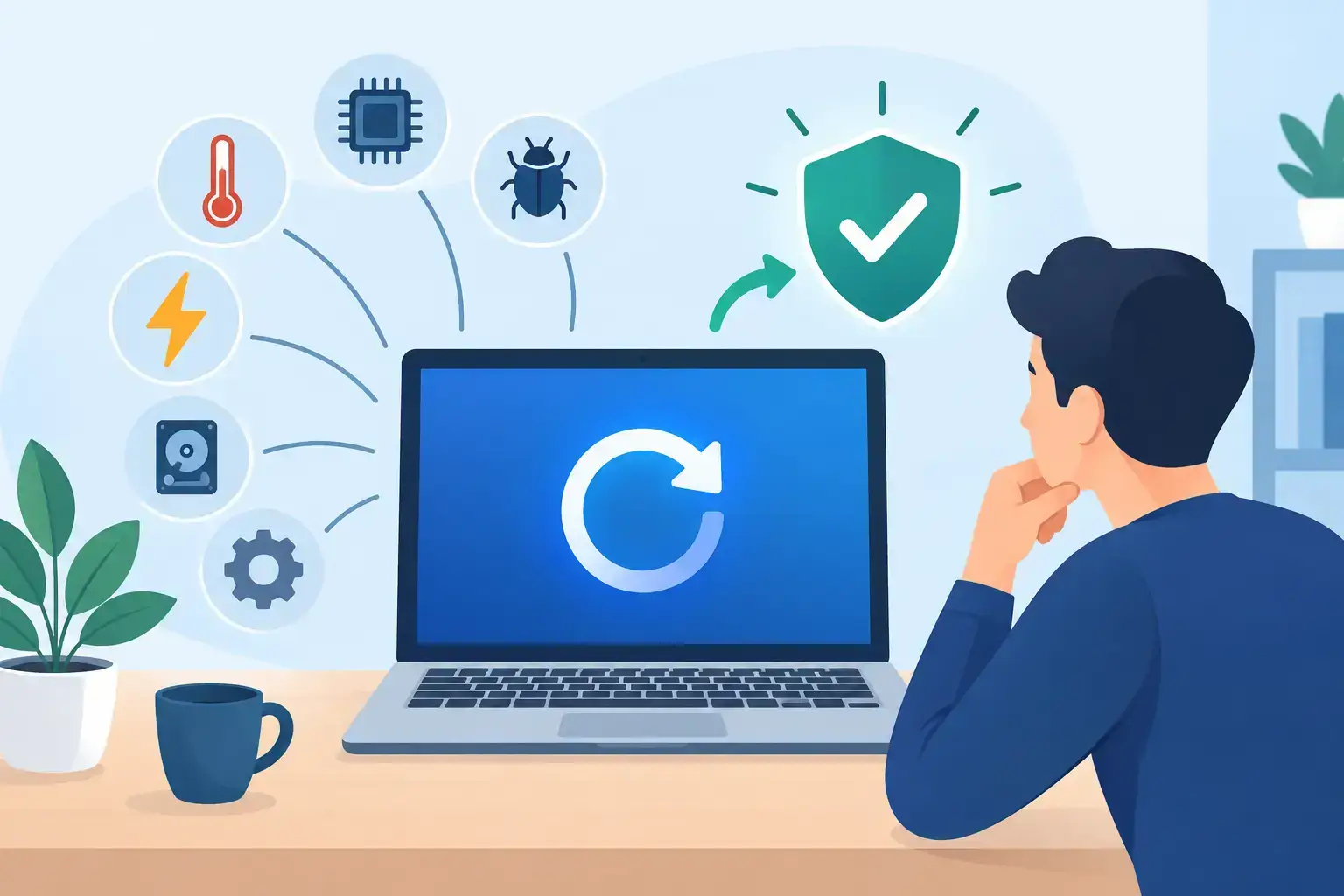
A computer that restarts in the middle of a meeting, game, assignment, or work task is more than an inconvenience. It can corrupt an open file, interrupt an update, and leave you wondering whether the problem is a simple setting or a serious hardware fault. Why computer restarts unexpectedly usually comes down to one of four areas: overheating, unstable power, software failure, or failing components.
The timing of the restart is one of the best clues. A laptop that turns off during gaming or video editing points in a different direction than a desktop that reboots only when you move its power cable. Start by protecting your work and backing up important files. Then use the symptoms below to narrow down the cause instead of repeatedly forcing the computer to restart.


Why computer restarts without warning
A restart is often a safety response. Modern computers are designed to shut down or reboot when they detect excessive temperature, a voltage problem, or a system error that could cause damage. That protective behavior is useful, but it does not tell you which part needs attention.
On Windows, a blue screen error may flash too quickly to read before the system restarts. On a MacBook, you may see a message that the computer restarted because of a problem, which is often called a kernel panic. Both can be caused by software, but repeated incidents should never be ignored.
Overheating and blocked cooling
If the computer restarts when running demanding applications, overheating is a leading suspect. Gaming, rendering, multiple browser tabs, virtual meetings, and large spreadsheets can push the CPU and graphics processor hard. When heat cannot escape fast enough, the device may throttle performance first and then shut down or restart to protect internal components.
Dust in vents, a failed fan, dried thermal paste, and a blocked air intake can all cause this. Laptops are especially vulnerable when used on a bed, sofa, or other soft surface that covers the bottom vents. A hot room can also expose a cooling system that was already struggling.
Listen for warning signs: fans running at full speed, a hot keyboard or underside, performance slowing before the restart, or a restart that happens only during heavy workloads. Turning the device off, allowing it to cool, and checking that the vents are clear is sensible. However, repeatedly running an overheating computer can shorten the life of the motherboard, battery, CPU, and storage drive. A proper thermal inspection should include fan testing, internal cleaning, temperature checks, and, where needed, new thermal paste.
Power adapter, battery, or electrical faults
A restart can happen when power drops for only a moment. On a laptop, the source may be a damaged charger, worn charging port, weak battery, or internal power circuit. A desktop may have a failing power supply unit, loose cable, overloaded extension strip, or unstable wall outlet.
Check whether the problem occurs on battery power, while charging, or in both situations. If a laptop only restarts when the charger is connected, stop using a third-party or damaged adapter until it can be tested. The wrong voltage or an unreliable charger can create intermittent power behavior and may harm the charging circuit.
For desktop computers, try a known-good power cable and a different wall outlet. Avoid diagnosing through a crowded power strip with several high-draw devices connected. If the computer restarts under load, such as during a game, the power supply may not be delivering stable output. This is not a repair to guess at, especially in a gaming PC with a high-performance GPU.
Windows, macOS, drivers, and updates
Not every restart is physical damage. Windows Update, macOS updates, antivirus tools, and business device-management software can schedule a restart. In that situation, the computer normally displays a notification, updates successfully, and behaves normally afterward.
Unexpected restarts are different. A faulty driver for graphics, Wi-Fi, storage, or a recently attached USB device can crash the operating system. The same applies to incompatible software, corrupted system files, incomplete updates, and unstable BIOS settings. Overclocking a CPU, RAM, or GPU may improve benchmark results, but it can also make a system unreliable in daily use.
Think about what changed before the issue began. Did the restarts start after a driver update, a new application, a Windows upgrade, a RAM upgrade, or a new docking station? Removing or updating the recent item may resolve the issue, but avoid deleting system files or randomly changing BIOS options. BIOS configuration controls hardware-level behavior, and incorrect changes can prevent a computer from starting.
Malware and damaged system files
Malware can interfere with startup processes, consume system resources, alter security settings, or damage files needed by the operating system. While malware is not the most common reason for a computer that restarts, it should be considered when restarts come with pop-ups, unknown programs, browser redirects, disabled security software, or suspicious account activity.
A reputable security scan and operating-system health check can identify many software-related faults. If the device contains business files, client data, or financial information, isolate it from sensitive networks until it is assessed. Cleaning malware without checking the rest of the system can leave the underlying corruption unresolved.
Hardware faults that need deeper diagnosis
When a computer reboots at random even while idle, hardware becomes more likely. Memory errors, a failing SSD, motherboard damage, and liquid corrosion can all create instability that appears unpredictable to the user.
RAM problems may cause blue screens, freezes, failed application launches, or restarts during multitasking. Storage issues may show up as slow startup, missing files, repair screens, or a system that restarts while loading the operating system. A failing SSD does not always make obvious noises, so a clean-looking device is not proof that the drive is healthy.
Motherboard faults are more complex. They may result from liquid damage, a power surge, physical impact, heat stress, or a failed component in the charging and power-delivery circuit. A device can work intermittently for days before the failure becomes constant. If there has been a spill, do not keep charging or restarting the laptop to test it. Power it off and arrange an inspection as quickly as possible.
What to do before the next restart
First, save and back up essential files if the computer stays on long enough. Use a cloud backup or external drive, but do not place unnecessary strain on a device that is overheating or repeatedly crashing. If the system cannot stay running, professional data recovery may be safer than repeated attempts to boot it.
Next, note the pattern. Record whether the restart happens while charging, during gaming, after sleep mode, when opening a particular program, or at a certain time of day. Take a photo of any blue screen, error code, or restart message. This information speeds up diagnosis considerably.
You can also disconnect nonessential accessories such as USB hubs, external drives, printers, and docks, then test the computer again. A defective peripheral or driver can trigger instability. Keep only the original charger, keyboard, mouse, and display connected where possible.
Do not ignore basic physical checks. Make sure vents are uncovered, cables are firmly seated, and the charger is not frayed, bent, or unusually hot. If a desktop was recently moved, verify that internal components have not loosened. Do not open a laptop or power supply if you are not equipped to work safely with internal electronics.
When a restart is urgent
Treat the issue as urgent if the computer restarts repeatedly, feels excessively hot, emits a burning smell, shows battery swelling, loses files, or will not remain powered on long enough to back up data. The same applies to workstations that support office operations, accounting, clinic systems, retail sales, or shared company files. One unstable computer can disrupt more than one employee.
A diagnostic-led repair is usually faster and less expensive than replacing parts based on guesswork. The goal is to verify temperatures, power stability, battery health, storage condition, memory behavior, system logs, drivers, and motherboard performance before recommending a fix. Depending on the cause, the answer may be a software repair, fan service, battery replacement, SSD upgrade, BIOS correction, power repair, or board-level work.
For Dubai users who need their device back in service with minimal disruption, Trust IT Skills can assess laptop, MacBook, desktop, and gaming PC restart faults and explain the repair path clearly. If a repair requires more time, ask about keeping your work moving with a temporary laptop option. A computer should restart only when you tell it to, not when your work depends on it.