


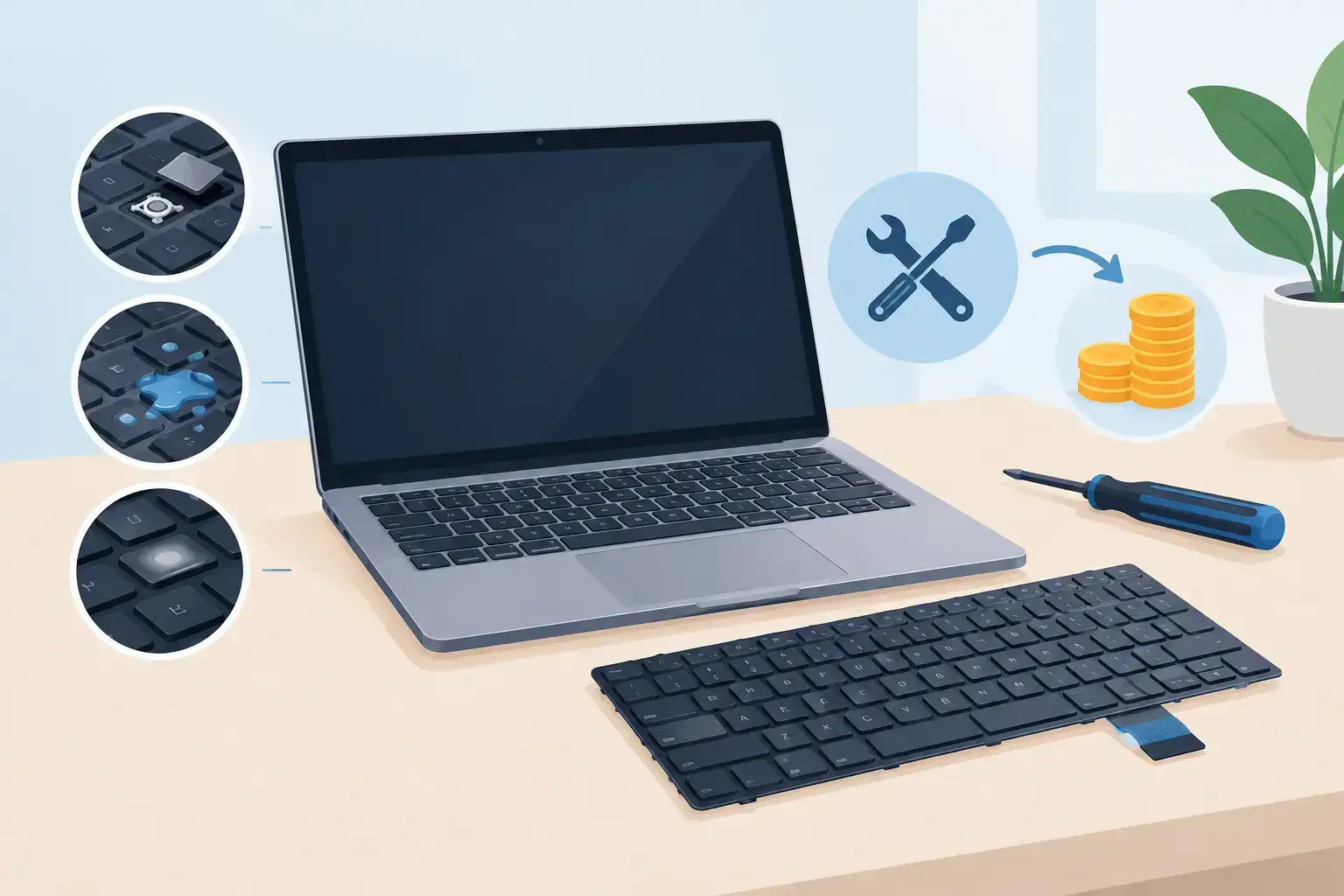
A single dead key can be annoying. A keyboard that types the wrong letters, repeats every keystroke, or stops responding after a spill can stop work completely. When customers ask whether to replace laptop keyboard keys or repair the whole unit, the answer depends on the failure, the laptop design, and whether liquid damage has reached components below the keyboard.
For a student finishing an assignment, a remote worker joining meetings, or a business team relying on a shared workstation, a keyboard problem is more than a small inconvenience. The right repair should restore reliable typing without creating a larger issue with the touchpad, battery, motherboard, or stored data.


When should you replace a laptop keyboard?
A missing keycap does not always mean the keyboard needs replacement. On some models, a technician can fit a compatible keycap or repair a damaged retainer clip. This is usually practical only when the key switch still works and the correct part is available.
A full replacement is often the better option when several keys fail, keys stick or repeat, the backlight no longer works, or the keyboard has been exposed to liquid. It is also recommended when the keyboard cable, membrane, or integrated touchpad assembly is damaged. Trying to keep using a failing keyboard can lead to incorrect passwords, interrupted work, accidental shortcuts, and frustration that costs more time than the repair.
Common signs the keyboard has failed
Keyboard faults do not all look the same. Watch for these symptoms, especially if they began suddenly:
- One or more keys do not respond, even after restarting the laptop.
- A key enters multiple characters from one press.
- The laptop types a different character than the one pressed.
- Keys feel sticky, loose, sunken, or physically broken.
- The keyboard or backlight stops working after a spill, drop, update, or repair.
- The built-in keyboard fails while an external USB keyboard works normally.
If the issue affects only certain letters or a single section of the keyboard, the internal keyboard hardware may be at fault. If the problem started after software changes, a technician should also check drivers, language settings, accessibility features, and BIOS behavior before ordering parts.
Do not assume every typing issue needs new hardware
A proper diagnosis saves money and prevents unnecessary replacement. For example, a laptop set to the wrong keyboard layout can make normal key presses produce unexpected symbols. Filter Keys and other accessibility settings can make the keyboard appear slow or unresponsive. Malware, corrupt drivers, and operating system faults can also interfere with input.
The faster test is to connect an external keyboard. If it works correctly, the laptop can still be used while the internal fault is assessed. That result does not automatically prove the built-in keyboard is defective, but it gives a technician a useful starting point.
For MacBook users, keyboard symptoms need particularly careful assessment. Some models use tightly integrated assemblies, and replacement may involve removing the battery, speakers, trackpad, or top case components. Newer designs may also have keyboard-related functions integrated with the top case. A low-cost shortcut repair can cause more damage if the device is opened without the correct tools and procedure.
What happens after liquid spills on a keyboard?
Turn the laptop off as soon as possible. Disconnect the charger and any accessories. Do not keep testing keys, use a hair dryer, or charge the laptop to see whether it still turns on. Electricity and moisture can create corrosion or short circuits that damage components far beyond the keyboard.
The keyboard may work briefly after a spill and then fail days later as residue and corrosion spread. Coffee, soda, juice, and sugary drinks are especially risky because they leave conductive or sticky deposits. Even plain water can cause damage if it reaches the battery connector, touchpad circuitry, or motherboard.
Liquid-damage repair should begin with internal inspection and cleaning, not simply a keyboard swap. A technician should assess the keyboard assembly, battery area, connectors, motherboard, and signs of corrosion. If the keyboard is replaced without dealing with the contamination underneath, the same laptop can develop new faults later.
Can you replace a laptop keyboard yourself?
It depends on the model. On older business laptops, the keyboard may be secured with a few screws and connected by a ribbon cable. With a correct replacement part and careful handling, this is a manageable repair for an experienced user.
Many modern laptops are not built that way. The keyboard can be riveted into the palm rest, installed beneath the motherboard, or bonded to a top-case assembly. Reaching it may require removal of the battery, cooling system, display cables, speakers, SSD, and motherboard. MacBooks, slim ultrabooks, gaming laptops, and certain Microsoft Surface devices often require more involved disassembly.
The risks are real: tearing a ribbon cable, stripping screws, puncturing a battery, breaking plastic clips, losing thermal pads, or fitting the wrong keyboard layout. A keyboard that appears inexpensive online can become a costly repair if the wrong part is ordered or an internal component is damaged during installation.
If the laptop contains important work files, client data, photos, or academic projects, back it up before any repair begins. Keyboard replacement should not normally affect the drive, but data protection is a sensible precaution whenever a device is opened or has suffered liquid exposure.
How much does it cost to replace a laptop keyboard?
There is no reliable single price because the part and labor vary substantially by brand and model. A standard non-backlit keyboard for a common laptop is usually less complex than a backlit keyboard, a keyboard with a fingerprint reader, or a full top-case assembly with touchpad components.
Cost is also affected by the keyboard language and layout. A US English keyboard may not match an Arabic-English, UK English, or other regional layout. Installing the correct layout matters, particularly for professionals who type passwords, code, financial data, or customer records all day.
Before approving the repair, ask for a clear diagnosis that identifies whether the quote covers only the keyboard or a complete assembly. You should also know whether liquid cleaning, connector repair, battery replacement, or motherboard work is required. Transparent repair handling is more useful than a low initial estimate that excludes the faults discovered after the laptop is opened.
The repair process that protects your laptop
A dependable repair process starts with testing, not immediate part replacement. The technician should confirm the fault using an external keyboard, operating system checks, and where appropriate, BIOS-level testing. This separates software configuration problems from a physical keyboard failure.
Next comes careful disassembly using the correct tools and anti-static handling. The battery should be disconnected before internal work begins. Once the keyboard or assembly is removed, connectors are inspected for corrosion, damage, or loose fit. The replacement part must match the laptop model, layout, backlight specification, and mounting design.
After reassembly, every key should be tested along with the trackpad, charging function, speakers, WiFi, camera, USB ports, and sleep behavior. On a laptop opened for liquid damage, checking for heat, charging irregularities, and follow-up corrosion is equally important. The goal is not simply to make letters appear on screen. It is to return a stable laptop that is ready for work or study.
When replacement is not the best next step
If the laptop is very old, has a failing battery, cracked screen, overheating issue, and keyboard damage, it may be worth comparing repair costs with a replacement device. This is especially true when parts are no longer available or the keyboard is integrated into an expensive top case.
That said, a keyboard fault alone rarely means the entire laptop should be discarded. A solid Dell, HP, Lenovo, Asus, Acer, MSI, or MacBook can often provide years of useful service after a correctly completed repair. Trust IT Skills can diagnose the full device condition, explain the practical options, and help minimize downtime, including temporary laptop support when an extended repair is necessary.
If your keyboard is preventing you from working, do not wait for a few unreliable keys to become a complete failure. Protect your files, avoid further liquid exposure, and get the laptop assessed before a simple input problem turns into a larger repair.