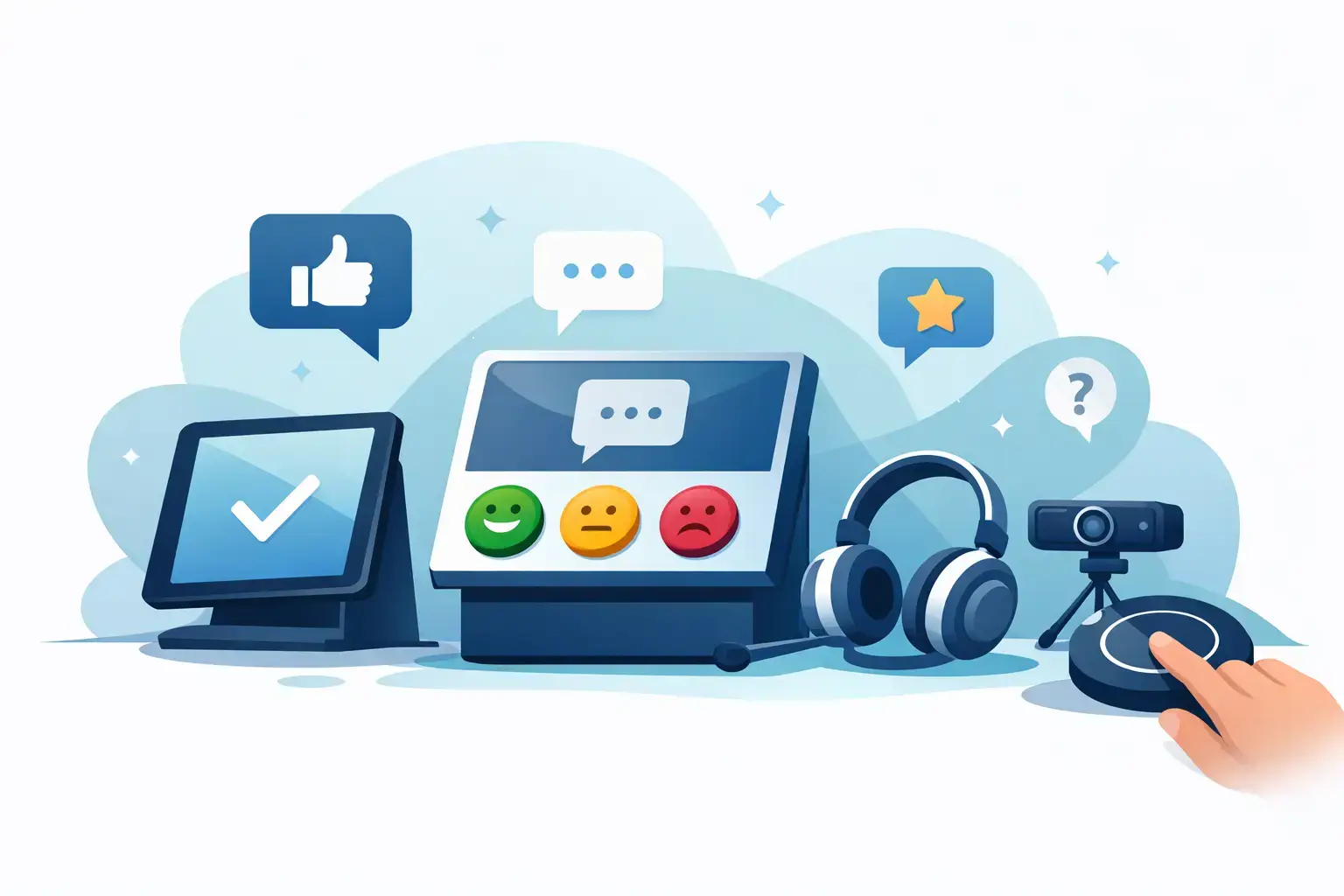
A customer has just finished a great meal, treatment, appointment, or purchase. That is the moment when their experience is clearest – and when asking for feedback should take seconds, not a staff script or a follow-up email. Review hardware puts a simple QR scan or NFC tap exactly where that positive interaction happens, making it easier for customers to leave a review before they walk away.
For customer-facing businesses, more reviews are not just a vanity metric. Strong, recent feedback helps build trust, improves local visibility, and gives the next customer a reason to choose you. The challenge is collecting it consistently without adding friction for guests or pressure for employees.


What Is Review Hardware?
Review hardware is a physical product that directs customers to an online destination when they scan a QR code or tap an NFC-enabled phone. That destination may be your Google Reviews page, TripAdvisor profile, Booking.com listing, Trustpilot page, Facebook, Instagram, WhatsApp, or a custom URL.
Instead of asking a customer to search for your business, find the right profile, and remember to leave feedback later, the hardware takes them directly to the action. A table tent can sit beside a check presenter. A small sticker can go near a register. A premium stand can live at reception. A branded plaque can add a polished call to action at a hotel desk, clinic counter, or retail checkout.
The technology is simple from the customer’s perspective. They point their camera at a QR code or tap their phone against an NFC product, then follow the prompt on screen. No app download is required. That matters because every additional step reduces the number of people who finish the process.
Why Physical Review Prompts Perform Better
Most businesses already know reviews matter. The gap is usually not intent. It is timing.
An email request sent two days after a visit can still work, but it arrives after the customer has moved on. A verbal request from staff can be effective, but results depend on whether the employee remembers, feels comfortable asking, and catches the customer at the right time. Review hardware creates a visible, repeatable prompt that does not rely on memory or a sales pitch.
It also gives customers control. They can scan or tap privately, at their own pace, while the experience is still fresh. For a busy café, that may be while waiting for a receipt. For a dental office, it may be after a positive appointment at the front desk. For a salon or spa, it may be during checkout, when the client is already appreciating the result.
The result is a more natural request: “If you enjoyed your visit, you can leave us a review with a quick tap.” That is easier for staff to say and easier for customers to act on.
The real advantage is placement
The best review collection tool is rarely the one with the most complicated dashboard. It is the one customers actually notice at the right moment.
Restaurants and bars can place review hardware on tables, near the register, or with the bill. Hotels can use it at reception, in rooms, and near concierge desks. Clinics and dental practices often benefit from a tasteful stand at checkout, while retail stores can position a smart tag near the bagging area or on product displays.
Placement should match the point of satisfaction. Ask yourself: where does the customer naturally pause after receiving value? That is usually where a scan or tap has the highest chance of turning into feedback.
Choosing the Right Review Hardware for Your Business
There is no single format that fits every business. The best choice depends on your environment, customer flow, and brand presentation.
Stickers and smart tags for compact spaces
QR and NFC stickers work well when counter space is limited. They can be placed near a point-of-sale terminal, on a front door, beside a pickup window, or on packaging. Smart tags offer a more refined physical look while still taking up very little space.
These formats suit coffee shops, quick-service restaurants, retail counters, service vans, and businesses that want several low-profile review touchpoints. Their trade-off is visibility: a small tag needs clear placement and a simple message so customers understand what to do.
Cards, keyrings, and hang tags for personal handoffs
Cards and keyrings are useful when staff hand something directly to a customer. A home service business can attach a branded review keyring to a completed job folder. A retailer can include a card with a purchase. A hotel may use a hang tag as part of a guest-facing welcome or checkout experience.
This approach is particularly helpful when the review request happens after the customer leaves the main service area. It also gives staff a physical reminder to invite feedback without making the interaction feel forced.
Table tents, coasters, and stands for high-traffic locations
For restaurants, cafés, bars, salons, and waiting rooms, tabletop hardware keeps the review invitation in sight without interrupting service. Coasters can create a casual prompt at the exact place guests spend time. Table tents offer more room for a clear message and branded design.
Standard and premium stands are ideal for counters and reception areas. A premium stand can support a more elevated brand experience in a boutique hotel, medical office, upscale salon, or showroom. It signals that customer feedback is part of a professional, well-managed experience rather than an afterthought.
Custom displays for a branded experience
A customized review display is the right choice when appearance matters as much as function. Your logo, colors, review destination, and messaging can be built into a format that fits your space.
This is especially valuable for businesses with carefully designed interiors or multiple locations that need consistent presentation. A generic sign may collect some scans, but a well-designed branded display feels intentional. It protects the customer experience while making the call to action more credible.
QR Codes and NFC: Use Both, Not One or the Other
QR codes and NFC taps solve the same problem in different ways. QR is familiar and works across nearly any smartphone with a camera. NFC offers an even faster interaction for customers who recognize the tap prompt.
Using both on the same product gives people a choice. A customer who prefers scanning can scan. Someone with an NFC-enabled phone can tap. You do not need to teach anyone the technology in detail. A short instruction such as “Tap or scan to leave a review” is enough.
This dual approach is practical because customer habits vary. It also avoids placing your entire review strategy on a single behavior. The goal is not to make customers use a particular feature. The goal is to make leaving feedback feel effortless.
Set Up the Destination Before You Put Hardware Out
A beautiful review stand will not produce results if it sends customers to the wrong place. Before placing any product, decide what action matters most.
For many local businesses, Google Reviews is the priority because ratings appear prominently in local search and on Google Maps. A hotel may want TripAdvisor or Booking.com feedback. A business with a strong social strategy may send customers to Instagram, Facebook, or WhatsApp. Others may use a custom URL for a survey, loyalty signup, menu, booking page, or review platform.
The strongest option depends on where prospective customers actually make decisions. A restaurant competing for local search traffic may prioritize Google. A travel-focused property may give more weight to TripAdvisor. A business with several locations can assign different links by location so each team receives feedback tied to its own customer experience.
ReviewsLink products allow post-purchase link assignment, which gives operators useful flexibility. If your priorities change, or you move a product from one location to another, you can update the digital destination without replacing the physical hardware.
Make the Ask Clear, Brief, and Timely
Hardware creates the opportunity, but the wording around it still matters. Keep it warm and direct. “Loved your visit? Tap or scan to leave a Google review” tells customers exactly what to do and why.
Avoid turning the request into a long appeal. Customers do not need a speech about your marketing goals. They need a quick, visible path to share an honest experience. Staff can reinforce the message with a simple invitation after a positive interaction, especially when a customer offers a compliment in person.
Consistency matters more than intensity. A small prompt at every checkout, every table, or every reception desk can outperform occasional campaigns because it reaches more satisfied customers at the right time.
Track What Changes After You Add Review Hardware
Give the hardware enough time to become part of the customer journey, then watch for practical signals. Look at review volume, review recency, average rating, and the language customers use. You may also notice staff receiving fewer questions about where to leave feedback because the answer is now visible.
If results are slower than expected, do not assume the product is the issue. Test placement first. A stand behind the counter may be invisible to customers, while moving it beside the payment terminal can change engagement immediately. Check that the link opens correctly, the call to action is readable, and the hardware is placed where customers have a free hand and a few seconds to act.
Review hardware works best when it becomes a natural part of the experience: elegant enough to fit your brand, simple enough for every customer, and visible exactly when their opinion can make the biggest difference. Put that invitation where your best service happens, and let every satisfied customer help bring in the next one.