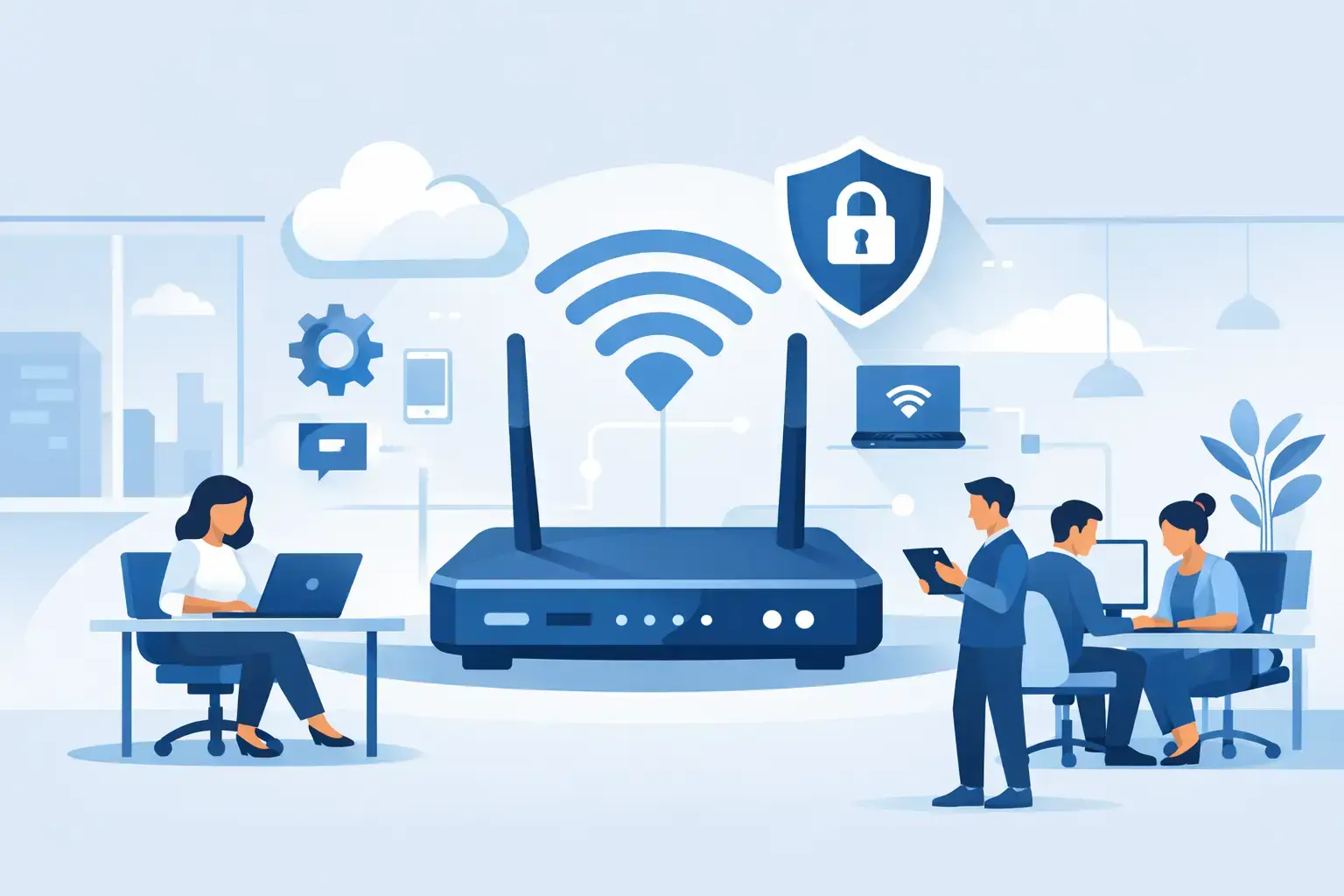
A video call drops just as a client joins. The cloud accounting system slows down at midday. Staff move to the meeting room and suddenly lose access to shared files. These are not minor WiFi annoyances. They cost time, create security risks, and make an office look unprepared. A properly planned office WiFi network setup prevents these problems before they become part of the workday.
For a growing office, the goal is not simply to install a router and display a password. Your network needs to support laptops, phones, printers, meeting-room screens, cloud applications, guest devices, and sometimes security cameras or smart systems. It must also separate business traffic from visitor traffic, protect company data, and remain manageable as the team grows.


Start With How Your Office Actually Works
The right WiFi system depends on the office layout, the number of users, the type of work being done, and the internet connection entering the building. A small office with eight employees using email and cloud documents has different needs from a clinic, retail store, creative agency, or office with 40 people on video calls all day.
Before buying hardware, assess how people use the network. Count regular users, but do not stop there. Most employees connect at least two devices, often a laptop and phone. Add meeting-room equipment, printers, tablets, IP phones, cameras, backup devices, and guest connections. An office with 20 employees can easily have 60 to 100 devices requesting network access.
Walk through the physical space as well. Concrete walls, glass partitions, metal shelving, elevator shafts, server rooms, and neighboring offices can weaken or interfere with WiFi signals. A single access point placed near the reception desk may cover a small open workspace, but it will not reliably serve private offices, stockrooms, conference rooms, and distant workstations.
Check These Areas During a Site Survey
A practical survey should identify four things: areas with weak or blocked signal, locations where many users gather, devices that need wired connections, and possible sources of interference. Microwave ovens, Bluetooth equipment, wireless cameras, and nearby networks can all affect performance.
Meeting rooms deserve special attention. They often have the highest demand at the worst possible moment: multiple laptops join a call, someone shares a screen, and visitors connect to guest WiFi at the same time. Reliable coverage in this room is a business requirement, not a luxury.
Choose Business-Grade Hardware, Not a Home Router
A home router may appear cheaper, but it is usually designed for a small number of devices and limited management. It can struggle under office traffic, particularly when staff use Microsoft 365, cloud storage, video conferencing, remote desktops, and large file transfers at the same time.
A business WiFi network normally includes a managed router or firewall, one or more wired access points, a network switch, and structured Ethernet cabling. The access points provide wireless coverage, while the router or firewall controls internet traffic and security. A managed switch can power compatible access points through the Ethernet cable, reducing the need for separate power adapters.
The trade-off is upfront cost versus downtime. Basic equipment may work initially, but replacing it after repeated connection problems, poor coverage, or a security incident is more expensive than planning correctly from the start. For offices that depend on online systems, business-grade equipment gives better visibility, stronger security controls, and room to expand.
Why Wired Backhaul Matters
Where possible, connect access points to the network with Ethernet cables. This is called a wired backhaul. It gives each access point a stable connection to the router and avoids the speed loss that can occur when access points relay traffic wirelessly between one another.
Mesh WiFi can be useful where cabling is impossible, such as a temporary workspace or difficult rental property. However, it should be a deliberate compromise, not the default design for a busy office. Wired access points are generally the better option for consistent speed, voice calls, cloud access, and large file transfers.
Design Coverage and Capacity Together
Strong signal bars do not always mean good WiFi. An access point may provide coverage across a large room but still become overloaded when too many devices connect to it. Office WiFi network setup should account for both coverage and capacity.
Place access points near the areas where people work, not only where cabling is easiest to install. Ceiling-mounted access points often provide more even coverage than units hidden behind desks, cabinets, or equipment racks. Avoid placing them directly beside large metal objects, inside enclosed cabinets, or near electrical equipment that may create interference.
Use both the 2.4 GHz and 5 GHz bands where appropriate. The 2.4 GHz band can travel farther through walls, but it is more crowded and usually slower. The 5 GHz band offers better performance and is better suited to modern laptops, phones, video calls, and cloud applications, though its range is shorter. Newer environments may also benefit from 6 GHz-capable equipment, but only if employee devices support it and the budget makes sense.
Channel planning also matters in offices with multiple access points. When channels overlap, access points compete with each other. Managed business systems can select channels automatically, but they still need correct initial configuration and periodic review.
Separate Staff, Guests, and Business Devices
A single WiFi name and password for everyone is convenient, but it is not good security. Visitors should not be on the same network as staff laptops, shared folders, office printers, payment systems, or security cameras.
At minimum, create separate networks for employees and guests. The guest network should provide internet access only and block access to internal business devices. Depending on the office, it can also be wise to create separate networks for printers, cameras, smart TVs, point-of-sale devices, and other internet-connected equipment.
This separation limits the damage if a guest device is infected or a poorly secured device is compromised. It also makes troubleshooting faster. If a printer stops working, your IT support team can check the printer network without disrupting employee connections.
Use strong passwords and modern encryption such as WPA3 where supported. Do not reuse an old password that former employees, contractors, or visitors may still know. For larger teams, individual employee credentials provide more control than a shared password, especially when someone leaves the company.
Secure the Network Beyond the WiFi Password
Your WiFi password is only one layer of protection. The router or firewall should have a unique administrator password, current firmware, and remote management disabled unless it is specifically needed and secured. Default device passwords should never remain active after installation.
A business firewall can help block malicious traffic, control risky websites, and provide secure remote access for approved staff. Whether you need advanced filtering, a virtual private network, or content controls depends on the nature of your work. A design agency may prioritize upload speed and cloud storage performance, while a clinic or finance office may require tighter access policies and device controls.
Backups also belong in the network conversation. WiFi does not replace a backup plan. Configure cloud backup for essential business files and verify that recovery is possible. If ransomware, accidental deletion, or device failure affects a workstation, a tested backup can keep a small problem from becoming a business interruption.
Test Before You Call the Job Finished
Installation is not complete when the WiFi names appear on a phone. Test the network from each work area, meeting room, reception area, and any space used by guests. Check signal strength, upload and download performance, video-call stability, printer access, roaming between access points, and guest-network isolation.
Run tests during normal working conditions if possible. A network that performs well with two people in the office may behave very differently when 25 devices are connected during a busy afternoon. Review whether critical equipment is better connected by cable. Desktop computers, network storage, fixed printers, and conference-room systems often benefit from wired connections because they reduce wireless congestion.
Document the installation once it is working. Record the equipment used, access point locations, network names, IP address ranges, administrator access process, and warranty information. This saves time during future upgrades, staff changes, office moves, or support requests.
Plan for Ongoing Support, Not Just Installation
Networks change after setup. New employees arrive, cloud software changes, a neighboring office installs its own WiFi, and an aging access point may begin to fail. Regular firmware updates, performance checks, and security reviews keep small issues from turning into daily outages.
For Dubai SMEs without an internal IT department, Trust IT Skills can assess office coverage, install and configure business WiFi equipment, secure staff and guest networks, connect workstations, and provide ongoing support when the office expands or problems appear.
A reliable network should become almost invisible: calls stay clear, files open when needed, guests connect safely, and your team can focus on work instead of searching for signal. If your office WiFi is unstable now, treat it as an operational issue and fix the design before the next busy day exposes it again.