


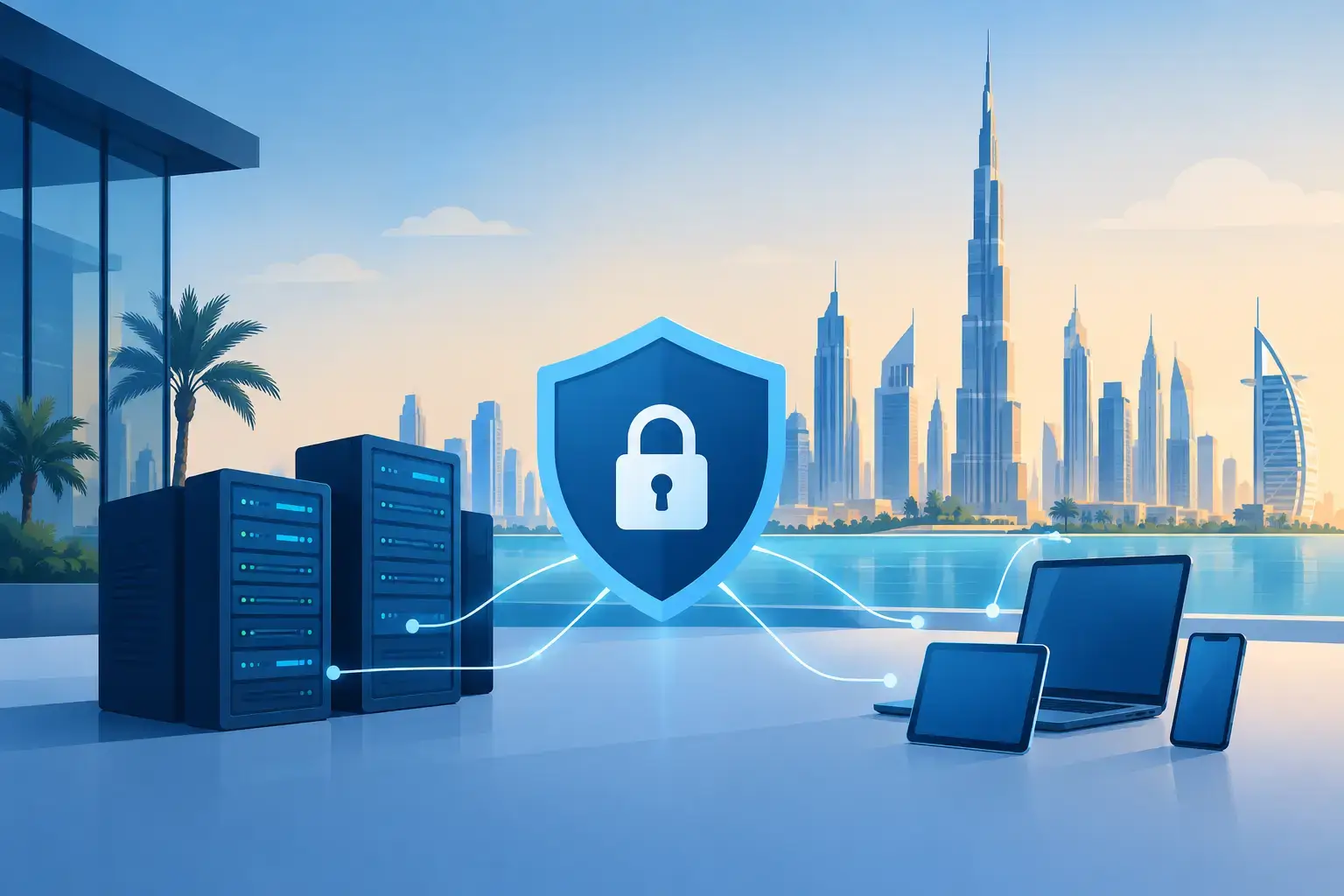
An office WiFi outage is frustrating. An office WiFi network that still works while an unauthorized user accesses files, email, or payment data is far more serious. Effective network security protects the systems your team relies on every day – laptops, cloud accounts, shared files, printers, cameras, and internet-connected devices – without making work harder than it needs to be.
For startups, clinics, retail teams, and growing offices in Dubai, security is not only an enterprise concern. Smaller organizations are frequent targets because they often use basic router settings, shared passwords, outdated devices, and accounts with more access than employees actually need. The goal is practical: reduce risk, detect problems early, and keep your business operating if something goes wrong.


What Network Security Protects in a Business
Your network is more than the cable or WiFi signal that gets staff online. It is the route between people, devices, applications, and business data. If that route is poorly configured, a compromised laptop can spread malware across shared folders, an ex-employee may retain access to email, or a guest connected to WiFi may reach equipment that should be private.
Good network security addresses several connected risks. It protects confidential client records and financial information from unauthorized access. It limits the damage caused by phishing, ransomware, and infected downloads. It also supports business continuity by keeping essential systems available, recoverable, and properly monitored.
The right setup depends on your office. A five-person design studio has different needs from a clinic handling patient records or a retail business running point-of-sale devices. But every business needs clear control over who can connect, what they can reach, and how quickly access can be removed.
Start With a Clear Network Security Baseline
Security problems are often hidden in routine setup decisions. A router installed years ago may still use its default administrator password. Staff may connect personal phones to the same network as office computers. A former vendor account may remain active because nobody owns the offboarding process.
Start by documenting what is connected. This includes workstations, MacBooks, servers or network storage, printers, cameras, access points, smart TVs, phones, and cloud services. You cannot protect assets you do not know exist. Review who has administrator access, who can access shared folders, and whether every account belongs to an active employee or supplier.
Then check the basics: router firmware, firewall configuration, WiFi encryption, operating system updates, antivirus or endpoint protection, and backup status. These are not glamorous tasks, but they close many of the gaps attackers look for first.
Separate Business, Guest, and Device Networks
One office WiFi password for everyone is simple, but it creates unnecessary exposure. Guests, employee personal devices, and smart equipment should not have the same access as business computers.
A properly configured network can separate traffic into distinct segments. Staff devices can use a protected business network, visitors can use a guest network that only reaches the internet, and cameras, printers, or smart devices can be placed on their own restricted segment. If a low-security device is compromised, segmentation helps prevent it from becoming a path to your files or accounting system.
This is especially useful in offices with shared spaces, frequent visitors, or a mix of company-owned and personal devices. It may require a business-grade router, managed switches, or correctly configured access points, but the operational benefit is significant.
Secure WiFi Beyond the Password
A strong WiFi password matters, but it is only one layer. Use modern encryption such as WPA3 where supported, or WPA2 with a long, unique passphrase on compatible equipment. Do not reuse your office WiFi password for email, banking, or any other service.
Turn off outdated security methods and features you do not use, including WPS. Change the router’s default administrator credentials, limit remote administration, and keep firmware current. If staff work from home or connect from client sites, use a properly configured VPN when they need to reach internal resources.
For larger teams, individual employee WiFi access is better than a shared password. When someone leaves, their access can be removed without forcing every remaining employee to reconnect every device.
Control Identity and Access First
Many security incidents begin with a stolen password, not a dramatic technical breach. Phishing emails can look convincing, particularly when they imitate Microsoft 365, delivery companies, banks, or a senior manager requesting an urgent payment.
Require multi-factor authentication for email, cloud storage, accounting software, remote access, and any platform containing business information. A password alone is no longer enough protection for accounts that can reset other passwords or access sensitive files.
Access should follow the least-privilege principle: employees receive the permissions needed for their role, and no more. A receptionist does not need administrator access to the company network. A temporary contractor does not need permanent access to every shared folder. This approach can feel restrictive at first, but it limits accidental changes and reduces the impact of a compromised account.
When an employee leaves, remove their email, cloud, VPN, and device access promptly. Transfer essential files and business communications before disabling the account. Delayed offboarding is a common and avoidable risk.
Backups Are Part of Network Security
Backups are often treated as an IT housekeeping task. They are a core security control. If ransomware encrypts files or a staff member accidentally deletes an important folder, a verified backup can turn a crisis into a manageable recovery job.
Use backups that are automated, encrypted, and protected from everyday user access. Keeping only one copy on a network drive is not enough. If ransomware reaches that drive, it may encrypt the backup along with everything else.
A safer approach uses multiple copies, with at least one kept separately from the main network or in a protected cloud backup service. Most importantly, test restoration. A backup that has never been checked may fail when you need it most.
Watch for Warning Signs Before Work Stops
Security issues do not always announce themselves with a ransom message. Slow systems, repeated login prompts, unfamiliar browser extensions, new administrator accounts, unexplained email forwarding rules, or a router that changes settings without approval all deserve attention.
Staff should know how to report suspicious activity without fear of blame. The person who clicks a phishing link is often not careless – they were rushed, distracted, or presented with a well-designed fake message. Fast reporting gives your IT support team a chance to isolate the device, reset credentials, review access logs, and prevent wider damage.
It also helps to establish an incident response process before an emergency. Decide who can authorize account resets, who contacts vendors, how staff are informed, and where critical recovery information is stored. A short, practical plan is more useful than a detailed document nobody can find during an outage.
Network Security Needs Ongoing Maintenance
There is no one-time setup that permanently secures an office. New staff join, laptops are replaced, software changes, and threats evolve. Security needs regular attention, but that does not mean every business needs a full internal IT department.
A managed support arrangement can provide routine patching, user access reviews, endpoint checks, backup monitoring, network maintenance, and support when an issue needs immediate action. For businesses that depend on stable WiFi, protected data, and available systems, this turns security from a reaction after failure into a planned operational service.
Trust IT Skills helps Dubai businesses assess unstable networks, configure secure WiFi, deploy protected workstations, set up cloud backup, and provide ongoing IT support with minimal disruption. The practical priority is always the same: keep your people working while reducing the risks around the technology they use.
A secure network should not feel complicated to your team. It should quietly make the right things easy, block the wrong things early, and give your business a clear recovery path when technology does not go as planned.