A website can look exceptional, rank well, and bring in qualified leads, yet still create a serious business problem if its hosting is poorly protected. So, is hosting secure? It can be, but security is not guaranteed simply because a website is online with a recognized provider. The answer depends on the hosting environment, the protections included, how the website is managed, and how quickly someone responds when something goes wrong.
For a small business, a hosting breach is not just a technical inconvenience. It can mean a defaced website, lost customer data, damaged search rankings, interrupted online sales, and a reputation problem that takes far longer to repair than the original issue. Secure hosting should protect the digital foundation of your business so your team can focus on customers, growth, and daily operations.


Is Hosting Secure by Default?
Basic hosting security usually covers the infrastructure: the data center, physical servers, network monitoring, and some level of firewall protection. Reputable providers also maintain server software, control physical access, and use backup power to reduce outages. Those are essential protections, but they do not make every website on the server automatically safe.
Think of it like leasing space in a well-guarded building. The building may have security staff and locked entry doors, but your own office can still be vulnerable if you leave it unlocked, share keys widely, or fail to protect sensitive documents. A website faces the same challenge. Weak administrator passwords, outdated WordPress plugins, insecure themes, unprotected email accounts, and poorly configured forms can all create an opening for attackers.
The right question is not only, “Is hosting secure?” Ask, “What does this hosting plan protect, and what remains my responsibility?” A dependable hosting partner explains the difference clearly instead of hiding behind vague promises.
What Secure Hosting Should Protect
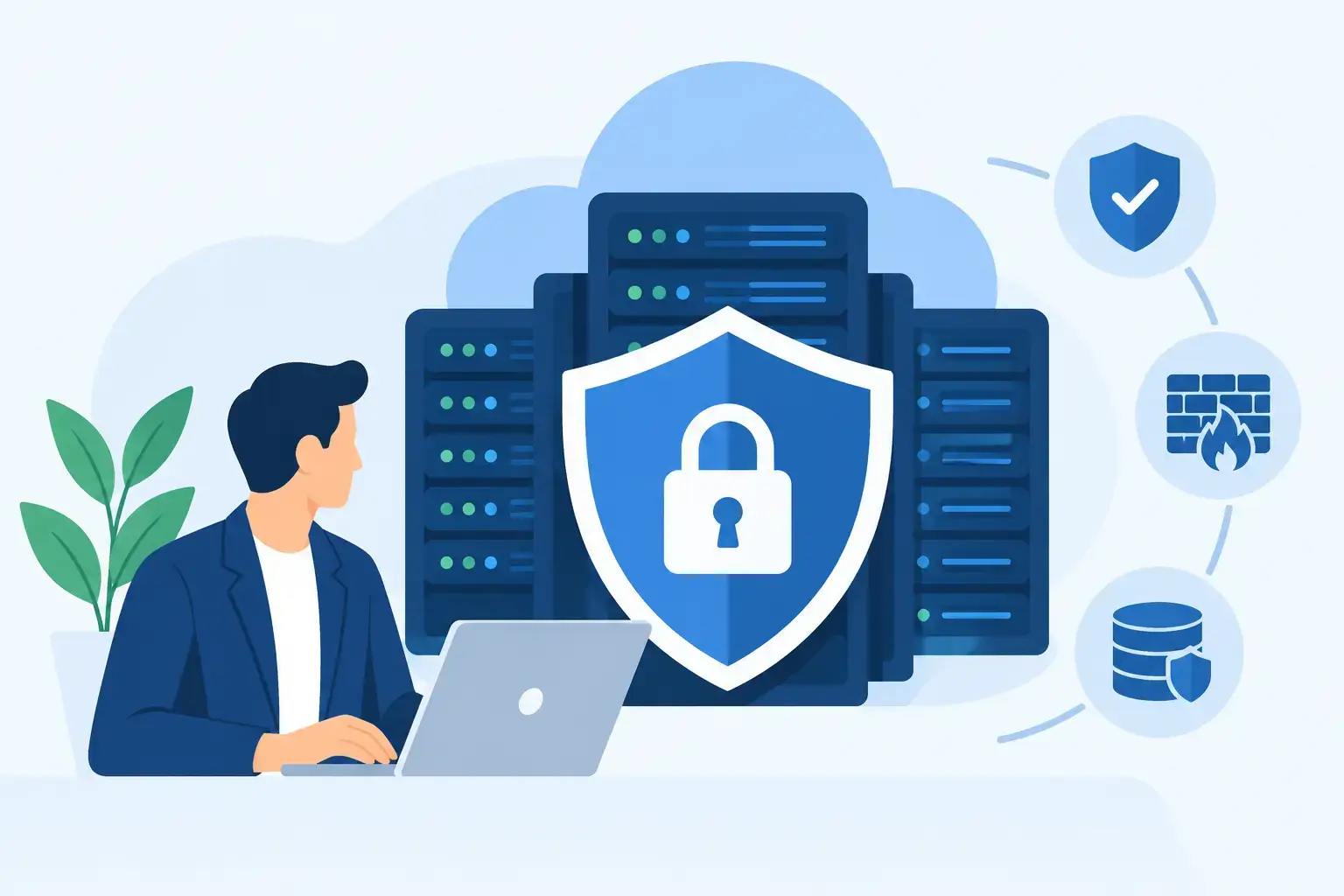
A secure hosting service works in layers. No single tool can prevent every issue, but several coordinated controls can significantly reduce the likelihood and impact of an attack.
Server and Network Protection
The hosting provider should protect the server environment with network firewalls, malware monitoring, intrusion detection, and controls against common attacks. Distributed denial-of-service attacks, for example, attempt to overwhelm a website with traffic until it becomes unavailable. A host with proper network capacity and mitigation measures is far better positioned to keep your site reachable during an attack.
Server isolation also matters. On low-cost shared hosting, many websites may operate on the same physical server. This is not automatically unsafe, and it is often a practical choice for smaller websites. However, the provider must properly separate accounts so a vulnerability in one customer’s site does not affect another. Businesses processing payments, handling large customer databases, or operating high-traffic stores may benefit from a VPS, cloud server, or dedicated environment with more control and separation.
Encryption With SSL Certificates
An SSL certificate encrypts data sent between a visitor’s browser and your website. You can recognize it by the HTTPS prefix and padlock icon in the browser. Without it, login details, contact form entries, and payment-related information can be exposed while in transit.
SSL is now a baseline requirement, not an optional extra. It also supports customer confidence and can affect search visibility. But SSL only protects data while it travels between the visitor and the site. It does not remove malware, fix a hacked plugin, or secure a weak admin password. Treat it as one necessary layer, not the entire security plan.
Backups That Can Actually Be Restored
Backups are one of the most valuable protections in hosting, especially for businesses that rely on their website for inquiries, bookings, or online orders. If ransomware, human error, a failed update, or a server issue damages the site, a current backup can bring operations back quickly.
The details matter. How often are backups created? How long are they retained? Are copies stored separately from the production server? Can individual files or databases be restored? Is restoration included, and how quickly can support act? A backup that exists but cannot be restored when needed offers false reassurance.
For an active e-commerce site, daily backups may not be enough if orders change throughout the day. More frequent database backups may be appropriate. For a simple company website updated once a month, daily backups could be more than sufficient. Security should match the cost of downtime to your business.
Updates, Malware Scanning, and Monitoring
Most website compromises do not begin with a dramatic Hollywood-style hack. They often start with an old plugin, an abandoned theme, a vulnerable CMS component, or a password reused from another service. Managed hosting and technical support can reduce this risk by keeping core software updated, scanning for malware, and identifying suspicious changes early.
Automated updates are useful, but they need supervision. An update can occasionally conflict with a custom feature, booking tool, or e-commerce extension. The strongest approach combines timely updates with testing, monitoring, and a rollback plan. Fast support is part of security because the speed of response often determines whether a small issue becomes a major outage.
Your Team Still Has a Security Role
Even the best hosting platform cannot protect credentials that have been shared carelessly or a website that has not been maintained. Business owners and staff should use unique, long passwords and enable multi-factor authentication wherever possible, especially for hosting panels, website administrators, business email, and payment accounts.
Limit access according to each person’s job. A content writer does not need full server control. A former employee should not retain website, domain, or email access. Review users regularly and remove accounts that are no longer required.
Be especially cautious with emails that request urgent password changes, invoice payments, or login verification. Phishing attacks frequently target business email because one compromised inbox can give an attacker access to reset passwords across multiple services. Secure hosting works best when it is paired with sensible access management.
Questions to Ask Before Choosing a Hosting Provider
Price matters, particularly for startups and growing businesses, but the cheapest plan can become expensive if it leads to downtime, lost inquiries, or emergency recovery work. Before selecting a provider, ask direct questions about security and support.
You should understand whether SSL is included, what firewall and malware protections are active, how backups work, and whether recovery help is available. Ask where the servers are located, what uptime commitment applies, and whether the provider monitors systems around the clock. If your website collects customer data or handles online transactions, ask about account isolation, access controls, and support for payment-security requirements.
Also ask who manages website updates. Some hosts secure the server but leave all CMS maintenance to you. That may be acceptable if you have an experienced internal team. If you do not, managed hosting with ongoing maintenance is usually a safer investment because it closes the gap between server protection and website-level protection.
Clear support is a competitive advantage. When your website is unavailable during a campaign, holiday period, or sales launch, you need a real response from people who understand both the hosting environment and the website itself. Coordinating separate vendors for design, development, domains, email, hosting, and security can slow down recovery at exactly the wrong moment.
When More Security Is Worth the Investment
Every business needs secure hosting, but not every business needs the same hosting architecture. A brochure-style website for a local service provider has different risks from a travel company accepting bookings or an online retailer processing hundreds of orders.
Consider higher-level protection when your site stores customer records, includes staff portals, uses custom software, receives significant traffic, or depends on uninterrupted availability. A separate cloud environment, advanced web application firewall, proactive monitoring, stronger backup schedules, and formal disaster recovery planning can be worthwhile when a few hours offline would affect revenue or client trust.
Your(1)Site approaches hosting as part of a wider business system, not an isolated server package. A secure website also depends on sound development, reliable domain management, protected email, ongoing maintenance, and support that understands the commercial impact of downtime.
Security is never a one-time setup. Review your hosting, access permissions, backups, and software updates before you need them, not after a problem has already interrupted your business.