


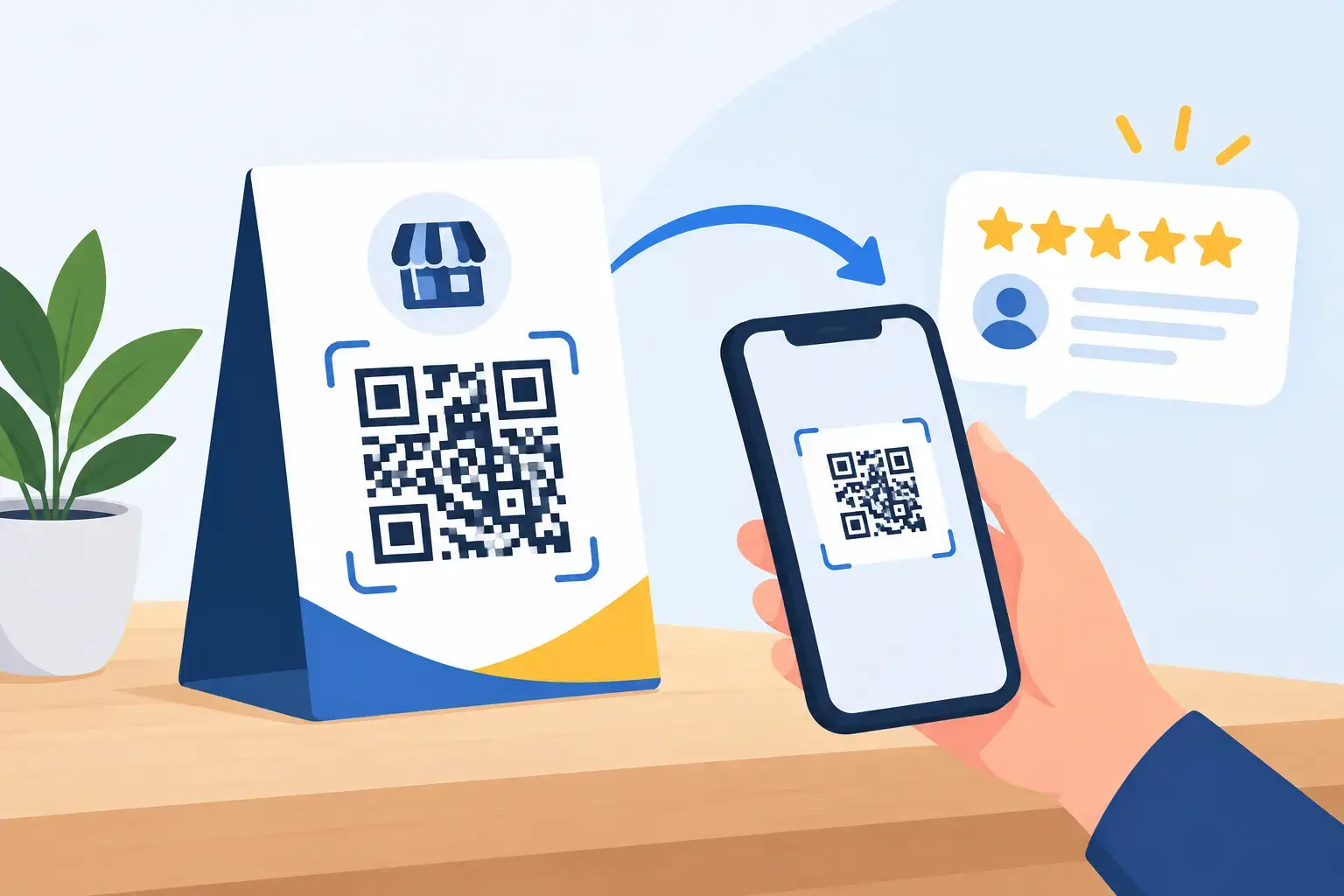
A QR code at the checkout counter can either feel like an afterthought or a natural extension of your customer experience. The difference is branding. This QR code branding guide explains how to turn a simple scan point into a polished, trustworthy prompt that helps customers leave reviews, follow your business, or connect on the channel that matters most.
For restaurants, clinics, salons, hotels, gyms, and retail businesses, the goal is not to put QR codes everywhere. It is to place a branded, easy-to-use prompt at the exact moment a customer is most likely to respond positively. When the design, message, and destination work together, asking for feedback feels less like a request and more like a convenient next step.


Why QR Code Branding Matters
A plain black-and-white QR code may work technically, but it rarely communicates why a customer should scan it. Customers have learned to ignore generic signs, especially when they are rushed, waiting to pay, or deciding whether a business feels professional enough to trust.
Branding gives the QR code context. Your logo, colors, and a clear call to action signal that the code belongs to your business and that the scan has a useful purpose. A message such as “Loved your visit? Leave us a Google review” is more effective than a code with no explanation because it removes uncertainty.
This matters for reputation growth. More positive reviews can strengthen local visibility, build confidence for new customers, and give people a reason to choose your business over a nearby competitor. A well-designed QR display also protects the quality of the in-person experience. Staff do not need to interrupt a conversation or hand out paper reminders. Customers can scan or tap when it suits them.
Build Your QR Code Branding Around One Action
The strongest branded QR experiences are focused. Before selecting colors, materials, or display locations, decide what you want the customer to do after scanning.
For many businesses, the priority is a Google Review. A hotel may direct guests to TripAdvisor or Booking. A beauty salon may want Google Reviews at the front desk and Instagram at styling stations. A service business might use WhatsApp for fast customer communication, while a retail store may send shoppers to a seasonal offer or custom landing page.
Trying to promote every channel with one display can weaken the message. If your main objective is reviews, say so clearly and send customers directly to the correct review form. If you need several destinations, use separate branded touchpoints for separate moments. For example, a table tent can ask diners for a review, while a counter sign can invite them to follow your Instagram account.
A direct destination reduces friction. Every additional tap, menu, or decision creates an opportunity for the customer to stop. The easiest experience is simple: scan or tap, choose a star rating or write feedback, and submit.
Choose the right physical format
Your QR code should match the place where the interaction happens. A luxury spa reception desk may benefit from an elegant premium stand or plaque. A busy café counter may need a compact stand that customers can notice while paying. A restaurant table tent keeps the request visible during the meal, while stickers and smart tags work well on doors, packaging, equipment, or product displays.
The format affects how customers perceive the request. A flimsy paper sign can undermine a premium experience, even if the code works. A durable, branded display feels intentional. It tells customers that your business cares about details, which makes them more comfortable sharing feedback.
Design a QR Code Customers Want to Scan
A branded code needs to be visually consistent without sacrificing scan reliability. This is where many businesses get too creative. A code that blends into a dark background, uses low-contrast colors, or is printed too small can create a frustrating experience.
Start with your core brand elements: logo, primary colors, type style, and tone of voice. Then keep the actual QR area clear and high contrast. Dark code patterns on a light background remain the safest choice. You can frame the code with your colors, add a logo to the center when properly tested, and use a branded headline without making the code difficult for phone cameras to read.
Your call to action should be specific, short, and customer-friendly. “Scan to leave a review” works. “Tap here to share your experience” works when NFC is available. “Help us grow” may sound appealing, but it does not tell the customer what will happen next.
Avoid language that feels demanding or transactional. Customers should never feel pressured to give a five-star review. Ask for honest feedback and make the process easy. That approach is more credible, supports long-term trust, and helps staff present the display with confidence.
Include the details that build confidence
A useful QR display answers the customer’s silent questions in seconds: Is this really from this business? What happens when I scan? How long will it take? A logo, recognizable business name, and a direct instruction answer the first two. A line such as “Takes less than a minute” can address the last one when it is accurate.
If your display supports both QR scanning and NFC tapping, show both options. Some customers will naturally open their camera and scan. Others can tap a compatible phone against the NFC point. Giving people a choice removes a small but meaningful barrier, especially in high-volume locations.
Place Branded QR Codes at High-Intent Moments
Placement has as much influence as design. The best location is not necessarily the busiest location. It is the moment when the customer has completed an interaction, received value, and has a few seconds to act.
For a restaurant, that may be the table after a great meal or the payment counter. For a dental practice, it may be reception after a successful appointment. For a salon, it may be beside the card terminal after the client sees the finished result. For a hotel, it may be at checkout or near a guest-services desk.
Use placement to make the request relevant rather than repetitive. One clear review prompt is usually stronger than five competing signs. If customers see the same code on every wall, menu, and receipt, it can blend into the background.
Consider these high-performing placements when they fit your service flow:
- Checkout counters and payment terminals, where the visit is fresh in the customer’s mind.
- Tables, waiting areas, and reception desks, where customers have a natural pause.
- Exit doors and takeout packaging, where a customer can scan after the service interaction.
- Product displays and service stations, where a focused request can match a specific experience.
- Staff-facing areas, where team members can be reminded to mention the option at the right time.
The right placement depends on how your customers move through your business. Watch for natural pauses, not just open surfaces.
Make the Staff Experience Simple
Even the best QR display will underperform if employees are unsure when or how to mention it. Your team does not need a complicated script. A short, polite prompt is enough: “If you enjoyed your visit, you can leave us a review with a quick scan or tap right here.”
Train staff to offer the invitation after a positive interaction, not before the customer has received the full service. A server who waits until the meal is complete, or a receptionist who asks after resolving a patient’s question, will get a better response than someone who asks too early.
It also helps to explain why reviews matter. Staff members are more likely to use the display naturally when they understand that stronger ratings can bring in more customers, support the business’s reputation, and recognize the work the team does every day.
Test the Experience Before You Put It in Front of Customers
A QR code is only valuable when it works every time. Test it using different phone models, in normal lighting, and from the distance a customer would realistically stand. Confirm that the destination opens directly to the intended review platform, social profile, or custom URL.
Check the physical display as well. Is the code visible from where customers stand? Is the call to action readable? Does the display stay upright, clean, and aligned with the rest of your brand environment? Small details shape whether a customer notices and trusts it.
Flexible products can make this easier over time. With ReviewsLink, businesses can assign or update a destination after purchase, which is useful when review priorities change, a location opens, or a campaign needs a different link. That flexibility lets you keep a premium physical display while adjusting the digital destination behind it.
Measure What Customers Respond To
Do not assume one placement or message will work best everywhere. Track review volume before and after introducing branded QR displays, then compare locations, formats, and staff habits. If a table tent drives more reviews than a counter sign, that tells you where customers are most willing to engage.
Review quality matters too. The goal is not simply more activity. You want authentic feedback that reflects the experience your team delivers. If customers are scanning but not completing the review, simplify the message, improve visibility, or test a more direct destination.
A branded QR code is a small physical asset with a large role in your reputation strategy. When it looks like it belongs in your business, appears at the right moment, and gives customers one clear next step, it turns everyday service moments into visible proof of trust.