


A camera above the front door is not an office security strategy. The best office surveillance cameras give business owners clear evidence, real-time visibility, and fewer blind spots without turning the workplace into a complicated IT project. For a growing office, retail back office, clinic, warehouse, or hospitality operation, the right system protects people, assets, and daily operations while giving managers confidence when they are off-site.
The smartest purchase is rarely the camera with the longest feature list. It is the system that covers the risks your business actually faces, records usable footage, respects employee privacy, and remains easy to manage after installation.


What Makes the Best Office Surveillance Cameras?
Start with image quality, but do not stop there. A 4K camera can capture excellent detail, yet its value drops if it is pointed at the wrong angle, has poor night performance, or saves footage for only a few days. For most offices, 1080p is a workable baseline, while 2K or 4K is worth the investment at entrances, reception desks, cash-handling areas, loading zones, and parking areas where facial detail, license plates, or transaction activity may matter.
Reliability matters just as much as resolution. Choose commercial-grade cameras with stable network connections, secure user access, and recording that continues when internet service drops. A local network video recorder, often called an NVR, can keep recording on-site, while cloud access lets authorized managers view live feeds and alerts remotely. Many businesses use both: local recording for control and continuity, plus cloud tools for convenient viewing and backup.
A useful office camera system should also make footage easy to find. Motion detection, scheduled recording, people and vehicle alerts, and searchable event timelines can save hours after an incident. The goal is not to receive an alert every time an employee walks to the printer. It is to identify meaningful activity, such as an after-hours door opening, movement in a restricted room, or activity near a vehicle gate.
Choose Camera Types by Area, Not by Trend
Every office has different traffic patterns. A professional services firm may need discreet coverage at reception and entrances. A retailer may need wide views of stock rooms, point-of-sale areas, and delivery doors. A logistics business may need stronger outdoor coverage and clear views of loading activity.
The most common camera types each solve a different problem:
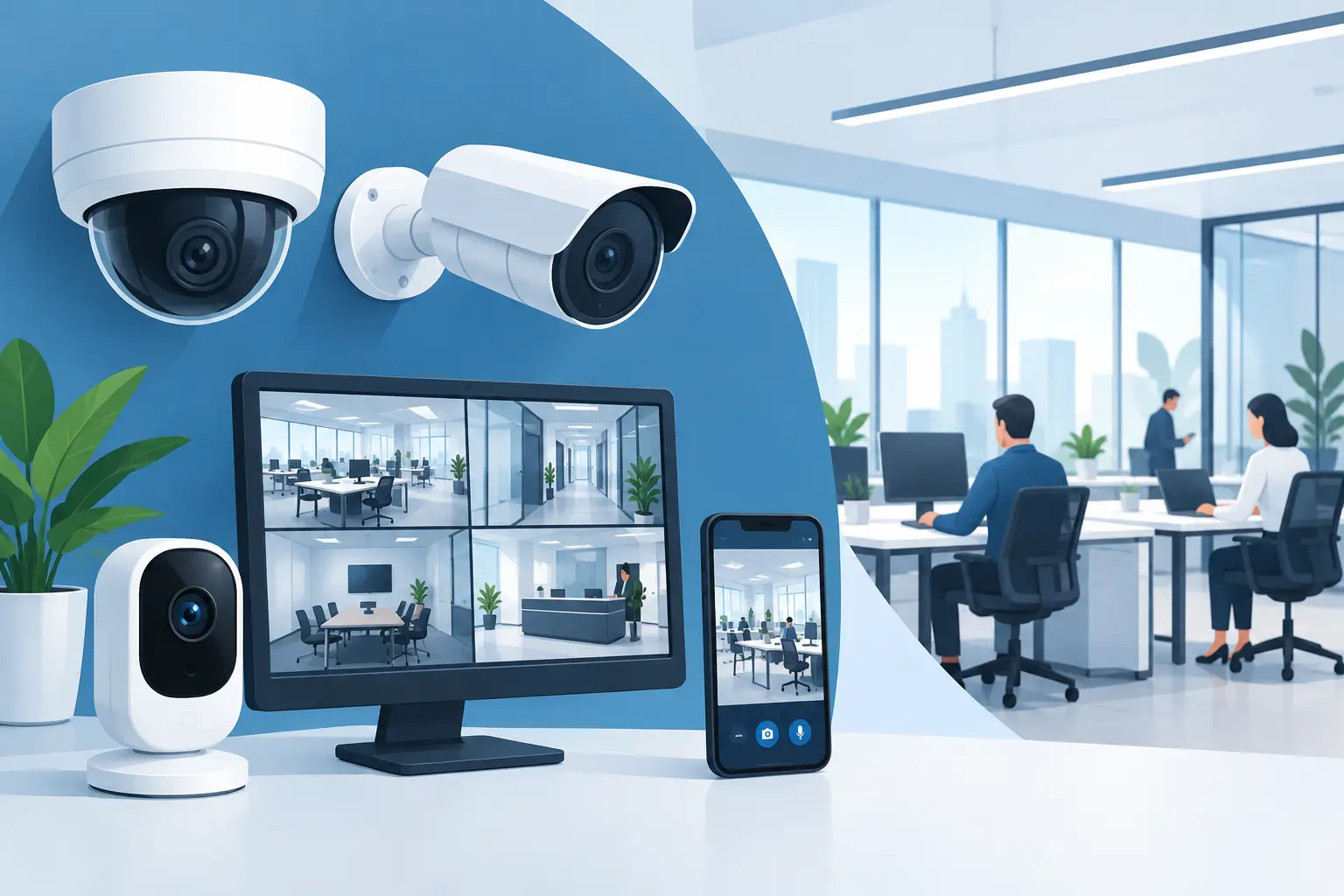
- Dome cameras work well indoors because they are compact, discreet, and difficult to redirect. They are a strong option for reception areas, corridors, meeting room entrances, and general office floors.
- Bullet cameras are often better for exterior walls, building entrances, driveways, and parking areas. Their visible presence can discourage unwanted activity, and their shape makes aiming straightforward.
- Turret cameras offer a practical middle ground. They are easy to position, deliver clear images, and can avoid some of the glare and reflection issues seen with traditional dome housings.
- PTZ cameras pan, tilt, and zoom, making them useful for large sites, warehouses, yards, or areas that need active monitoring. They should supplement fixed cameras, not replace them, because a PTZ camera can only watch one direction at a time.
For most small and mid-sized businesses, a planned mix of fixed indoor and outdoor cameras provides more dependable coverage than relying on one expensive moving camera. Fixed cameras preserve a continuous view of critical areas, which is exactly what you need when reviewing an incident later.
The locations that deserve priority
Place cameras where they can answer the questions that matter after a security event: Who entered? When did they arrive? Which door or room did they use? What happened near valuable equipment or inventory?
Entrances and exits should be covered first. Then consider reception, cash or payment points, stock rooms, server rooms, loading doors, exterior approaches, parking areas, and restricted access zones. Avoid placing cameras solely for broad, unfocused views. A camera that sees an entire lobby from too far away may look impressive on a floor plan but provide little useful detail.
Camera height and lighting are critical. Position cameras high enough to prevent tampering, but not so high that every face is captured only from above. Test footage during daylight, after dark, and with doors opening toward bright sunlight. Backlight can turn a clear visitor image into a silhouette unless the camera supports good wide dynamic range performance.
Wired, Wireless, or PoE?
Wireless cameras are attractive because they appear quick to install. They can work well in a small office or temporary space, especially where running cable is difficult. But Wi-Fi cameras depend on wireless signal quality, available bandwidth, power outlets, and strong network security. In a busy workplace with many devices, unstable Wi-Fi can create delayed video, dropped connections, or recording gaps.
For permanent business installations, Power over Ethernet, or PoE, is usually the better choice. One network cable carries both power and data, making installation cleaner and more reliable. PoE systems are easier to centralize, scale, and protect with a UPS battery backup. If power fails, a properly sized UPS can keep the NVR, network switch, router, and cameras operating long enough to capture what happens next.
This does not mean wireless has no place. It depends on the building, budget, lease restrictions, and coverage needs. A hybrid setup can be sensible, but your core entrances, critical rooms, and outdoor areas should not depend on a weak consumer-grade Wi-Fi connection.
Storage, Retention, and Remote Access
Before buying cameras, decide how long footage must be retained. Seven days may be enough for a low-risk office that reviews alerts daily. Thirty days or more may be more appropriate for retail, hospitality, multi-site operations, or businesses that need time to investigate complaints and incidents.
Storage capacity is affected by resolution, number of cameras, frame rate, recording schedule, compression, and motion activity. Higher resolution produces better detail but consumes more storage. Continuous recording gives a complete timeline but requires more capacity than motion-triggered recording. A practical approach is continuous recording for high-risk locations and event-based recording for lower-risk areas.
Remote access should be secure and simple. Managers should be able to view authorized cameras from a phone or desktop without sharing one universal password across the company. Use individual user accounts, role-based permissions, strong passwords, and multi-factor authentication where available. Remove access immediately when an employee or vendor no longer needs it.
Cybersecurity is part of physical security. Cameras connected to your network must receive firmware updates, sit on a properly managed network, and be protected from unauthorized access. An inexpensive camera with weak security can create a problem far beyond a missing video clip.
Privacy and Workplace Trust Matter
Office surveillance works best when it is open, purposeful, and proportionate. Cameras should protect people and property, not create an atmosphere of constant suspicion. Inform employees and visitors that surveillance is in use, explain the business purpose, and document who can access footage.
Do not install cameras in restrooms, changing areas, or other private spaces. Be cautious with audio recording as well, since consent and recording laws vary by location. If your business operates across states or countries, get local legal guidance before enabling audio or advanced analytics such as facial recognition.
A clear policy reduces conflict. It should cover camera locations, retention periods, access controls, incident review procedures, and how footage is shared with law enforcement or insurers. Good security is not only about capturing video. It is about handling that video responsibly.
Build a System That Can Grow With You
The cheapest package often becomes expensive when it cannot expand, integrate with access control, or provide dependable support. Think ahead: Will you add a second office, more parking coverage, access cards, intercoms, alarms, or network upgrades in the next two years? Select a platform that can accommodate growth without forcing a complete replacement.
A professional site survey prevents costly gaps. It identifies cable routes, lighting issues, network capacity, power backup needs, and the best field of view for each camera. It also helps you avoid spending money on cameras that overlap heavily while leaving a side door, hallway, or loading zone unprotected.
Your(1)Site helps businesses plan CCTV systems alongside structured cabling, IT networking, PABX, and UPS support, so security cameras do not become another disconnected technology project. The result is a system built around business continuity, practical visibility, and support when you need it.
The right camera system should make your office easier to run, not harder to manage. Start with your highest-risk areas, insist on clear footage and secure access, and build a design that supports the business you intend to become.