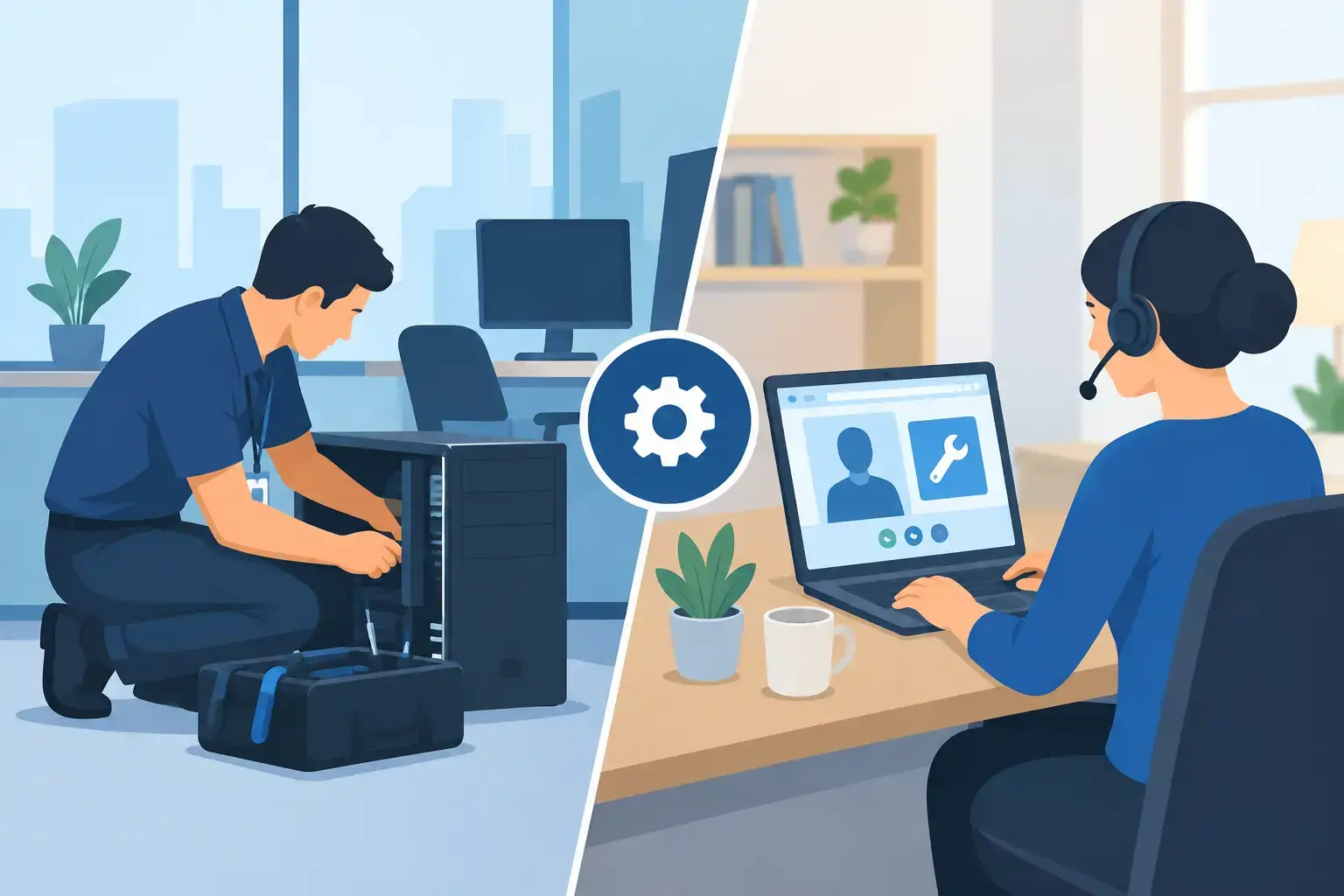
A laptop that will not connect to office WiFi five minutes before a client meeting needs a fast fix. A workstation that will not power on, a leaking MacBook, or a network cabinet with failed hardware needs more than a screen share. The right choice in onsite versus remote IT support comes down to the problem, the urgency, the equipment involved, and how much disruption your team can afford.
For Dubai businesses, the strongest support model is rarely one or the other all the time. Remote support handles many everyday issues quickly and with minimal interruption. Onsite support handles physical, network-wide, and high-risk problems that require a technician to inspect the environment directly. Knowing the difference helps you get the right response first instead of losing hours trying the wrong route.


What Remote IT Support Does Best
Remote IT support allows a technician to securely access an approved computer or guide a user through a fix by phone, chat, or video. There is no travel time, which makes it a practical first response for issues affecting one employee or a small number of users.
It is particularly effective for software faults. A technician can investigate slow startup performance, remove malware, repair application errors, configure Microsoft Office, set up email accounts, install updates, adjust permissions, and troubleshoot cloud-sync problems without visiting the office. If a staff member cannot print because of a driver issue or cannot access a shared folder because their account settings changed, remote help can often restore access while they stay at their desk.
Remote support also works well for routine IT maintenance. This includes checking backup status, applying security updates, reviewing antivirus alerts, monitoring storage capacity, and helping new employees access approved tools. For an SME without an internal IT department, this kind of ongoing assistance prevents small faults from building into work-stopping problems.
When Remote Support Is the Faster Option
Choose remote support when the affected device is online, the user can sign in, and the issue is likely related to software, settings, accounts, or access. It is usually the quickest route for password and email problems, application crashes, operating-system errors, cloud backup checks, and individual workstation configuration.
It is also useful when employees work from home, travel frequently, or operate from multiple locations. A technician can resolve a large share of day-to-day requests without asking the user to carry equipment to a repair shop or wait for an office visit.
Remote support does have limits. A technician cannot physically inspect a swollen battery, reseat a loose cable, replace a damaged screen, test a failing fan, or diagnose liquid damage through remote access. It also depends on a working internet connection and a device that can stay powered on long enough to connect.
When Onsite IT Support Is Necessary
Onsite support sends a technician to your office, home, retail location, or other worksite to diagnose and resolve problems in person. This is the right response when the fault involves physical hardware, multiple devices, network infrastructure, or an environment that needs hands-on assessment.
For example, if several employees report unstable WiFi, the cause may be an incorrectly positioned access point, overloaded network equipment, damaged cabling, interference, outdated hardware, or poor configuration. Remote troubleshooting can identify clues, but a proper fix may require testing signal coverage, checking switches and routers, tracing cables, and reviewing the physical setup.
The same applies to workstation deployment. Installing several new computers involves more than turning them on. Devices may need operating-system setup, user accounts, email, Microsoft Office, printers, shared drives, security tools, BIOS configuration, and cable management. An onsite technician can prepare each workstation correctly, test it before handover, and make sure the employee has what they need to start work.
Physical device faults also require direct diagnosis. A laptop with overheating symptoms may need internal cleaning, a fan replacement, thermal work, or a closer inspection for motherboard damage. A device that was exposed to liquid should be powered down and inspected quickly, not repeatedly restarted in the hope that a remote fix will work. When data is at risk, careful handling matters as much as speed.
Onsite Versus Remote IT Support: A Practical Comparison
The best option is not always the cheapest or the fastest to arrange. It is the one most likely to solve the underlying issue without creating another interruption tomorrow.
| Support need | Remote support | Onsite support | | — | — | — | | Email, account, or Microsoft Office setup | Usually ideal | Helpful only when broader setup is needed | | Software errors, malware, or update issues | Often resolves the issue quickly | Needed if the computer cannot stay online or has hardware damage | | One slow but functioning laptop | Good for first diagnosis | Best if upgrades, cleaning, or hardware tests are required | | Office WiFi or network instability | Useful for initial checks | Often necessary for full diagnosis and repair | | New office or multiple workstation deployment | Limited | Usually the better choice | | Screen damage, battery swelling, liquid damage, or no power | Not suitable for repair | Required for inspection, repair, or pickup | | Urgent issue affecting remote staff | Usually fastest | Not practical unless equipment must be collected or repaired |
Cost should be considered, but it should not be the only factor. Remote support can reduce travel costs and resolve simple faults quickly. Onsite visits can cost more because they involve technician travel and hands-on time, yet they can be far more cost-effective when an entire office is unable to work or a recurring network issue keeps returning.
Response time also depends on the problem. Remote help can begin quickly once secure access is approved. Onsite assistance requires scheduling and travel, but it avoids the back-and-forth that happens when a user must describe a physical fault without the tools or technical experience to test it properly.
Why a Hybrid Support Model Works for Most Businesses
A practical IT plan uses remote support for first-line requests and onsite support for issues that demand a physical presence. This approach keeps routine requests moving while ensuring serious faults receive the right level of attention.
For example, an employee who cannot access email can receive remote help immediately. If the technician then finds that the computer has a failing SSD, an unstable charging port, or signs of overheating, the next step can be an onsite visit, pickup, or workshop repair. The diagnosis guides the response rather than forcing every problem into the same service channel.
A hybrid model is especially useful for startups, clinics, retail businesses, and growing offices. These teams need predictable help with user accounts, cloud backup, security updates, and application support, but they also need someone who can arrive when a router fails, a server area needs attention, or several new workstations must be installed at once.
It also supports better business continuity. Regular remote maintenance can identify storage issues, backup failures, and outdated software before they cause downtime. When a physical repair is unavoidable, planning for a spare device or temporary laptop can keep an employee productive while their machine is being repaired.
Questions to Ask Before Requesting Support
Start with the scope of the issue. Is one person affected, or is the whole office experiencing the same problem? A single email-login error points toward remote assistance. A company-wide internet outage, failed shared printer, or unstable WiFi points toward an onsite assessment.
Next, consider whether the device can safely stay on and connect to the internet. If it will not boot, keeps shutting down, has physical damage, makes unusual fan noises, or was exposed to liquid, stop using it where possible and request hands-on help. Continued use can worsen hardware damage or reduce the chance of successful data recovery.
Finally, consider the business impact. A small software issue can wait for a scheduled remote session. A point-of-sale system failure, inaccessible customer files, or a network problem affecting an entire team needs urgent escalation. Clear information about what changed, which users are affected, and any error messages helps the technician start in the right place.
For businesses in Dubai, Trust IT Skills can combine remote troubleshooting with onsite assistance when the fault calls for it. That means a software setting does not trigger an unnecessary visit, while a physical or office-wide problem does not get left unresolved behind a remote session.
The most useful question is not, “Which support type is better?” Ask, “What will restore safe, stable work with the least disruption?” Start remotely when the device and the problem allow it. Bring in an onsite technician when hardware, network infrastructure, or business-wide downtime makes hands-on diagnosis the smarter move.