A customer is waiting at the counter, a card terminal stops responding, the office Wi-Fi drops, and a manager cannot access the CCTV feed. These are not separate problems. They are signs that network infrastructure has become a business risk instead of a business asset.
For growing companies, the network is the working foundation behind nearly every daily task. It connects computers, phones, cloud systems, POS terminals, security cameras, printers, access-control devices, and remote teams. When it is planned properly, employees work faster, customers receive better service, and management has fewer unexpected costs. When it is patched together over time, every new device can create another point of failure.


What Network Infrastructure Includes
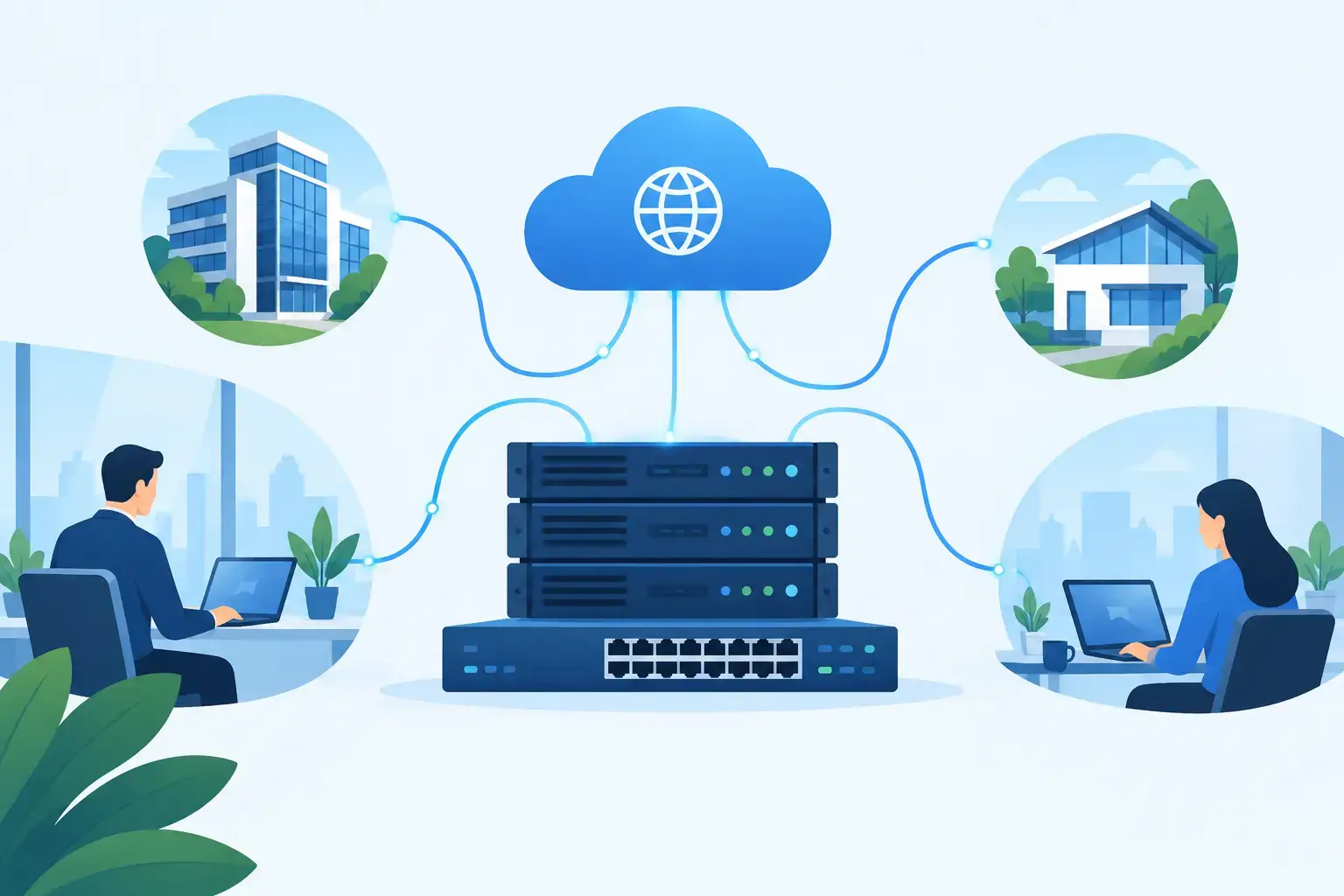
Network infrastructure is the physical and digital system that allows information to move safely between people, devices, applications, and locations. It is more than a router in the corner or Wi-Fi for staff and visitors. A complete setup usually combines structured cabling, network switches, wireless access points, routers, firewalls, server or cloud connectivity, power protection, and monitoring.
The right mix depends on your operation. A retail store may need dependable POS connectivity, guest Wi-Fi, stock systems, and IP cameras. A clinic may need secure access to records and controlled permissions for different staff roles. A hotel, travel agency, or multi-branch company may need reliable coverage across multiple floors and locations, with centralized management.
The goal is not to buy the most expensive equipment. The goal is to create a system that supports the way your business works now and gives you room to grow without rebuilding everything six months later.
Why Weak Networks Cost More Than Downtime
A slow or unstable connection wastes time in ways that rarely appear on a simple invoice. Employees repeat tasks, customers wait longer, online orders fail, calls cut out, and managers spend valuable hours trying to find the source of a problem. If security cameras lose connection or critical data is exposed through an unprotected network, the impact can be much larger.
Small and mid-sized businesses often reach this point after expanding quickly. A few extra workstations are added. Then cameras, printers, a new cloud platform, and more wireless devices. The original network was never designed for that load, but it is expected to carry it anyway.
A better approach starts with capacity and business priorities. How many users connect at peak times? Which systems must stay online? Are staff working remotely? Is guest Wi-Fi separated from internal systems? Do you need cameras, VoIP phones, or a PABX system to remain available during an outage? These questions shape a network that serves the business rather than creating constant support tickets.
Build the Network Around Your Actual Operations
The strongest network projects begin with a site and requirements assessment. Before installing hardware, your provider should understand the building layout, number of users, expected device growth, internet connection, critical applications, cable pathways, and security needs.
Start with structured cabling
Wireless technology is essential, but cables still carry the heaviest and most critical traffic. Structured cabling provides the organized backbone for workstations, switches, access points, CCTV systems, phones, and servers. It is easier to test, label, maintain, and expand than loose cables installed one requirement at a time.
Good cabling work is not simply about getting a connection from point A to point B. Cable routes, rack organization, labeling, testing, and future capacity all matter. A clean installation reduces troubleshooting time and makes future upgrades far less disruptive.
Design Wi-Fi for coverage and capacity
Many businesses judge Wi-Fi by whether a phone can connect. That is only the starting point. Reliable wireless performance depends on building materials, floor plan, user density, device types, interference, and access point placement.
A warehouse, restaurant, office, showroom, and hotel each need a different design. One access point may cover a small office but fail under the demand of dozens of staff and customer devices. More access points are not always the answer either. Poor placement can create overlapping signals and inconsistent performance.
A professional wireless plan considers where people actually work, meet, serve customers, and use mobile devices. It also creates separate access for employees, guests, and business devices so a visitor’s phone is not operating on the same network as your accounting system or cameras.
Protect the edge of your business
Your firewall is the gatekeeper between your network and the internet. It should be configured around real business needs, not left on factory settings. That includes secure remote access, content controls where appropriate, threat prevention, logging, and clear rules for who can access sensitive systems.
Security is also about internal separation. A compromised guest device should not have a path to office files. A camera network should not be mixed carelessly with payment terminals. Network segmentation creates controlled boundaries that limit exposure and make it easier to manage traffic.
Plan for Power, Not Just Internet
Internet outages receive attention, but power events can be just as damaging. Brief voltage fluctuations, electrical faults, and sudden shutdowns can interrupt operations, damage equipment, or corrupt data. For businesses relying on servers, switches, PABX systems, CCTV, and connected access control, uninterruptible power supply support is part of the infrastructure plan.
A UPS gives critical equipment enough time to stay online through short disruptions or shut down safely during a longer outage. The right capacity depends on the equipment load and how long you need essential systems to operate. A small office may protect the core network cabinet and internet equipment. A larger operation may require a broader power strategy for server rooms, security systems, and communications.
Choose Equipment for Value Over Brand Names
It is tempting to select technology based only on a familiar brand or the lowest initial quotation. Neither is enough. The better decision considers performance, warranty, support availability, management features, compatibility, and the cost of expansion.
Cloud-managed networking can be a smart option for companies with several sites or limited in-house IT resources. It allows administrators to see device health, apply settings, and diagnose issues remotely. On the other hand, a simpler local setup may be appropriate for a small, stable office with limited requirements. It depends on your operating model and who will be responsible for support.
The most affordable option is not always the lowest-priced hardware. A solution that reduces outages, shortens troubleshooting, and avoids a premature replacement can deliver a much better return over time.
Make Monitoring and Support Part of the Design
A network should not become visible only when it fails. Proactive monitoring identifies warning signs such as overloaded connections, offline devices, abnormal traffic, failing hardware, or unstable wireless coverage before they interrupt the workday.
Support also needs clear ownership. When your website, hosted services, security cameras, office phones, and network are managed by unrelated vendors, diagnosing an issue can turn into a chain of blame. An end-to-end technology partner can coordinate the full environment and give your team one accountable point of contact.
Your(1)Site helps businesses combine structured cabling, IT networking, PABX, CCTV, UPS support, hosting, and digital services into a practical technology foundation. That means the same team can understand how your physical infrastructure supports the systems that generate leads, process sales, and serve customers.
Signs It Is Time to Upgrade Your Network Infrastructure
You may not need a complete replacement. Sometimes a targeted redesign, better cabling, added access points, firewall configuration, or power protection solves the real problem. Still, an assessment is worth scheduling when you see repeated connection drops, dead Wi-Fi zones, unexplained slowdowns, unmanaged switches, tangled cabling, unsupported equipment, or no clear network documentation.
It is also time to review your setup before opening a new branch, moving offices, installing more cameras, launching an e-commerce operation, adding remote staff, or adopting cloud-based software. Planning before expansion is faster and more affordable than reacting after service quality has already suffered.
Your network should make growth easier, not make every new opportunity feel like a technical risk. Build it with clear priorities, dependable components, proper protection, and support that answers when your business needs it most.