A polished review stand may sit on your front counter for years. Your Google Business Profile URL, booking page, social account, or review strategy may not. That raises a practical question for any customer-facing business: can QR links change after a code has already been printed on a card, table tent, sticker, or premium display?
The answer depends on the type of QR code behind the design. A static QR code is permanent. A dynamic QR code can be redirected to a new destination without replacing the physical product. For restaurants, clinics, hotels, salons, gyms, and retail businesses, that difference can protect your investment and keep every scan focused on the action you want customers to take.


Can QR Links Change? It Depends on the Code Type
A QR code is simply a visual way to store or access digital information. When a customer scans it with their phone camera, the code directs them somewhere online. That destination might be a Google review page, a TripAdvisor profile, a Trustpilot page, a WhatsApp chat, an Instagram account, or a custom website URL.
With a static QR code, the destination is embedded directly in the code itself. If it points to a specific review link today, it will point to that same link next year. You cannot edit the destination later. Changing it requires a new QR code and, in most cases, a new printed product.
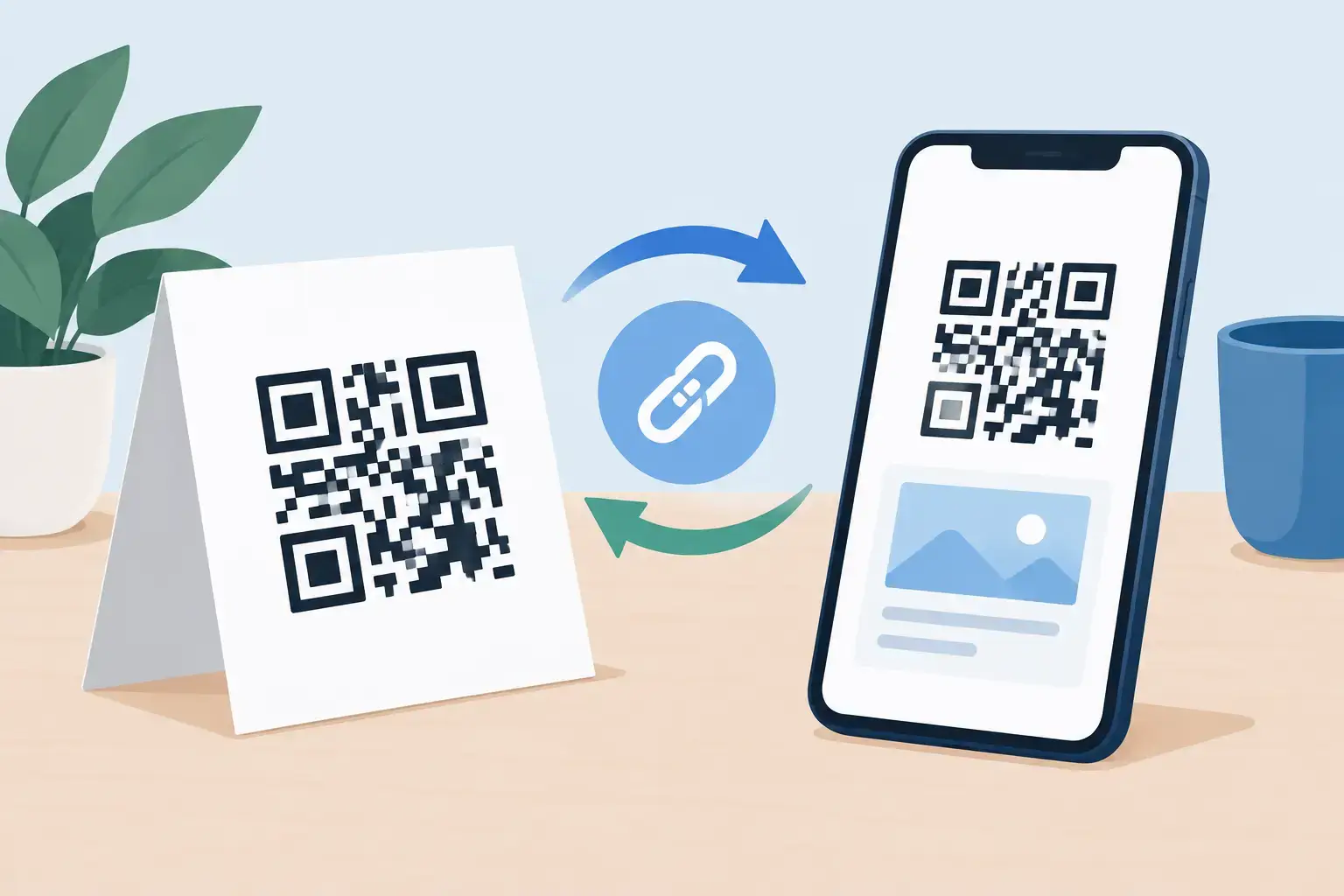
With a dynamic QR code, the printed code points first to a managed redirect. You can then update the final destination through the account or platform that manages the code. The QR image stays the same, while the customer is sent to the new link you choose.
That flexibility matters when your digital presence changes. A business may move locations, update its Google Business Profile, add a new booking system, launch a seasonal campaign, or decide to prioritize a different review platform. A dynamic QR code lets the physical display continue working without creating waste or leaving customers at a dead end.
Why Changeable QR Links Matter for Review Collection
Review collection works best when the request happens at the moment a customer is satisfied. A café guest has just finished a great meal. A dental patient has completed an appointment. A hotel guest is checking out after a positive stay. The easier the next step feels, the more likely they are to leave feedback.
A well-placed QR or NFC product turns that moment into action. Customers can scan a code or tap a compatible phone and arrive directly at the intended review page. No searching for your business name, no guessing which location is correct, and no asking staff to explain the process.
But a physical review display only creates value if its destination stays accurate. If a link changes and the code sends customers to an old page, a broken URL, or the wrong business location, the experience becomes frustrating. More importantly, you lose a valuable review opportunity.
Changeable links give operators more control. A multi-location restaurant group can assign different destinations to different stores. A hotel can shift from a general feedback page to a preferred review platform. A service business can redirect a campaign-specific display after the promotion ends. The physical product remains elegant and on-brand while the digital destination evolves behind it.
Static vs. Dynamic QR Codes for Businesses
Static codes are not inherently bad. They can be a sensible choice when the destination will never change, such as a permanent PDF menu or a stable company website page. They also do not depend on a redirect management system.
The trade-off is permanence. If the URL changes, every printed asset needs to change too. For a business with one small sign, that may be manageable. For a brand with cards at every table, stickers on delivery packaging, countertop stands at multiple locations, and branded displays in partner venues, reprinting can become expensive and time-consuming.
Dynamic codes are usually a stronger fit for reputation and customer-engagement campaigns because review priorities can change. You may want to send customers to Google Reviews now, direct them to TripAdvisor during a travel season, or use a custom landing page for an event. Dynamic routing supports that flexibility.
There is one operational requirement: the code must be managed through a reliable system, and someone on your team needs access to update it. Keep account credentials organized and establish a simple process for testing every code after making a change. A link that can be updated is useful only when updates are handled carefully.
QR Codes and NFC Tags Can Work Together
Many premium review products combine QR and NFC technology. Both methods can take a customer to the same digital destination, but they offer different ways to get there.
QR codes work with nearly any modern smartphone camera. The customer opens the camera, scans the code, and follows the prompt. NFC works through a simple phone tap on compatible devices. It is especially effective on a counter stand, table tent, smart tag, card, or plaque because it feels immediate: tap, open, review.
When both are available, customers can choose the interaction that feels most natural. That matters in busy environments where even a small amount of friction can reduce participation. A guest who does not want to tap can scan. A customer who does not want to aim a camera can tap.
For businesses, the key question is whether the QR code and NFC tag can be assigned or reassigned to the correct destination. Flexible post-purchase link assignment means you can select the destination when you are ready, rather than committing before the display arrives. It also makes it easier to use the same product format across locations while giving each location its own review link.
When You Should Update a QR Destination
Do not change a review QR link simply because you can. Consistency helps customers and staff understand the purpose of the display. Update it when the current destination no longer serves the business goal or no longer works properly.
Common reasons include a change in business location, a new Google Business Profile, a rebrand, a corrected URL, a platform change, or a campaign with a clear start and end date. You might also update the link if you discover that customers are being sent to a general company page instead of the local location where they received service.
Before making the switch, check that the new destination is public, active, and easy to use on a mobile device. If the goal is Google reviews, confirm that the customer lands directly on the review flow rather than a broad search result. If the goal is social engagement, make sure the profile is complete and current.
Then scan or tap the product with more than one phone. Test both QR and NFC if both are included. This takes minutes and can prevent weeks of lost review opportunities.
A Practical Setup for Multi-Location Businesses
For a single-location spa or café, one review destination may be enough. For multi-location businesses, a location-specific setup is usually more effective. Customers should be directed to the profile for the branch they visited, not a corporate page or another neighborhood.
Label and track your displays by location before deployment. A simple internal naming convention can prevent mix-ups: Downtown Reception Stand, Westside Table Tent, or Airport Hotel Lobby Plaque. Keep a record of the assigned destination for each item, along with the person responsible for updates.
This approach is also useful for measuring what works. If one location receives more scans or reviews after placing a display at checkout, you have a clear signal that placement and staff timing are working. You can apply the same approach elsewhere without changing the polished look of your customer-facing materials.
Protect the Customer Experience When Links Change
A QR code should never feel like a trick. Tell customers what will happen when they scan or tap: “Leave us a Google review,” “Share your experience,” or “Follow us on Instagram.” Clear wording increases confidence and gives people a reason to engage.
Avoid sending customers through unnecessary steps. If they scan a table tent expecting to leave a review, do not force them through a long form, a generic homepage, or several confusing choices. Direct routes produce better participation.
It is also wise to keep your review request open and honest. Invite feedback from all customers rather than filtering for only positive experiences. Genuine reviews build stronger long-term trust, help future customers make decisions, and give your team useful insight into service quality.
For businesses that want a refined physical presence with flexible digital control, products from ReviewsLink can pair branded QR and NFC engagement with destinations chosen for each location or campaign. The goal is simple: make it easy for a happy customer to act while the experience is still fresh.
Your countertop display does not have to be locked into yesterday’s marketing plan. Choose a setup that lets your physical touchpoints stay premium, your destinations stay current, and every scan or tap lead customers exactly where they should go.