


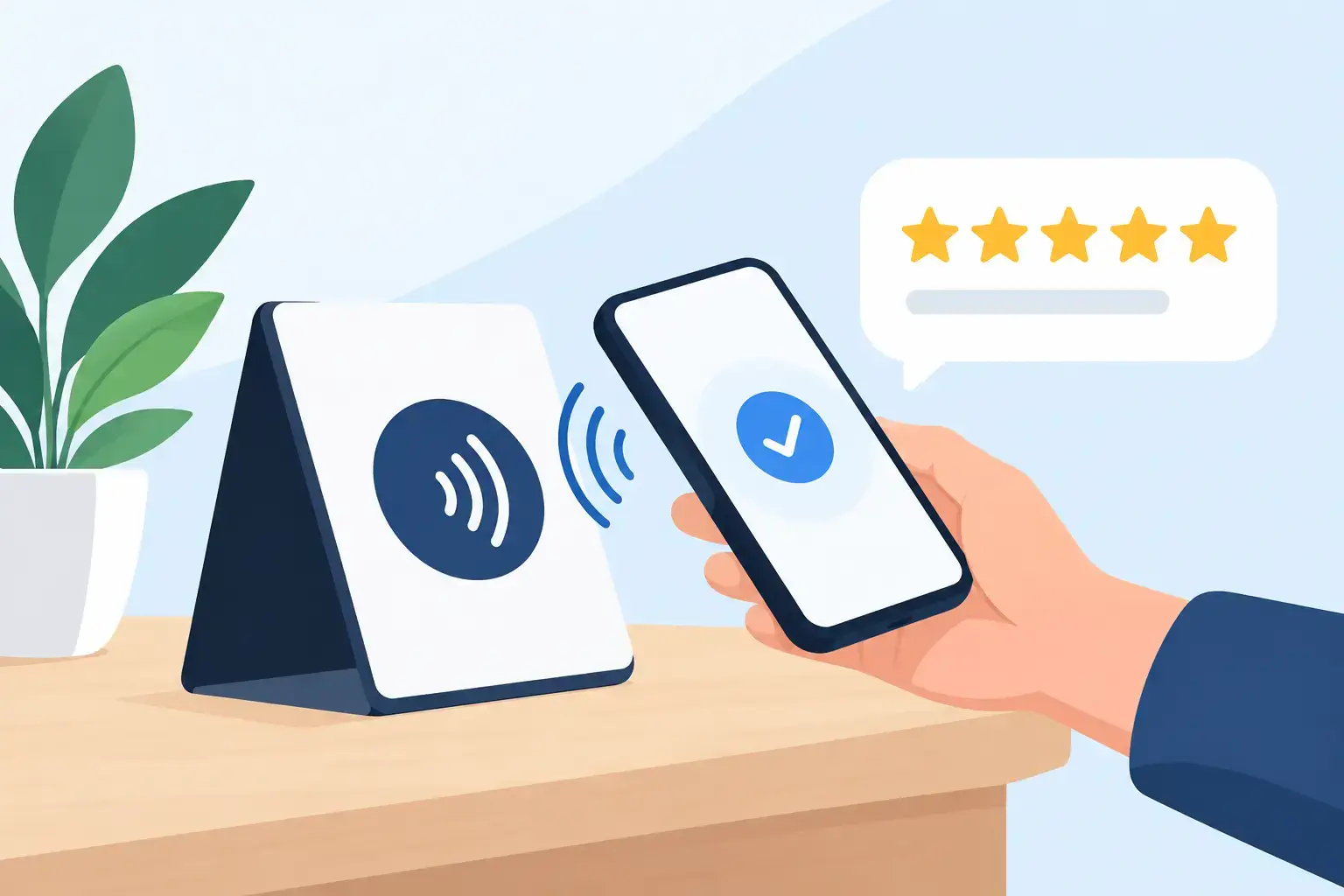
A review display has only a few seconds to work. A guest is paying the bill, leaving the front desk, or waiting at checkout. They should immediately understand what to do, why it is worth doing, and how little effort it takes. This custom NFC display design guide shows how to turn that brief moment into more feedback, stronger ratings, and a polished brand interaction.
Start With the Customer Moment
The best display is not necessarily the largest or most decorative one. It is the one placed where a satisfied customer has a natural pause and a clear reason to respond. For a restaurant, that may be the payment counter or a table tent presented with the check. For a dental office, it may be reception after an appointment. For a salon, it could sit beside the card terminal while a client checks out.


Design begins with that moment, not with a logo file. Ask three practical questions: Where will the customer see the display? How close will their phone be? Which action do you want them to take right then?
If the answer is Google Reviews, the display should take them directly to the correct review destination. If the goal is Instagram follows, WhatsApp inquiries, a booking page, or a custom landing page, the message and visual treatment should match that goal. A beautiful stand that sends customers to the wrong place, or asks them to make too many decisions, adds friction instead of removing it.
Custom NFC Display Design Guide: Build for a Fast Decision
NFC makes the action simple: customers tap a compatible phone on the display and are taken to the chosen destination. A QR code gives everyone a second route to scan. Good custom design makes both options obvious without turning the display into a cluttered instruction sheet.
Make the main action impossible to miss
Use one clear call to action. Short, direct language performs best because customers are reading while standing, eating, or preparing to leave. Phrases such as “Tap or scan to leave us a review” or “Loved your visit? Share your feedback” set a clear expectation.
Avoid competing requests on the same face of the display. A prompt to review, follow on social media, join a loyalty program, and visit a website gives customers four reasons to do nothing. If several destinations matter to your business, use a single destination page that presents them in a sensible order, or create separate displays for separate locations and goals.
The CTA should sit near the NFC tap point and QR code. Customers should not have to search for the action after reading the headline. Simple icons for tapping and scanning can help, particularly in high-traffic settings where staff may not have time to explain the display.
Use your brand, but protect readability
Customization should make the display look like it belongs in your business. Your logo, brand colors, typography, and a relevant visual can turn a review request from a generic sign into part of the customer experience.
There is a trade-off, however. Dark backgrounds, intricate patterns, thin typefaces, and low-contrast colors can reduce scan confidence and readability. Keep the QR code on a clean, high-contrast field with enough open space around it. Make the main message readable from the distance at which customers will first notice the stand.
For most customer-facing businesses, one logo, one brand color, and one concise message are enough. Premium does not mean crowded. An elegant acrylic or metal display with disciplined spacing often feels more valuable than a surface filled with graphics and small print.
Give NFC and QR equal consideration
NFC is fast and memorable, but not every customer will recognize that they can tap their phone. QR codes remain familiar and useful, especially for guests who prefer to scan or use a device that does not support NFC. Include both whenever possible.
The NFC area should be clearly labeled. Place it where the chip is actually embedded, not merely somewhere that looks balanced on the layout. The QR code needs to be large enough for the expected viewing distance and printed sharply. Test it under the real lighting conditions of your counter, table, or reception area before approving a full production run.
Match the Display Format to the Space
A custom NFC display should fit the service environment as naturally as a menu, appointment card, or countertop sign. The format affects visibility, durability, and perceived value.
A table tent or coaster is well suited to cafés, bars, and restaurants because customers can act while they are seated and the experience is still fresh. A standard stand works well at checkout counters, reception desks, and retail registers. A premium stand or plaque is a stronger choice for hotel lobbies, medical practices, upscale salons, and showrooms where every fixture contributes to the brand impression.
For businesses with limited counter space, a smart tag, sticker, or small card may be more practical. The trade-off is that compact formats have less room for instructions and may be easier to overlook. In that case, position matters even more. Put the product directly in the customer’s line of sight at the point of payment or pickup.
Durability should also guide the material choice. A busy restaurant needs a surface that can handle frequent cleaning. A gym may need a display that remains stable around moisture and movement. A clinic may prefer a clean, understated design that supports a professional, reassuring atmosphere. The same review link can work across industries, but the physical presentation should not feel copied and pasted.
Write Copy That Sounds Like a Real Request
Customers are more willing to respond when the request feels sincere and specific. Rather than a vague command to review us, connect the action to the service they just received.
A hotel might say, “Enjoyed your stay? Tap to share your experience.” A spa could use, “Love your results? Leave a quick review.” A retail store may prefer, “Your feedback helps local shoppers find us.” These messages are brief, human, and relevant to the moment.
Keep expectations honest. Do not imply that only positive feedback is welcome or offer incentives that conflict with a review platform’s policies. The goal is to make it easy for real customers to share genuine feedback. That creates a more credible reputation and gives your team useful insight when an experience needs attention.
If staff will mention the display, give them an easy line to use: “If you have a moment, you can tap or scan here to share your experience.” This feels more natural than a scripted sales pitch and does not interrupt service.
Design for Placement, Not Just Printing
Even a well-designed display loses value when it sits behind a register, below eye level, or in a place customers never pause. Before finalizing the artwork, map the exact placement and observe traffic for a day or two.
At a restaurant, a tabletop display may generate more responses after the meal, while a counter stand catches takeout customers. At a clinic, the checkout desk often works better than the waiting room because the appointment is complete. In a retail store, the best location may be beside the card reader, where the customer already has a phone in hand.
Use visibility with restraint. The display should be noticeable without creating visual noise or making customers feel pressured. One well-positioned branded stand can outperform several signs scattered around a room.
Test Before You Scale
Treat your first custom display as a practical marketing asset, not a one-time print project. Test the NFC tap point with iPhone and Android devices, scan the QR code from realistic distances, and confirm that the destination link opens correctly. Check the experience on both Wi-Fi and cellular service.
Then watch how customers interact with it. Do they hesitate because the instruction is unclear? Do they reach for the QR code but miss it because it is too small? Is the stand regularly moved by staff or blocked by a terminal? Small adjustments to placement, copy, or contrast can make a meaningful difference.
ReviewsLink displays can be assigned to the digital destination that fits your campaign, which gives businesses room to adapt as priorities change. You may begin by focusing on Google Reviews, then use another display for booking, social engagement, or a seasonal promotion without redesigning your entire customer journey.
A custom NFC display earns its place when it feels like a natural final touch to great service. Make the tap or scan obvious, keep the message focused, and place the display where a happy customer is already ready to respond.