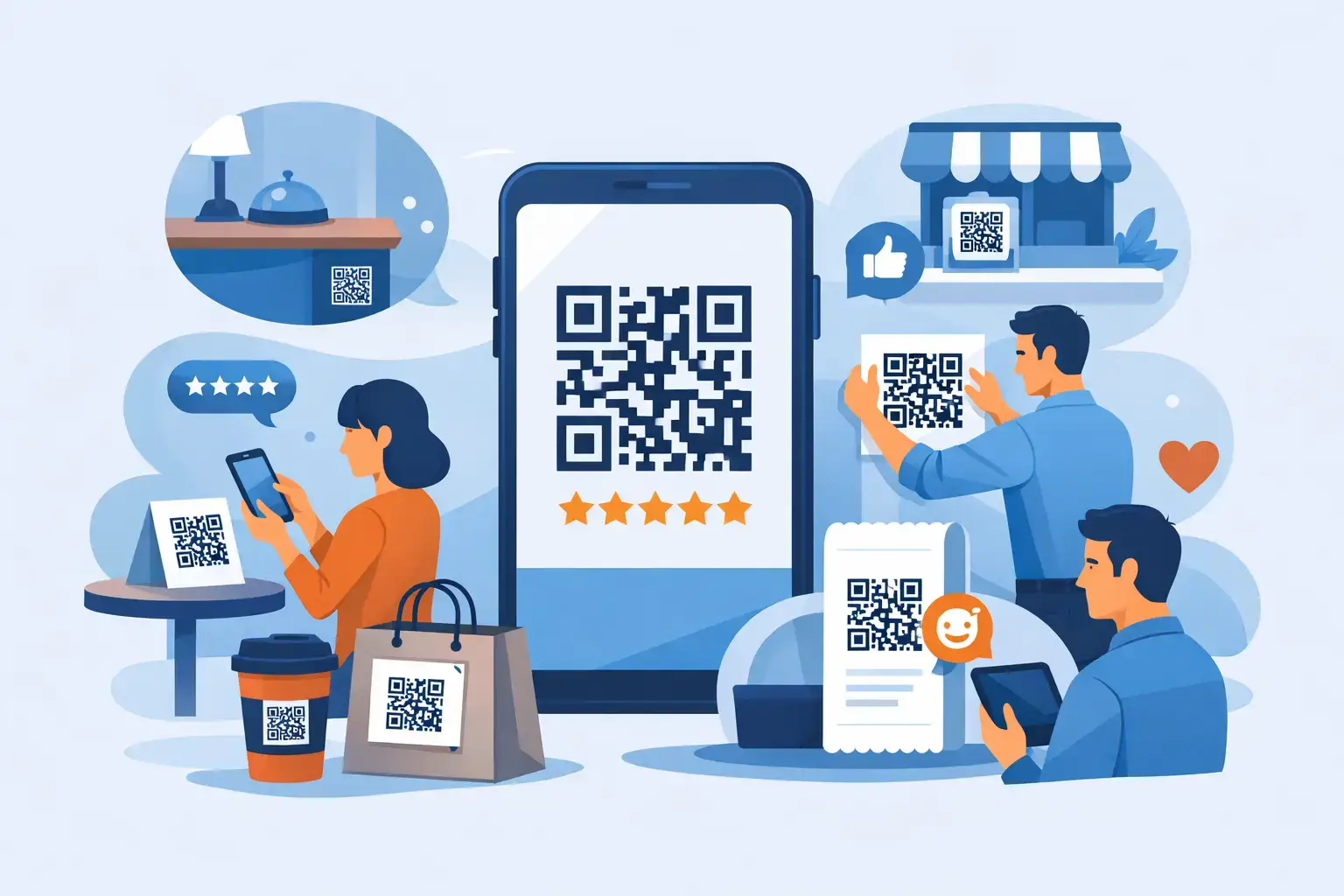
A customer has just complimented the meal, praised the front-desk team, or told a stylist they love the result. That is the moment to make a review easy. Knowing where to place QR codes turns positive in-person interactions into Google Reviews, TripAdvisor feedback, social follows, and repeat business without asking staff to chase customers later.
The best placement is rarely a single sign by the register. Customers move through your business in stages, and each stage creates a different opportunity to scan or tap. A polished QR and NFC display works when it appears at the right moment, feels natural in the setting, and directs the customer to one clear destination.


Start With the Customer Moment, Not the Product
Before choosing a sticker, tabletop stand, card, or custom plaque, map the moments when customers are most satisfied and least rushed. A clinic patient may be happiest just after a smooth appointment. A restaurant guest is more likely to respond after a great meal than while waiting to order. A retail customer may be ready after a helpful associate has solved a problem.
Place review prompts where customers can pause for a few seconds with their phone in hand. Avoid locations where scanning feels disruptive, confusing, or too early in the experience. A QR code at the entrance can work for Instagram or a promotional offer, but it is usually not the strongest place to ask for a review before service has happened.
The physical format should match the environment. An elegant stand belongs on a reception desk or host station. A waterproof sticker makes sense near a café pickup area. A compact NFC card gives a stylist, technician, or account manager a personal way to ask at the end of a successful interaction.
Where to Place QR Codes in High-Impact Areas
At checkout and payment
Checkout is one of the most reliable placements because it is a natural pause. The transaction is complete, the service is fresh in the customer’s mind, and customers often have their phones out to pay, check email, or retrieve a digital receipt.
Place a clear QR code display beside the card terminal, on the counter facing the customer, or at the pickup shelf. Use a simple call to action such as “Enjoyed your visit? Leave a quick review.” Keep it close enough to scan without requiring the customer to lean across the counter or ask an employee to move it.
For businesses with a queue, avoid putting the only review display directly where it blocks payment or slows the line. A small counter sign paired with a second display near the exit often works better.
On tables, booths, and guest areas
Restaurants, cafés, bars, salons, spas, and waiting rooms have an advantage: customers are seated and have time to engage. Table tents, coasters, smart tags, and compact stands put the review request within easy reach without relying on staff to remember every time.
For restaurants, place a review QR code on the table only after considering the dining experience. A refined coaster or subtle table tent can feel on-brand, while a large, sales-heavy sign can distract from the meal. Many operators place a display near the bill presenter, table number, or condiment station instead of making the request the center of the table.
In a salon or spa, a small display at the styling station, reception desk, or checkout counter can work well. The best prompt often comes after the customer sees the finished result and expresses satisfaction. A staff member can simply say, “We’re glad you love it. You can leave us a review with a quick tap or scan right here.”
At reception desks and waiting areas
Reception is a high-visibility location for hotels, clinics, dental practices, gyms, and professional service businesses. A premium branded stand on the desk makes the request feel established and intentional, not improvised.
The timing matters. In healthcare, asking immediately at check-in can feel premature. A better approach is to use the reception display at checkout, then reinforce it with a small sign near the exit. For a hotel, a front-desk display can send guests to TripAdvisor, Google Reviews, or a post-stay feedback destination after a positive conversation with staff.
Waiting areas can also support broader engagement. A QR code there may be better suited to Instagram, WhatsApp, appointment booking, or a service menu than a review request. Match the destination to what the customer can reasonably do while waiting.
At exits, doors, and parking pickup points
Exit placement gives customers one last easy opportunity to respond while their experience is still recent. Door decals, window stickers, wall plaques, and counter displays near the exit work especially well for quick-service restaurants, retail stores, fitness studios, auto services, and medical offices.
Make sure the code is visible on the customer’s path out, not hidden behind a door swing, display rack, or crowded signage. For drive-through or curbside businesses, a QR code on packaging, a pickup sign, or a take-home card may perform better than a fixed sign customers cannot safely scan while moving.
On packaging, receipts, and take-home materials
Not every great customer moment happens inside the location. Product packaging, shopping bags, receipts, appointment cards, thank-you cards, and hang tags extend the review request beyond the counter.
This placement is especially useful for e-commerce fulfillment, bakeries, retailers, home-service businesses, and repair shops. The trade-off is timing: customers may scan later, when enthusiasm has faded. Counteract that by making the message specific and easy to act on, such as “Love your purchase? Scan to share your experience.”
A QR code on every receipt can generate volume, but it should not be the only review strategy. Receipts are easy to overlook. Combine them with a visible in-store display and a genuine verbal request when a customer has clearly had a positive experience.
With staff after a successful service interaction
For service businesses, the strongest review request may come from a person, not a fixture. A technician who has completed a repair, a trainer who has helped a member hit a goal, or a consultant who has solved a problem has earned a moment of goodwill.
NFC-enabled review cards, keyrings, or branded tags let staff offer a direct scan or tap without typing out a link. This is effective because the request is personal, but it needs consistency. Train staff to ask only after delivering value and never pressure a customer who seems busy or dissatisfied.
Choose One Clear Destination Per Placement
A QR code should answer one question: what happens after the scan? Sending a customer to a cluttered menu of unrelated options can reduce action. For a front-desk review stand, Google Reviews may be the right destination. For a hotel lobby, TripAdvisor may matter just as much. For a retail package, Instagram or a product-registration page could be more useful.
Businesses with several priority channels can use different placements for different goals. A tabletop display might lead to Google Reviews, while a window sticker invites Instagram follows. The distinction should be clear in the wording so customers know exactly what they are scanning for.
Flexible link assignment is valuable when your priorities change. A business may launch with Google Reviews, then switch a campaign display to Booking, Trustpilot, Facebook, WhatsApp, or a custom landing page without replacing every physical asset. ReviewsLink products are designed for this kind of practical, location-by-location flexibility.
Make Every Placement Easy to Scan and Trust
Even the best location fails if the code is too small, poorly lit, or visually lost. Keep displays at a comfortable viewing height, use strong contrast, and leave enough open space around the code. Test every placement with different phone models from the actual position a customer will stand or sit.
Premium presentation also affects response. A clean, branded stand or plaque signals that the request is part of the customer experience. A wrinkled paper code taped to a counter can look temporary and may make customers hesitate.
Keep the message short. Customers do not need an explanation of QR technology. They need a clear reason to scan: leave a review, share feedback, follow the business, or message the team. A simple scan or tap should take them directly to the intended action.
Review Placement Should Support Service, Not Interrupt It
The goal is not to surround customers with review requests. It is to place a few well-designed touchpoints where they naturally fit. Too many prompts can feel pushy, while one hidden code produces little activity.
Start with two or three high-traffic locations: checkout, the exit, and the point where customers most often express satisfaction. Track which placement produces the most scans, reviews, or engagement, then refine from there. The right QR code location is the one that makes a happy customer think, “That only took a second.”