


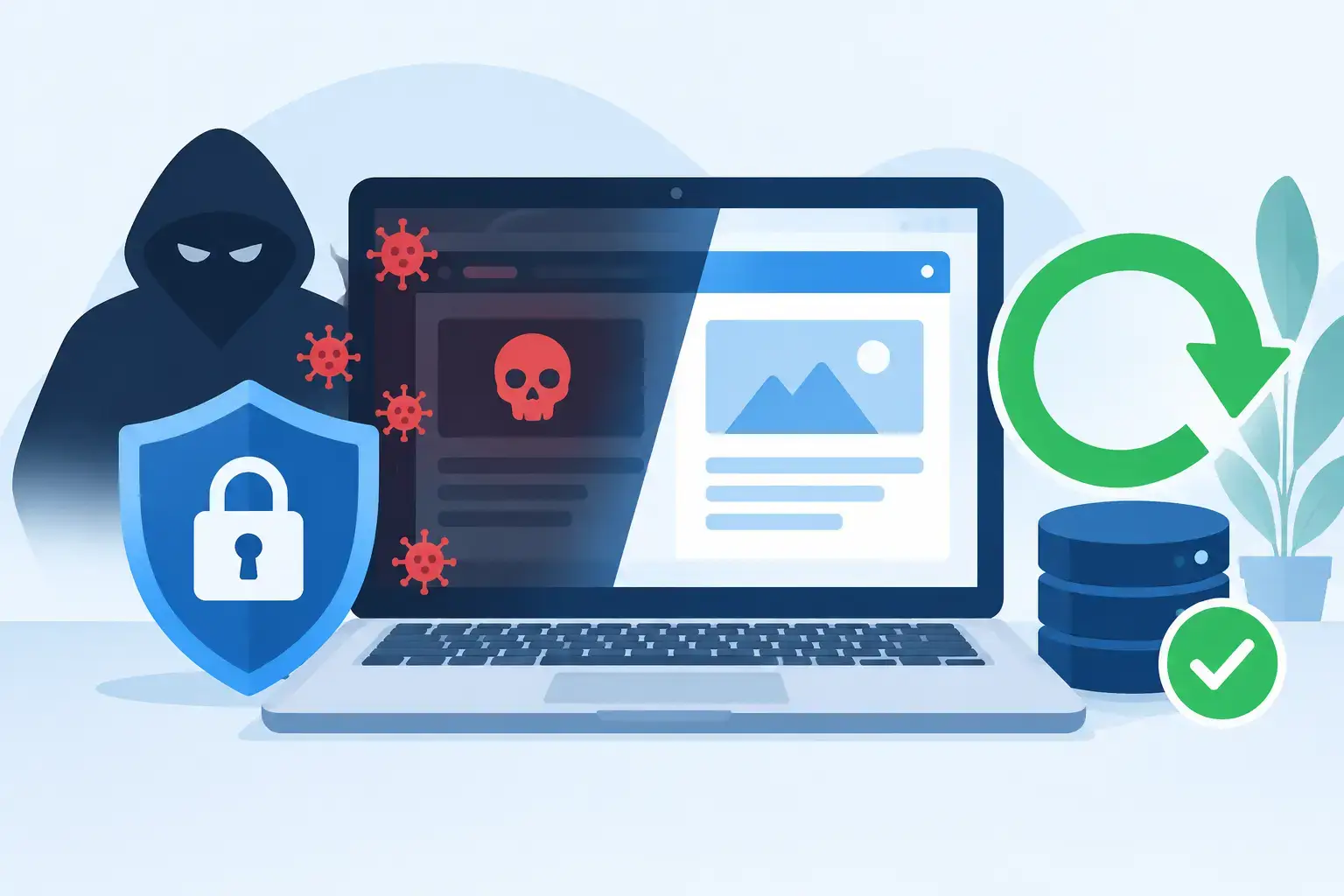
A hacked website is not just a technical inconvenience. It can stop online orders, expose customer information, damage your search rankings, and make visitors question whether your business is safe to deal with. The first hours matter. Knowing how to recover hacked website access in the right order helps you contain the damage before a small incident becomes lost revenue and a long-term reputation problem.
Do not rush to rebuild the site or simply change one password and hope for the best. A proper recovery requires containment, investigation, cleanup, validation, and stronger protection afterward. For a business website, every one of those steps protects more than files – it protects leads, sales, and customer trust.


First, confirm the website has been compromised
Some warning signs are obvious: your homepage redirects to another site, strange advertisements appear, visitors see browser security warnings, or your hosting account has been suspended. Other attacks are quieter. You may notice unfamiliar administrator accounts, unexpected code changes, spam pages in search results, a sudden drop in organic traffic, or emails being sent from your domain without authorization.
Start by documenting what you see. Take screenshots of warnings, note the exact time the problem was discovered, and record any suspicious URLs, files, users, or messages. This evidence helps your technical team identify the attack path and can be useful if customer data, payment details, or business email accounts may have been affected.
Do not log in from an untrusted public computer. If malware infected the device you use to manage the website, changing credentials from that device may give the attacker new access immediately.
How to recover a hacked website without making it worse
The first priority is containment. Put the site into maintenance mode if possible, or temporarily restrict public access through your hosting control panel. This may feel uncomfortable when your website produces daily leads or sales, but leaving an infected site online can spread malware, send visitors to fraudulent pages, and allow attackers to keep collecting information.
Next, contact your hosting provider. Ask whether they have detected malicious files, unusual traffic, unauthorized logins, or changes to server settings. A quality hosting provider can often isolate the account, provide server logs, identify recently modified files, and help prevent the infection from affecting other websites on the same environment.
Then change credentials from a clean device. This includes your hosting account, domain registrar, website administrator accounts, database credentials, file-transfer accounts, email accounts, cloud storage, and any connected payment or marketing platforms. Use distinct, long passwords for each account and enable multi-factor authentication wherever it is available.
Changing passwords alone is not a full recovery. If a malicious file, hidden administrator account, or vulnerable plugin remains on the server, the attacker may return quickly. Treat password changes as an urgent containment action, not the final fix.
Find the source before restoring anything
A website can be compromised through outdated software, weak passwords, vulnerable extensions, stolen hosting credentials, insecure file permissions, phishing, or a poorly protected third-party integration. The recovery plan depends on the cause.
Review recent activity in your content management system, hosting logs, and user accounts. Look for new administrators, failed login attempts, unfamiliar IP addresses, edited core files, or scripts placed in upload folders. Check scheduled tasks, database entries, website forms, and redirect rules as well. Attackers often create backdoors that survive a basic cleanup.
If your website processes payments, stores customer records, or connects to business systems, take the incident more seriously. You may need to involve your payment provider, legal adviser, or data security specialist. The right response depends on the type of data involved and the markets where you operate. It is better to investigate carefully than to make assumptions about what was accessed.
Restore from a clean backup – only after checking it
A recent backup can save days of work, but it is not automatically safe. If the backup was created after the attack began, it may already contain malware or unauthorized changes. Compare several backup dates and choose the last verified clean version.
Before restoring, keep a copy of the compromised site and database in a secure location for investigation. Then restore the clean backup into a controlled environment or staging area when possible. Scan the restored files, inspect administrator accounts, and test the website before putting it back online.
For an e-commerce business, there is a trade-off. Restoring an older backup may remove the infection but also erase recent orders, product updates, customer messages, or inventory changes. Your team may need to restore the clean website files first, then carefully reconcile legitimate recent database changes. Never copy back every recent file without checking it, because that can reintroduce the attack.
If there is no reliable backup, a technical team can still recover the site by replacing compromised core files, removing malicious code, rebuilding damaged components, and securing the database. This approach takes more time, but it is often preferable to losing a valuable website, years of content, and established search visibility.
Remove malware and close every entry point
A complete cleanup means more than deleting suspicious files. Replace website core files with fresh versions from trusted sources. Update the content management system, themes, plugins, extensions, and server software. Remove anything unused, abandoned, unlicensed, or unsupported.
Review all user roles and delete accounts that are no longer required. Check file permissions so that only necessary users and processes can modify sensitive folders. Disable public file editing within the website dashboard if your platform allows it, and make sure uploads cannot execute harmful scripts.
Pay attention to commonly missed areas: hidden files, database tables, website configuration files, email forwarding rules, DNS records, cron jobs, analytics tags, and injected code in headers or footers. A hacker does not need to change the homepage to maintain access. One concealed script can be enough to bring the problem back.
For business owners, this is where expert support has real value. A fast visual fix can make the site look normal while malicious code remains in the background. Your(1)Site can help businesses assess, clean, restore, and secure web environments while keeping the recovery focused on continuity, customer confidence, and future growth.
Test the site before reopening it to customers
Once the cleanup is complete, test every important customer journey. Check contact forms, checkout pages, login areas, product pages, booking tools, email notifications, mobile layouts, and payment integrations. Confirm that the site uses a valid security certificate and that pages load without redirects, warnings, or unfamiliar pop-ups.
Also verify that search engines and advertising platforms are not flagging the domain. Malware warnings can continue after a cleanup until the site is reviewed again. If spam pages were indexed, remove them properly and monitor search performance over the following weeks. Your rankings may recover quickly, or it may take time depending on the scale and duration of the compromise.
Do not overlook communications. If customers could have been exposed to risk, be direct and accurate about the steps you have taken. Avoid speculation. A short, honest message is usually more effective than silence, especially for businesses that depend on repeat clients and referrals.
Build protection that supports business continuity
The best recovery plan includes prevention. Set automatic daily backups and store copies separately from the live hosting account. Test restoration regularly – a backup you cannot restore is not a real safety net. Keep all website software updated, use multi-factor authentication, limit administrator access, and remove former staff or agency accounts promptly.
Add active malware monitoring, a web application firewall, login protection, and routine security reviews. For high-traffic stores, hospitality websites, professional service firms, and companies handling customer inquiries every day, managed monitoring is often worth the cost. The question is not whether a security tool is cheaper than an attack. It is whether a few hours of downtime, lost leads, and damaged trust would cost more than prevention.
Create a simple incident plan before another problem occurs. Decide who contacts hosting, who approves customer communication, where clean backups are stored, and who has authority to take the website offline. When everyone knows their role, recovery is faster and less stressful.
A hacked website can feel like a crisis, but it is also a clear signal to strengthen the digital foundation of your business. Act quickly, clean the site completely, and put practical protection in place. Your customers should return to a website that feels safe, fast, and ready to serve them.