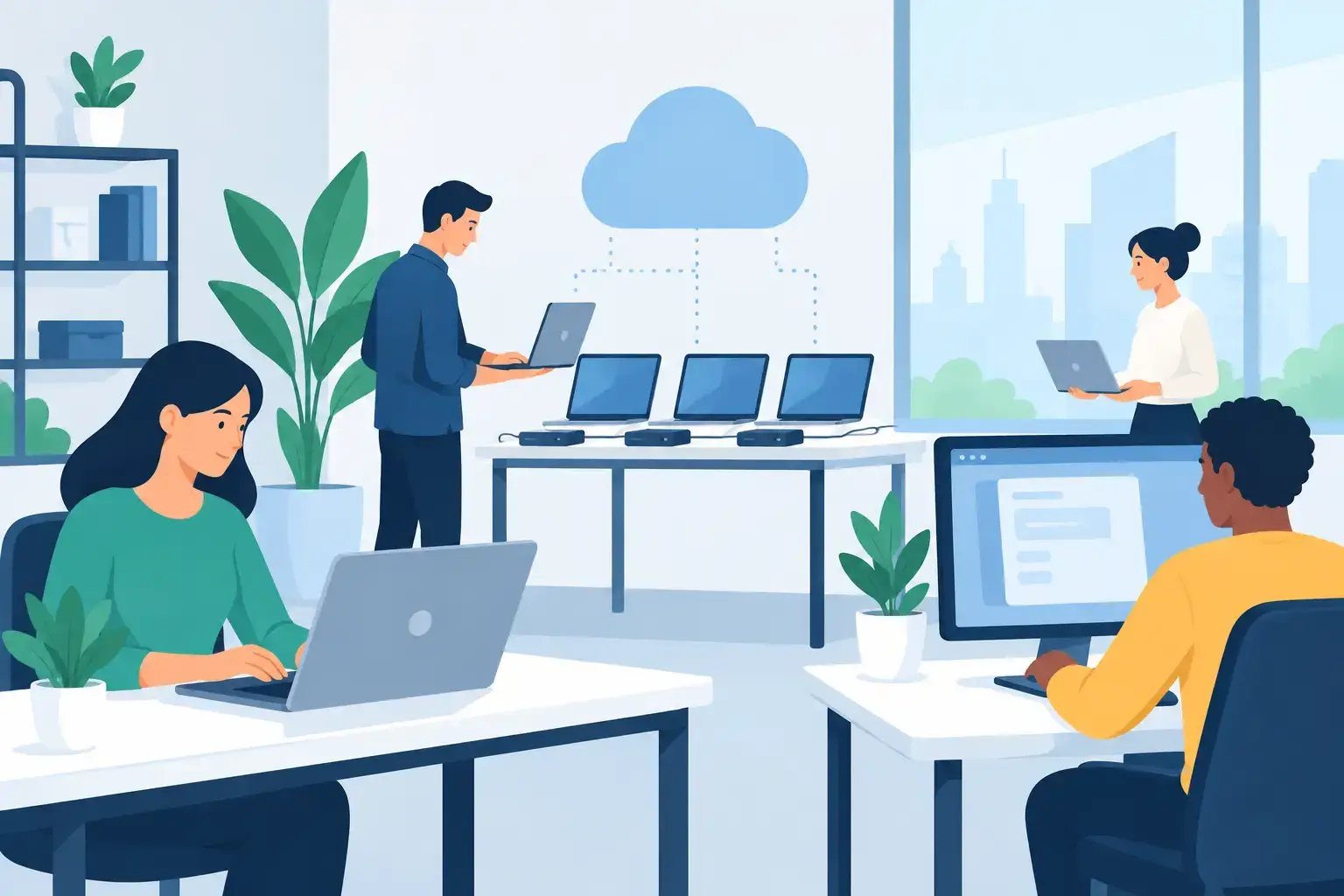
A new employee arrives, opens a laptop, and cannot access email, shared files, the office WiFi, or the software needed for their role. That is not a small setup delay. For a growing business, it means lost work hours, rushed password sharing, security gaps, and an immediate poor first impression. Startup workstation deployment prevents that disruption by preparing every device, account, connection, and security setting before work begins.
For startups and small businesses, workstation deployment is not simply installing Windows or handing over a MacBook. It is the controlled process of making a computer ready for a specific employee, role, and work environment. When done properly, your team gets productive faster while company data stays protected.


What Startup Workstation Deployment Should Include
A ready-to-use workstation starts with the right hardware. That could be a Windows laptop, MacBook, desktop PC, monitor setup, docking station, keyboard, and secure storage. The best choice depends on the employee’s role. A sales employee may need a lightweight laptop with reliable video conferencing, while a designer, developer, or video editor may require more RAM, storage, processing power, and graphics capability.
The device then needs a clean operating system setup, current updates, drivers, and firmware. Skipping these basics creates avoidable problems later: unstable WiFi, poor battery performance, printer failures, unsupported applications, or security vulnerabilities. BIOS configuration may also be necessary on business PCs to control boot settings, encryption support, and hardware behavior.
After the base setup, each workstation should receive the applications the employee actually needs. This may include Microsoft 365, email, browsers, accounting software, CRM tools, communication platforms, cloud storage, PDF software, endpoint security, and any role-specific applications. Installing every program on every laptop is rarely efficient. It adds clutter, increases licensing costs, and creates more systems to maintain.
The final and most critical layer is access. Each person needs their own business email account, secure password setup, appropriate shared-drive permissions, cloud backup access, and multi-factor authentication. A workstation is not truly deployed if it turns on but still requires the employee to borrow a colleague’s login or wait for access to important files.
Why Fast Setup Can Become a Security Problem
Startups move quickly, especially when a new client, funding round, seasonal demand, or expansion creates urgent hiring needs. It is tempting to buy a laptop, create one email address, and let the new team member handle the rest. That approach may feel fast, but it often creates technical debt on day one.
Shared passwords, personal cloud accounts, unlicensed software, missing backups, and devices with no recovery plan are common consequences of rushed setup. These issues may remain invisible until a laptop is lost, an employee leaves, ransomware strikes, or a team needs a file that only exists on one person’s desktop.
A practical deployment process balances speed with control. Not every startup needs enterprise-level management tools on its first day of operation. However, every business should know who owns each device, who has access to company systems, where important data is stored, and how a lost or failed laptop will be replaced.
A Practical Startup Workstation Deployment Process
The process should begin before devices are unboxed. Start by identifying each user’s role, required software, access level, and hardware needs. A founder may require financial-system access and administrator privileges, while a junior employee should only access the tools and folders necessary for their work.
Next, create a standard device build. This is a repeatable configuration that includes the operating system version, security settings, business applications, WiFi profiles, browser settings, email setup, cloud storage, and backup policies. Standardization matters because it makes future support much easier. When ten laptops are configured ten different ways, routine troubleshooting becomes slow and expensive.
Once the device is configured, test it as the user would. Sign in to email, confirm access to shared folders, connect to office WiFi, test video calls, check printers if applicable, and verify that backups are running. For remote or hybrid employees, test VPN access or secure remote access before the device leaves the office.
Document the deployment before handing over the device. Record the serial number, assigned user, purchase date, warranty status, installed software, administrator details, and recovery method. This small step becomes extremely valuable when a device needs repair, replacement, upgrade, or secure offboarding.
The Right Hardware Depends on How Your Team Works
There is no single best laptop for every startup. Lower-cost devices can be suitable for basic email, spreadsheets, web applications, and customer service work. But a team that relies on large spreadsheets, development environments, design tools, multiple external displays, or virtual meetings all day may quickly outgrow entry-level hardware.
Buying the cheapest available device can lead to frequent slowdowns, battery complaints, overheating, and early replacement costs. On the other hand, buying high-end machines for every employee can waste budget that would be better spent on backup, security, networking, or support.
A sensible approach is to create a few device tiers. A standard business laptop can cover most administrative and sales roles. A performance tier can support technical and creative staff. Leadership or mobile teams may need premium lightweight devices with longer battery life and better build quality. The goal is not identical hardware for everyone. The goal is reliable hardware that matches the job.
Do Not Treat WiFi and Backups as Afterthoughts
A well-configured laptop cannot compensate for unreliable office infrastructure. If your WiFi drops during meetings, shared files take too long to open, or guests use the same network as business systems, productivity and security both suffer.
Office network setup should include a secure business WiFi network, appropriate router and access point placement, strong passwords, and separate guest access where needed. Growing teams may also need wired connections for fixed workstations, printers, servers, or bandwidth-heavy tasks. In a small office, a poor network is often mistaken for a laptop problem when the real issue is weak coverage or an overloaded router.
Backups deserve the same attention. Cloud synchronization is useful, but it is not always a complete backup strategy. Accidental deletions, overwritten files, account access problems, and ransomware can affect synchronized data. A business should understand what is backed up, how often it is backed up, how long it is retained, and how quickly files can be restored.
Plan for Support Before Something Fails
Every startup eventually faces a broken screen, failed battery, liquid spill, damaged charging port, corrupted operating system, or laptop that will not start. The question is whether the business has a response plan or loses days trying to find one under pressure.
Support planning should cover urgent repairs, data recovery, replacement devices, remote troubleshooting, and onsite help when necessary. For teams with no internal IT department, monthly IT support can provide a clear point of contact for user issues, maintenance, workstation additions, and network health.
Trust IT Skills helps Dubai startups prepare and deploy workstations with the practical services growing teams need: device setup, email and Microsoft Office configuration, WiFi and network support, cloud backup, business computer repair, and responsive remote or onsite assistance. That continuity matters when a device failure cannot wait until next week.
Build for the Next Hire, Not Just the Current One
The best workstation deployment process gets easier every time you hire. Keep a simple onboarding checklist, maintain a list of approved software, document access approvals, and review your hardware standards as the company grows. If an employee leaves, use a clear offboarding process to remove access, preserve company files, recover the device, and prepare it for the next user.
Your team should not lose momentum because a new laptop is still being configured at a desk. Prepare workstations with the same care you bring to hiring the people who use them, and every new employee can start contributing with fewer delays and fewer technical surprises.