A staff member cannot access email before a client meeting. The office WiFi drops while a payment terminal is processing a transaction. A laptop shows a ransomware warning, and nobody is sure whether the files are backed up. These are the moments when the managed IT versus internal technician decision becomes very real. The right model is not simply about who can fix a computer. It is about how quickly your business can keep operating when technology fails.
For many Dubai startups, clinics, retail teams, and growing offices, the answer depends on team size, system complexity, risk tolerance, and the level of support employees need every week. An internal technician can be a strong fit for some businesses. Managed IT can give others broader expertise and predictable support without the cost of building a full department.


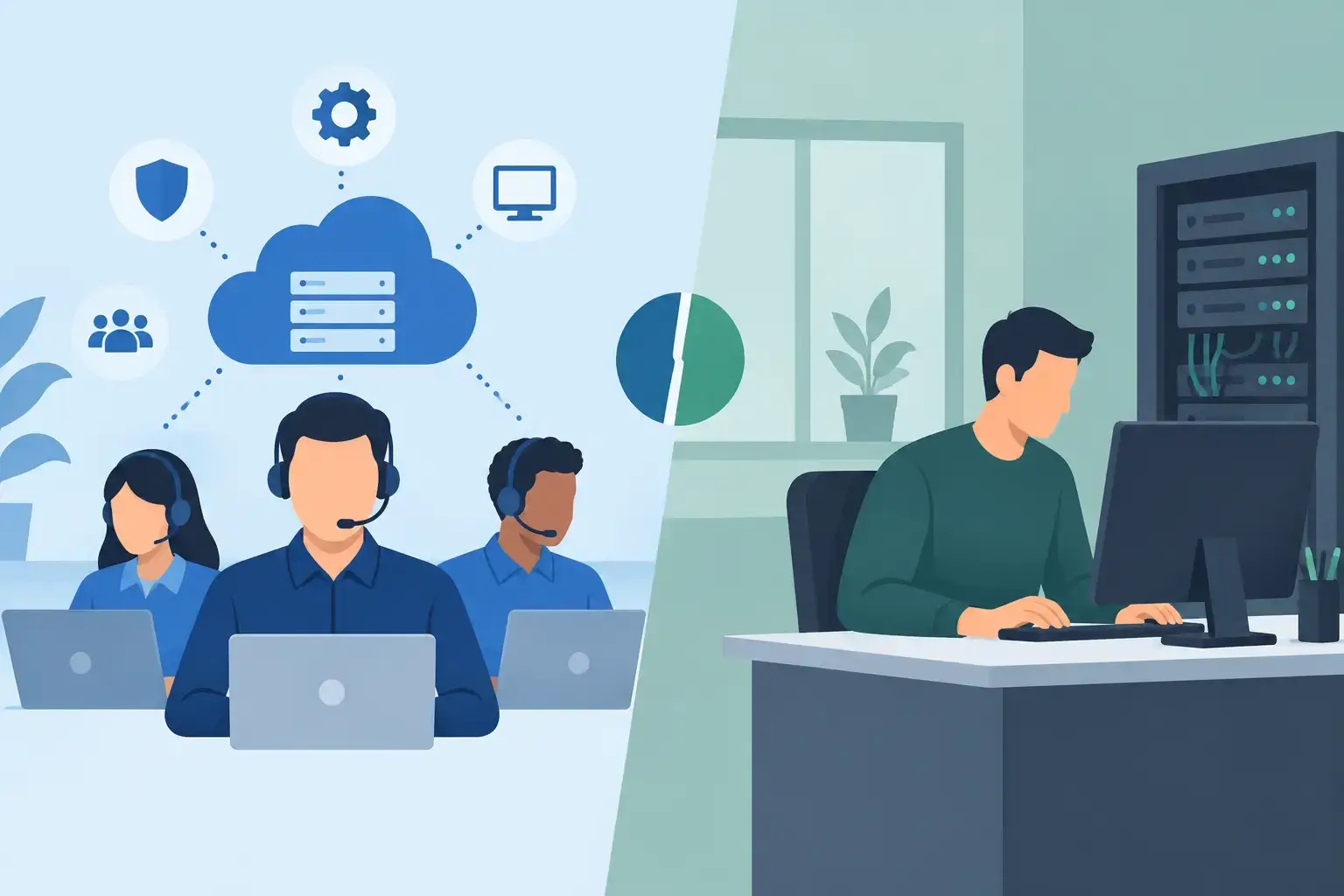
Managed IT Versus Internal Technician: The Core Difference
An internal IT technician is an employee dedicated to your organization. They learn your people, devices, software, suppliers, and daily routines. When they are experienced and properly resourced, they can provide valuable hands-on support and help shape long-term technology decisions.
Managed IT support is an outsourced service provided under an ongoing agreement. Instead of depending on one person, the business has access to a team that can handle helpdesk requests, remote troubleshooting, onsite visits, network maintenance, device setup, cloud backup, email configuration, security updates, and escalation for complex faults.
The biggest difference is coverage. One internal technician brings personal familiarity and physical presence. A managed provider brings a wider pool of skills, defined response processes, and support continuity when one engineer is busy, on leave, or facing an issue outside their specialty.
Neither approach automatically wins. A company with 150 employees, multiple sites, specialized systems, and frequent onsite demands may benefit from internal IT leadership. A 10-person office that needs secure WiFi, reliable Microsoft 365 access, protected data, and fast assistance with laptops may be better served by a managed partner.
Cost Is More Than a Monthly Salary
Comparing a technician’s salary with a managed IT monthly fee is a useful starting point, but it is not the full calculation. An internal hire also involves recruitment, benefits, training, leave coverage, management time, software tools, and potentially additional contractors for projects or advanced security work.
A single technician may also be asked to cover everything: password resets, printer problems, new employee setup, failed laptop drives, network outages, backups, and cybersecurity alerts. That can work in a small environment, but it creates a single point of failure. If the technician is unavailable, unresolved issues can quickly pile up.
Managed IT usually turns support into a more predictable operating expense. The exact scope matters. Some agreements cover monitoring, helpdesk support, patching, backup checks, and regular maintenance, while onsite work, hardware, major projects, or after-hours incidents may be charged separately. Ask for clear billing terms before comparing providers.
The hidden cost that deserves the most attention is downtime. If a sales team cannot access email for three hours, a clinic cannot reach patient records, or a retail office loses internet access during a busy period, the impact can exceed the apparent savings of cheaper support.
Coverage, Skills, and Response Time
Internal technicians know the office environment well. They may recognize that the finance printer always needs a particular driver, understand who approves software purchases, and spot recurring habits that cause problems. That context is useful, especially in organizations with unique workflows.
However, one person rarely has deep expertise in every area. Network security, cloud platforms, Apple device management, Windows troubleshooting, data recovery, server administration, endpoint protection, and business continuity are different disciplines. A managed service team can assign the right skill set to the problem instead of expecting one employee to solve every fault alone.
Response time should be defined, not assumed. Ask an internal candidate or managed provider how urgent incidents are handled. What happens when office WiFi fails? Is remote support available? Who visits onsite if a router, switch, workstation, or access point needs physical attention? What is the escalation path when the first fix does not work?
For small businesses, remote support resolves many common issues quickly, including email setup, Microsoft Office errors, slow computer performance, malware cleanup, user access, and software conflicts. But remote support should not replace onsite capability when hardware failures, cabling problems, network equipment faults, or repeated office-wide disruptions need hands-on diagnosis.
Security and Backup Need Ongoing Ownership
Many businesses make their IT decision after a serious incident. A lost laptop, compromised email account, failed hard drive, or accidental file deletion exposes a gap that had gone unnoticed. Security is not a one-time installation. It requires regular attention to updates, passwords, user permissions, endpoint protection, backups, and recovery testing.
An internal technician can manage this well when they have the time, tools, and authority to enforce standards. The challenge is that urgent daily requests often push preventive work aside. A technician dealing with printer tickets and employee laptop issues may not have enough time to review backup reports or investigate suspicious account activity.
A good managed IT arrangement should make preventive work visible. You should know whether devices are patched, whether backups are completing, whether critical accounts use multi-factor authentication, and what happens if a laptop is stolen or a workstation fails. The provider should explain risks in plain language, not hide behind technical jargon.
For businesses handling client records, financial information, or confidential documents, ask how data access is controlled and where backups are stored. Also ask how quickly essential files and systems can be restored. A backup that has never been tested is not a recovery plan.
When an Internal Technician Makes Sense
Hiring internally is often justified when technology is central to daily operations and the workload is consistently high. A larger company may need someone onsite every day to manage employee onboarding, meeting rooms, inventory, specialized applications, branch connectivity, and vendor coordination.
It can also make sense when the business uses industry-specific systems that require deep operational knowledge. An internal technician can become the bridge between staff, management, and external vendors. In this model, managed support may still be valuable for advanced cybersecurity, major projects, holiday coverage, or second-line escalation.
The key question is whether the role has enough meaningful work to justify a full-time position. If the technician spends most of the month waiting for occasional computer problems, the company may be paying for capacity it does not need.
When Managed IT Is the Better Fit
Managed IT is usually practical for small and medium-sized businesses that need dependable support but do not need a full-time person at every desk. It gives growing teams a structured way to set up new workstations, configure business email, maintain networks, support remote staff, manage cloud backups, and respond to everyday technical problems.
It is also useful when your business has mixed devices. A typical office may use Windows laptops, MacBooks, shared printers, mobile devices, cloud applications, and a mix of wired and wireless networks. Support should not stop because a device is from Apple, Dell, HP, Lenovo, Microsoft Surface, Asus, Acer, or another brand.
Trust IT Skills supports Dubai businesses with remote and onsite assistance, ongoing maintenance, workstation deployment, network setup, and repair expertise when a business laptop develops a hardware issue. That combination matters because an IT provider should not only advise you to replace a failing device. They should diagnose whether a battery, SSD, screen, cooling system, motherboard, or software fault can be repaired with minimal disruption.
A Practical Way to Choose
Before committing to either option, review the last six months of IT issues. Count recurring requests, major outages, device repairs, onboarding tasks, security concerns, and time employees lost waiting for help. This shows whether your need is continuous onsite work or reliable access to a broader support team.
Then define what “covered” means for your business. Include response expectations, onsite availability, device support, network ownership, backup monitoring, cybersecurity responsibilities, reporting, and the process for urgent incidents. Vague support arrangements create frustration when a real problem occurs.
If you choose managed IT, avoid selecting only on the lowest monthly price. Choose a provider that can explain the likely cause of problems, document the work performed, protect your business data, and take ownership through resolution. If you hire internally, make sure that person has a budget, escalation support, and enough time for preventive maintenance rather than only emergency fixes.
Your technology should not become a daily interruption that staff learn to work around. Whether you choose a managed team, an internal technician, or a hybrid arrangement, build the support model around the moment your business needs help most: when work cannot wait.