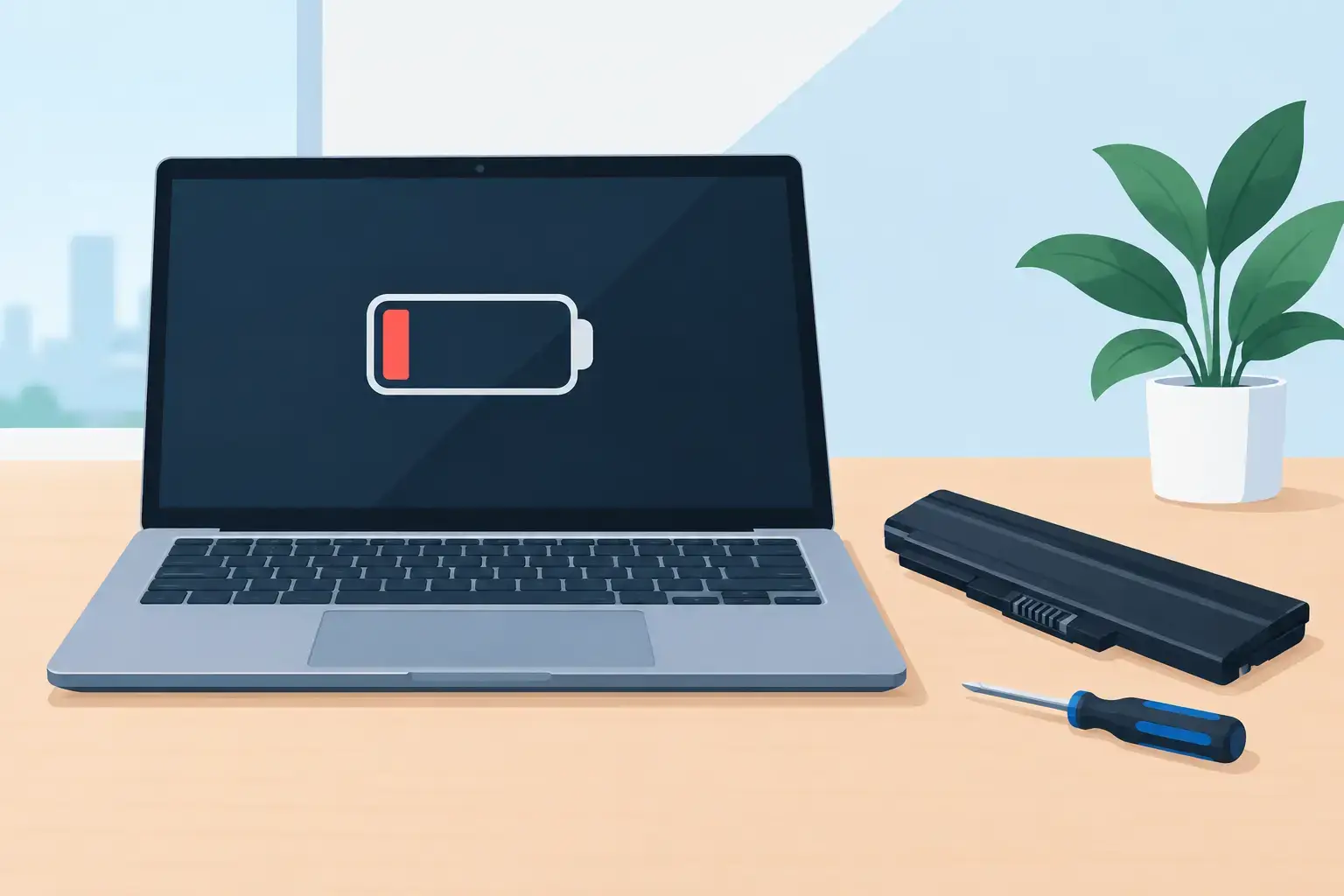
A laptop that falls from 45% to zero during a video call is not merely inconvenient. It can interrupt work, risk unsaved files, and leave you searching for answers about “when laptop battery replaced” is the right move. Battery wear is normal, but sudden shutdowns, swelling, and poor charging can also point to a charger, charging port, motherboard, or software issue. A proper diagnosis keeps you from paying for the wrong repair.
When Should a Laptop Battery Be Replaced?
Most lithium-ion laptop batteries deliver dependable service for roughly two to five years, but calendar age alone is not the deciding factor. Charging habits, heat exposure, workload, and the number of charge cycles all affect battery health. A laptop used daily for work, gaming, or university may reach its practical limit sooner than a lightly used home device.


Replace the battery when it can no longer support your normal work without creating disruption. If you once had five or six hours of runtime and now get less than an hour, the battery has likely lost a significant amount of its original capacity. A battery that reports “service recommended,” “replace soon,” or a similar health warning also deserves attention.
The clearest warning signs are usually easy to recognize:
- Battery percentage drops unusually fast or changes in large jumps.
- The laptop shuts down even though the battery indicator shows charge remaining.
- It only works reliably while connected to the charger.
- Charging stops at a low percentage, takes far too long, or repeatedly connects and disconnects.
- The bottom cover, trackpad, or keyboard begins to lift because the battery is swelling.
A swollen battery is urgent. Stop using the laptop, disconnect the charger, and do not press the raised trackpad or force the casing closed. Swelling can damage internal components and, in rare cases, create a fire hazard. This is not a problem to monitor for another week.
Battery Wear Can Look Like Other Laptop Faults
Not every charging problem calls for a new battery. A damaged USB-C cable, weak power adapter, dirty charging port, or failed DC-in board can prevent a healthy battery from charging correctly. On some laptops, charging circuitry is part of the motherboard, so a replacement battery alone will not resolve the fault.
Software can create misleading symptoms, too. After an operating system update, a battery driver, power-management setting, or BIOS configuration may report inaccurate charge levels. Windows users can generate a battery report to compare the battery’s current full-charge capacity with its original design capacity. MacBook users can check Battery Health and cycle count in system settings. These readings are useful, but they are not a final diagnosis by themselves.
Heat is another common factor. Constant high temperatures accelerate lithium-ion battery degradation. In Dubai, a laptop left in a hot vehicle, used on a blanket that blocks ventilation, or pushed hard while gaming can wear out faster than expected. If the fan is loud, the chassis is hot, or the system throttles under load, address the thermal issue as well. Otherwise, even a new battery may have a shorter life.
Check the Battery Before Approving a Replacement
A technician should test more than the battery percentage shown on screen. A useful battery assessment checks charging input, adapter output, battery health data, current draw, connector condition, and system temperatures. For devices with removable batteries, the contacts and locking mechanism should also be inspected.
It is also worth looking at how the laptop fails. A device that dies only during gaming or video editing may have a battery issue, but it could also be overheating or drawing more power than the charger can provide. A laptop that does not turn on with a known-good charger may have a deeper power fault. Replacing a battery without testing these possibilities can delay the real repair.
For business users, diagnosis matters even more. An employee laptop that randomly shuts down can affect customer calls, access to cloud systems, and unsaved accounting or design work. Testing the device before replacement helps keep the repair focused, predictable, and properly documented.
Is Replacing the Battery Worth It?
In many cases, yes. A battery replacement is often a sensible repair for a laptop that is otherwise fast, stable, and suitable for your work. If the screen, keyboard, storage, and motherboard are in good condition, restoring portable runtime can extend the device’s useful life for years.
The decision changes when several expensive faults appear together. An older laptop with a failing battery, cracked screen, weak hinges, overheating, and limited memory may cost more to restore than its performance justifies. In that situation, an SSD or RAM upgrade may improve daily usability, but a technician should give a clear assessment of whether repair or replacement offers better value.
MacBooks need particular care because many models use glued-in batteries and tightly integrated internal components. Opening them incorrectly can damage the trackpad, speakers, or flex cables. Modern ultrabooks from Dell, HP, Lenovo, Asus, Microsoft Surface, and other brands can be similarly compact. Professional disassembly and the correct battery specification reduce the chance of damage or poor fitment.
Battery quality matters as much as the installation. A low-grade replacement may have reduced capacity, inconsistent reporting, poor thermal behavior, or a short operating life. The best choice depends on the laptop model, the availability of genuine parts, and the quality of a compatible replacement. A repair provider should explain the available option, expected performance, warranty terms, and final cost before work begins.
What Happens During a Professional Battery Replacement?
The repair should begin with a diagnostic check, not immediate disassembly. Once battery failure is confirmed, the technician powers down the device safely, disconnects internal power, removes the worn battery, and inspects the surrounding area for liquid residue, corrosion, heat damage, or a swollen casing.
After installing the correct replacement, the laptop should be tested for charging behavior, battery detection, startup stability, and normal power operation. On applicable models, battery calibration and system updates may be performed to improve accurate charge reporting. Your files are normally unaffected by a battery replacement, but backing up important data before any hardware repair is always a sensible precaution.
If the repair requires extra time because parts must be sourced or further faults are found, keeping customers productive matters. Trust IT Skills can diagnose battery and power problems across major laptop brands and arrange a temporary laptop option when an extended repair would interrupt work or study.
Make the New Battery Last Longer
You cannot stop battery aging, but you can slow it down. Keep airflow clear, avoid using the laptop in high heat, and use a charger with the correct wattage and voltage. If your laptop offers a battery conservation mode, enabling it can be useful when the device spends most of its time plugged in at a desk.
There is no need to drain a modern lithium-ion battery to zero before recharging. In fact, repeated deep discharge is harder on the cells than moderate charging. Occasional full use is fine, but daily habits matter more: reduce heat, avoid cheap chargers, and do not ignore a battery that starts behaving unpredictably.
When your laptop begins to lose power before the workday is over, treat it as a repair decision rather than a guessing game. A quick battery and charging-system check can restore dependable mobility, protect the device from swelling-related damage, and help you keep working without unnecessary interruption.