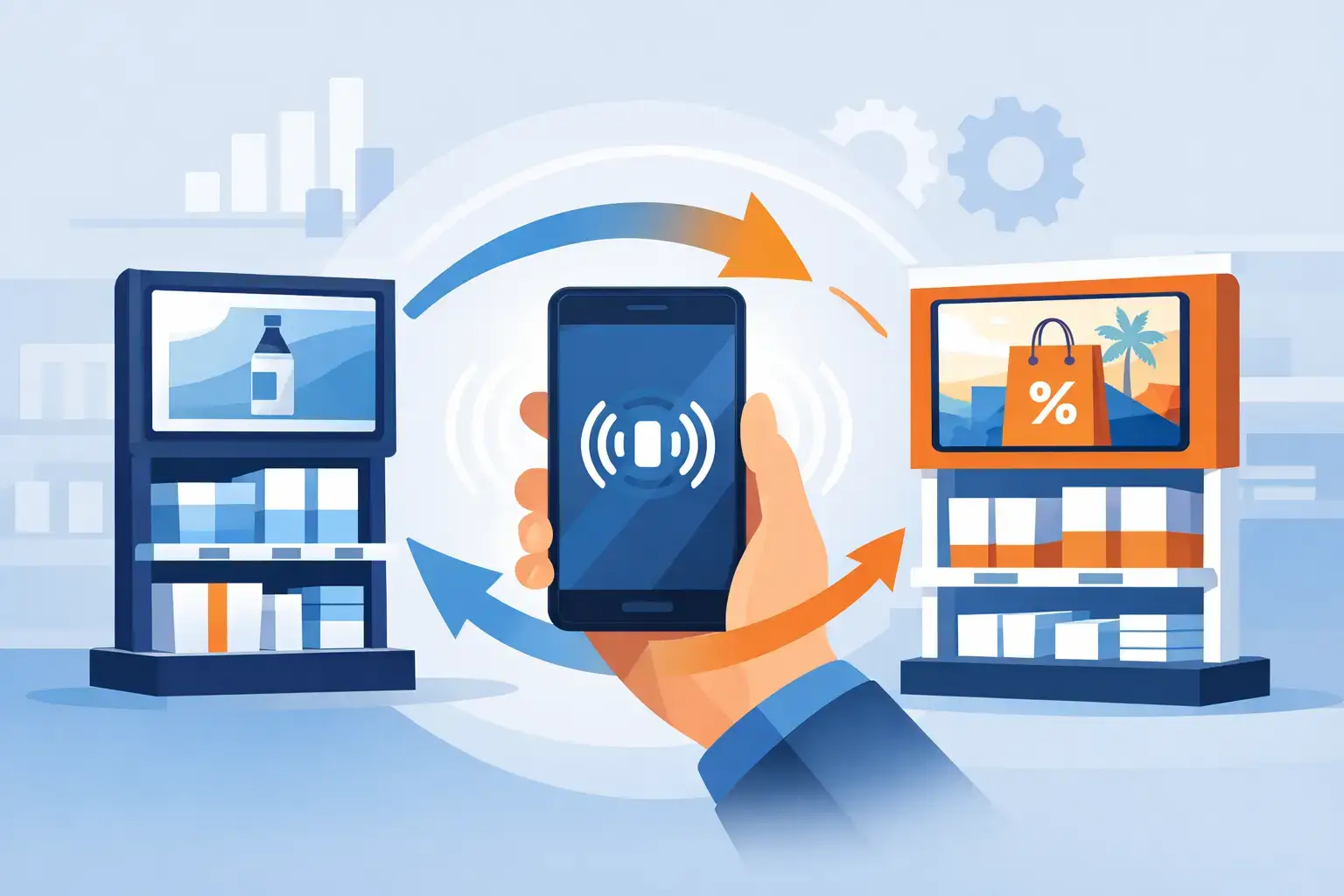
A beautifully branded review stand should not become useless because your Google review URL changed, you opened a second location, or your marketing focus shifted. NFC link changes give customer-facing businesses the flexibility to update where a tap goes without replacing the physical product on the counter, table, or reception desk.
That flexibility matters because your digital presence is not static. A restaurant may want to prioritize Google Reviews after opening. A hotel may need to send guests to TripAdvisor or Booking. A clinic may move from a review request to a patient feedback form for a specific campaign. When the destination can change after the NFC product is in use, your investment keeps working as your business evolves.


Why NFC Link Changes Matter for Growing Businesses
An NFC tag is the physical trigger, not the destination itself. When a customer taps a compatible phone against a card, sticker, stand, coaster, or table tent, the phone reads the programmed web address and opens it. If that address is fixed directly on the tag, changing it later can require reprogramming each item or replacing the entire batch.
A flexible setup separates the physical product from the final destination. The tag can point to a manageable redirect or assigned link, while the business decides where that link leads. One update can then affect every matching display in the field.
For a business with one review stand at a front desk, this may feel like a convenience. For a hotel with tags at reception, in rooms, and at the concierge desk, or a multi-location dental group with displays in every office, it becomes an operational advantage. You can keep every customer touchpoint current without collecting hardware, disrupting service, or compromising a polished presentation.
The commercial value is straightforward. Fewer dead links mean fewer missed reviews. Better destination choices make it easier for a satisfied customer to take the next step. And consistent, current review requests help protect the trust and visibility that bring new customers through the door.
When Should You Make NFC Link Changes?
The best time to change an NFC destination is when the current link no longer supports the action you want customers to take. That may be a technical issue, but it is often a business decision.
A Google Business Profile URL can change after a listing merge, relocation, ownership update, or profile cleanup. A salon that once used a general website link may decide that sending happy clients directly to Google Reviews creates more value. A retail store might use an Instagram destination during a launch, then return to its review page once the promotion ends.
There are also location-specific reasons. A regional hospitality group may want each property’s plaques and table displays to open that property’s own review profile, not a corporate page. A healthcare practice may need separate destinations for different clinics. In these cases, NFC link changes preserve a consistent branded product while making the customer journey locally relevant.
Do not change destinations too often simply because you can. Customers respond best when the message on the display matches what happens after the tap. If a premium stand says “Share your Google review,” it should open the correct Google review screen. Sending visitors somewhere unexpected creates friction and can reduce completion.
Common reasons to update a destination
Businesses typically make an update when a review platform link changes, a location opens or moves, a campaign shifts, or a product is reassigned to another team or site. You may also update a link when you discover that the original destination has too many steps before a customer can submit feedback.
Before making the change, decide what outcome matters most right now. More Google ratings, more TripAdvisor feedback, direct WhatsApp inquiries, social follows, or appointments are all valid goals. The right destination depends on the placement and the customer moment.
How to Handle NFC Link Changes Correctly
Start by confirming how your NFC products were configured. Some tags are programmed with a final, permanent URL. Others are assigned through a management system that allows a destination to be changed after purchase. The difference determines whether you can update remotely or need to physically reprogram the tag.
For managed products, the process is usually simple: sign in to the product account, locate the individual item or group of items, replace the destination URL, save the update, and test it with a phone. ReviewsLink products are designed around this kind of post-purchase link assignment, so businesses can adapt their customer journey without sacrificing their branded display.
Testing is not optional. Tap the NFC area with an iPhone and an Android phone if possible, and scan the QR code as well when your product includes one. Confirm that the correct page opens, the page loads quickly on mobile, and the customer can complete the intended action without searching for the right button.
If you manage multiple locations, name every product clearly. Use a convention such as “Downtown Cafe – Counter Stand” or “Westside Dental – Check-In Plaque.” This sounds minor until a manager needs to update 40 displays before a campaign or location change. Clear naming prevents the wrong clinic, restaurant, or store from receiving the traffic.
Keep the physical message and digital destination aligned
Your printed call to action is part of the experience. A table tent inviting guests to “Tap to leave a Google review” should not lead to a generic link page filled with several choices. Likewise, a stand that promotes “Follow us on Instagram” should not send customers to a review platform.
A multi-option landing page can be useful when the display says something broad, such as “Connect with us.” It is less effective for a focused review request, where a direct route removes unnecessary decisions. The trade-off is simple: flexibility can add options, but fewer steps usually produce more completed actions.
Protect Your Review Flow When Links Change
A broken or mismatched link does more than waste a tap. It creates a small but avoidable moment of doubt at the exact point when a customer is ready to endorse your business. In hospitality, healthcare, beauty, and retail, that moment often comes after a positive interaction your staff worked hard to create.
Create a basic review-link check as part of routine marketing operations. Test each active destination after major changes to your Google Business Profile, website, booking software, social profiles, or location details. For high-traffic placements, such as checkout counters and restaurant tables, a monthly tap-and-scan check is sensible.
It also helps to give one person ownership. That may be the location manager, marketing coordinator, or operations lead. The goal is not complicated governance. It is knowing who can approve a change, update the destination, and verify that customers are reaching the right place.
Be cautious with access. Only trusted team members should be able to alter live destinations. An accidental edit can route every tap to the wrong location, an unfinished campaign page, or a page that no longer represents the business. Keep account credentials secure and document the intended destination for each display type.
Choose the Best Destination for Each Customer Moment
The strongest NFC strategy is not always one link everywhere. Think about where the product sits and what a customer has just experienced.
At a restaurant table, a direct Google Reviews or TripAdvisor request can be effective just after a great meal. At a hotel reception desk, Booking, TripAdvisor, or Google may fit depending on how guests discovered the property. At a dental office checkout, a Google review request makes sense after a smooth appointment, while a QR and NFC card in a treatment room may be better suited to patient resources or a follow-up page.
At a retail counter, the best action may vary by season. During a product launch, an Instagram destination can encourage customer-created content. Once the launch is over, switching the same elegant stand back to a review link can help build local credibility. This is where NFC link changes turn a single physical asset into a more durable part of your marketing toolkit.
The key is to keep the ask clear. A customer should understand what happens after the tap before they reach for their phone. Short copy, strong placement, and a direct destination outperform complicated instructions.
A Small Update With a Visible Business Impact
Your review displays are placed where trust is earned: beside a completed service, at the end of a meal, during checkout, or just after a helpful conversation. Keeping their destinations accurate ensures those moments continue to turn into reviews, referrals, follows, and future sales.
Treat NFC link changes as routine upkeep, not a technical emergency. With the right managed setup, a quick update can keep your physical marketing polished, your customer path simple, and every tap pointed toward the next opportunity to grow.